
Magnetic 15.6-Inch Privacy Screen
4.3Editor score
80% blue-light filtering
28-degree side-viewing control
Washable removable design
A magnetic anti blue light laptop screen protector can soften glare, filter some blue light, limit side-angle visibility, and shield a display from everyday marks. The best choice depends heavily on laptop dimensions, aspect ratio, viewing needs, and whether removable adhesive-free installation matters more than a narrower viewing angle.
The products in this guide were compared using their stated compatibility, magnetic attachment method, blue-light and glare filtration, privacy design, light transmission, installation details, included accessories, and customer ratings. The list covers MacBook-specific shields, universal 14-inch and 15.6-inch filters, privacy models, and two-pack options.
Each review explains the strongest feature, practical limitations, and ideal buyer, while the comparison table makes model differences easier to scan. Product features and availability can change, and prices fluctuate over time, so verify the current listing, dimensions, and laptop model before purchasing.
4.3Editor score
4.3Editor score

4.1Editor score
As an Amazon Associate we earn from qualifying purchases.
This side-by-side comparison organizes all ten options by supported laptop size, privacy function, blue-light filtration, attachment method, and practical extras. Because a screen's diagonal measurement alone is not enough, buyers should also confirm the usable width, height, and aspect ratio before ordering.



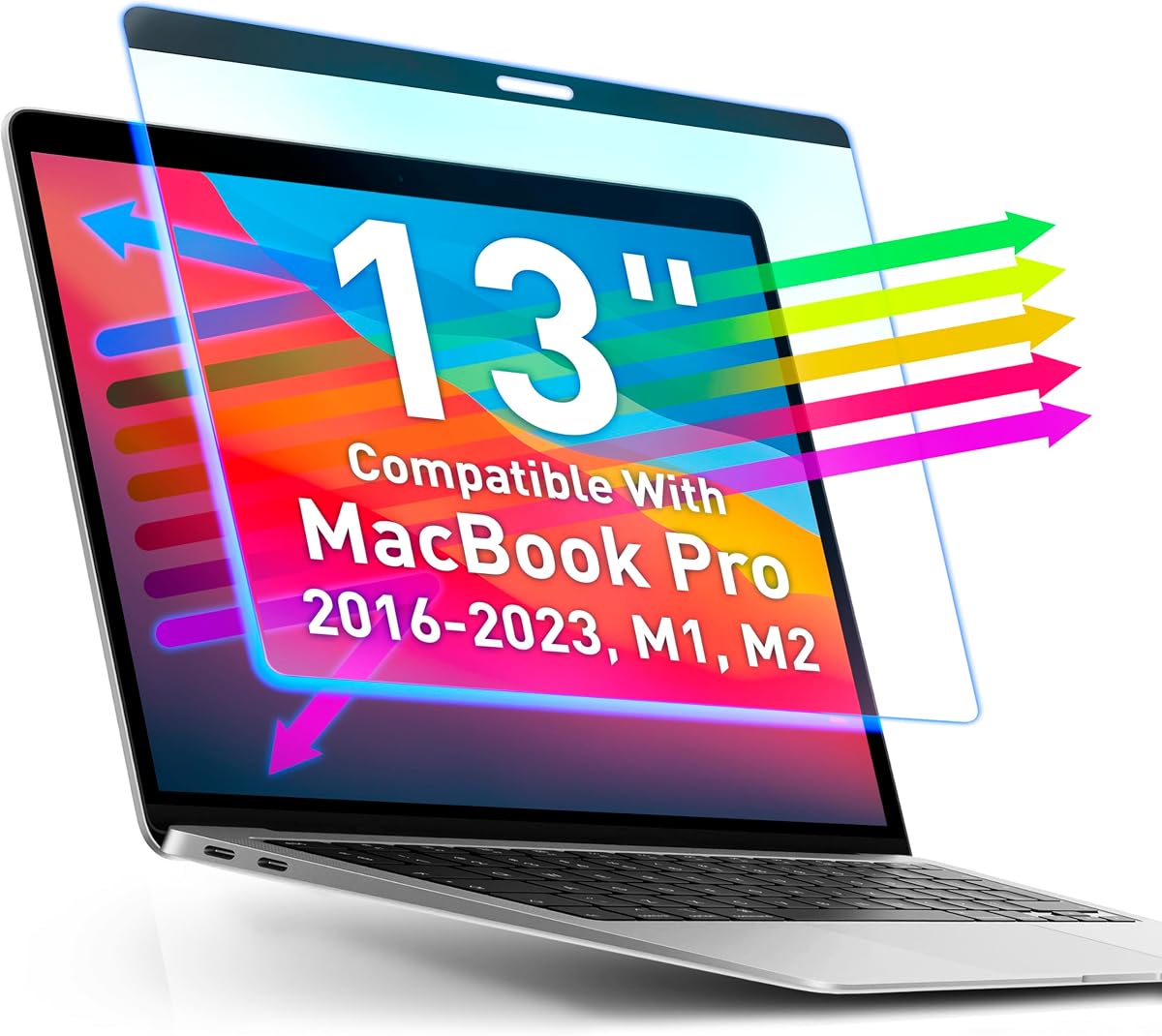
The VINTEZ Magnetic Blue Light Screen Protector is the strongest all-around choice for owners of a compatible 13-inch MacBook Pro. It carries a 4.3 customer rating and is designed to cover MacBook Pro 13.3-inch configurations from 2016 through 2023, including M1 and M2 versions and the listed A-series model numbers. Its principal appeal is a balance of eye-comfort features, clear visibility, and removable magnetic installation.
We may earn a commission when you buy through this link, at no additional cost to you.
A stated 95% transparency rate is the product's most important display-related specification because it suggests users should not have to sacrifice sharpness or richness to gain blue-light filtering. The product is also described as anti-fingerprint, with a precise camera cutout and reinforced construction. Because the filter attaches magnetically, it can be snapped on, removed, and reattached without committing the laptop display to a permanent adhesive layer.
The principal trade-off is that this is an eye-comfort screen protector rather than a privacy filter. It does not limit the side viewing angle, so it will not stop someone from observing confidential information. Compatibility is also more specific than a generic size label; buyers should verify the model number on the back of their MacBook before ordering rather than relying only on the display size.
This is the best option for a compatible MacBook Pro user who wants frequent blue-light filtering, high transparency, and a removable protector. It is especially practical for students, office workers, and frequent travelers who switch between filtered and unfiltered viewing. For anyone who also needs screen privacy, the universal privacy filters in this guide provide a broader feature set.
The stated 95% transparency rate makes this filter a practical choice for users who spend long periods reading documents, editing images, or joining video calls. The anti-blue-light and anti-fingerprint layers add utility without turning the product into a heavily tinted privacy panel.
Magnetic attachment makes the protector easy to lift away for shared displays, presentations, or travel. That reversibility also reduces concern about trapped adhesive, peeling corners, or residue after prolonged daily use.
We may earn a commission when you buy through this link, at no additional cost to you.
This 15.6-inch magnetic privacy screen combines three functions that are often sold separately: side-angle privacy, blue-light filtering, and glare reduction. Its 4.3 rating reflects a generally favorable buyer response, while the listed dimensions of 13.6 by 7.6 inches make it more useful for buyers who carefully measure their display than for those who rely only on a diagonal size.
We may earn a commission when you buy through this link, at no additional cost to you.
The product states that its layered filter blocks 80% of harmful blue light and that the matte surface reduces glare and fingerprints. Privacy is provided through an enhanced viewing range of approximately plus or minus 28 degrees, preserving direct visibility while darkening the image from the sides. A transparent adhesive strip at the bottom helps keep the filter in place, while magnetic edges allow quick removal.
There is one important limitation: the listing specifically says the touchscreen will not function after installation. It also fits 15.6-inch 16:9 displays rather than 16:10 models, making exact measurement essential. Some users may also notice reflected light because the product uses a relatively high light-transmittance privacy design, even though it does not claim to reduce straight-on brightness.
This is a compelling choice for a non-touchscreen 15.6-inch 16:9 laptop used in offices, airports, cafés, or other shared spaces. It gives users a balanced set of privacy and eye-comfort features without requiring multiple overlays. Confirm the display width and height first, and avoid it if touch input is essential.
The restricted side viewing angle is intended to make on-screen information difficult to read from neighboring seats. It is particularly relevant for commuters, students, healthcare workers, and anyone handling sensitive material in an open environment.
A matte anti-glare surface and stated 80% blue-light filtering make this more versatile than a simple privacy panel. The combination can make a shared laptop easier to view under bright ambient lighting or during extended sessions.
We may earn a commission when you buy through this link, at no additional cost to you.
The F FORITO Magnetic Anti Blue Light Screen Protector is designed for 13-inch MacBook Pro models released from 2016 through 2022, including M1 and M2 systems. Its 4.1 rating and stated 98% color accuracy position it as a visually oriented option for users who work with photographs, videos, graphics, or detailed documents.
We may earn a commission when you buy through this link, at no additional cost to you.
Installation combines magnetic alignment at the top with removable silicone grips. According to the product information, this helps the shield remain attached during travel while allowing clean removal without sticky residue. The anti-blue-light and anti-glare film is intended to improve comfort during extended screen sessions, and the marketing emphasizes a bubble-free, quick-fit process.
The main limitation is that this protector does not narrow the viewing angle, making it unsuitable as a privacy solution. Buyers should also note that its compatibility list stops at the 2022 generation and listed M2 models. The stated 98% color accuracy is a manufacturer claim rather than an independently verified result, so visual preferences should still be considered.
This model is best for a compatible MacBook Pro owner whose priority is color-rich viewing combined with a removable matte filter. Creative professionals and everyday users who dislike the look of a heavy privacy screen may appreciate the balance. Confirm the model identifier on the laptop before ordering.
The stated 98% color accuracy is especially relevant for photo review, web design, illustration, and video editing. Combined with a matte anti-glare finish, it aims to reduce reflections while preserving the intended appearance of on-screen colors.
The top magnetic attachment and removable silicone grips provide two ways to hold the filter in place. This arrangement is intended to prevent lifting corners during travel without introducing permanent glue.
We may earn a commission when you buy through this link, at no additional cost to you.
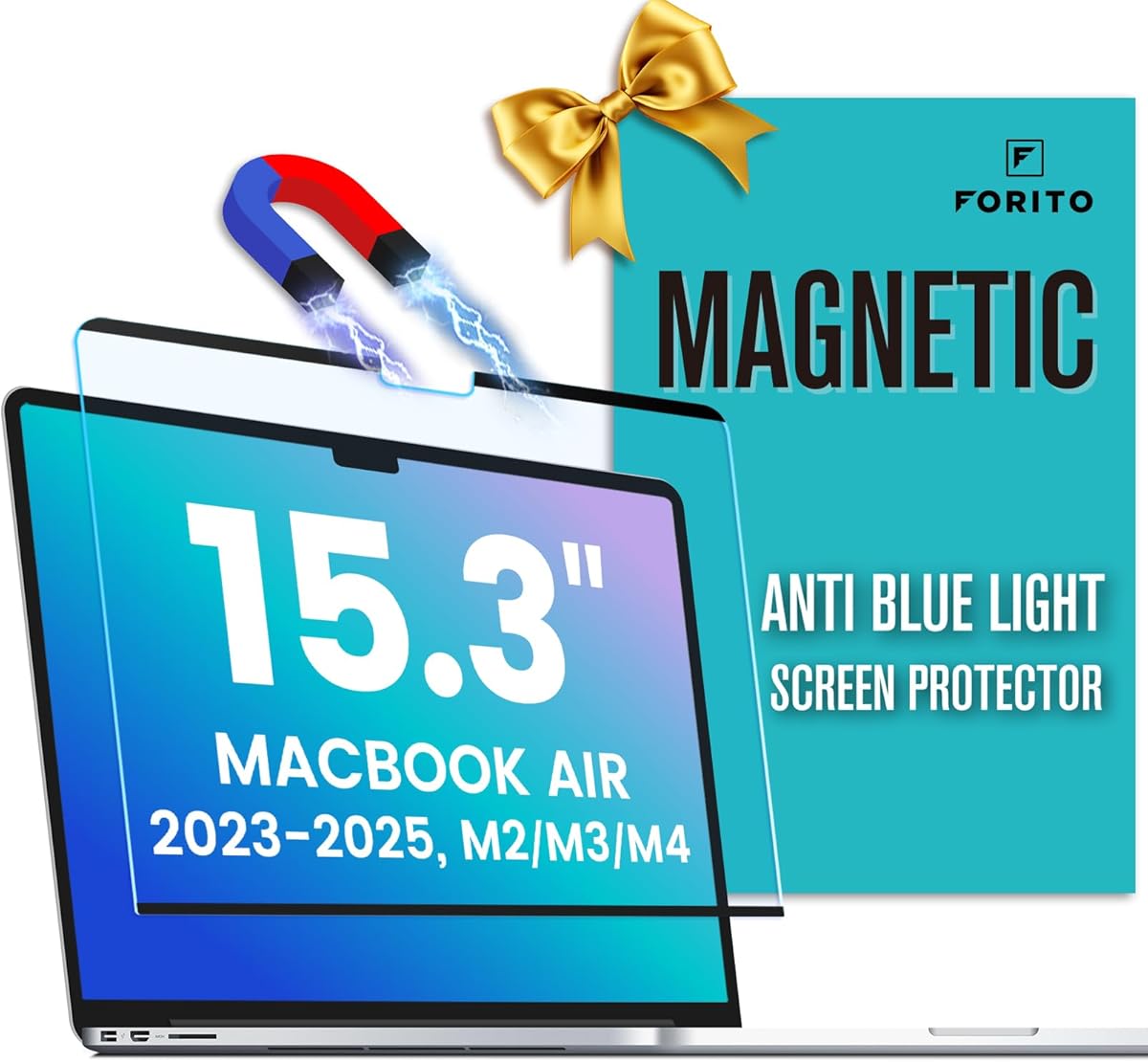
This F FORITO filter targets 15.3-inch MacBook Air models from 2023, 2024, and 2025, including M2, M3, and M4 configurations and the listed A3241, A3114, and A2941 model numbers. It is one of the few options in the guide designed specifically for this recent and increasingly common MacBook Air size.
We may earn a commission when you buy through this link, at no additional cost to you.
Its magnetic alignment and removable silicone grips create a reusable installation that avoids sticky adhesive. The screen combines anti-blue-light and anti-glare treatment with a stated 98% color accuracy, making it a candidate for users who want a comfortable display without adding a privacy filter. The supplier also describes the surface as bubble-free following proper alignment.
The 3.9 rating is the lowest among the ten products shown, so expectations should be grounded in the stated features rather than assuming superior performance. It offers no side-angle privacy, and its compatibility is limited to a specific family of MacBook Air displays. A matte finish may also change the perceived contrast for users accustomed to a completely glossy screen.
This is a sensible match for a recent 15.3-inch MacBook Air owner who values easy removal, glare reduction, and reusable eye-comfort filtering. It is less appropriate for users who need privacy or own a different screen size. Checking the laptop's model number is essential because similarly named Air versions may have different dimensions.
Compatibility across 2023 through 2025 models and M2 through M4 chips makes this a more future-oriented choice for owners of the 15.3-inch Air. Buyers should still confirm the exact A-series model number before purchasing.
The combination of magnetic alignment, silicone grips, and a matte surface supports repeated installation without permanent adhesive. It remains most useful when portability and straightforward removal are priorities.
We may earn a commission when you buy through this link, at no additional cost to you.
This two-pack magnetic privacy filter is intended for 14-inch 16:10 laptops, with stated dimensions of 13.58 by 8.7 inches. Although the title uses inconsistent 16-inch wording, the compatibility section clearly identifies a 14-inch 16:10 target and provides the measurements needed to distinguish it from a 14-inch 16:9 display.
We may earn a commission when you buy through this link, at no additional cost to you.
Two filters allow one to remain on each of two compatible laptops or provide a spare for travel. The magnetic installation is described as a simple close-and-press process, and the package includes a microfiber cleaning cloth. Its side-view darkening, blue-light reduction, and anti-glare features make it a broader travel accessory than a basic screen shield.
The 5.0 rating is the highest listed rating among the selected products, though ratings alone cannot confirm fit or real-world performance. The product description uses broad language about blue-light reduction without a precise percentage, and it does not provide a specific viewing-angle figure. Users should also note that the advertised near edge-to-edge fit depends on the actual display dimensions.
This is a strong choice for households, students, or travelers who use more than one compatible 14-inch 16:10 laptop. It is also helpful to have a replacement filter available. Confirm both width and height before ordering, and do not select it for a 14-inch 16:9 model.
The two-filter format is more useful than a single screen for people alternating between a work laptop and personal device. It also reduces the inconvenience of leaving a privacy panel behind during travel.
Magnetic attachment makes the filters easy to deploy in airports, trains, cafés, and shared offices. The included microfiber cloth supports routine cleaning before the panel is attached.
We may earn a commission when you buy through this link, at no additional cost to you.
This magnetic privacy screen is made for 13.6- and 13-inch MacBook Air models released from 2022 through 2026, including M2, M3, M4, and M5 configurations. Its 4.0 rating reflects a middle-positioned result, while the breadth of its model list makes it a notable option for users who want one accessory across several Air generations.
We may earn a commission when you buy through this link, at no additional cost to you.
Micro-louver technology limits the viewing angle to approximately 30 degrees on each side, keeping direct viewing clear while darkening the display from the sides. The product also claims up to 95% blue-light reduction, 95% reflected-light blocking, and 93% light transmission. A washable oleophobic layer can be rinsed and dried with a nanofiber cloth, while a storage clip and sliding camera cover round out the travel-oriented package.
Privacy filters are never completely invisible, and this product explicitly does not block someone directly behind the user. Its strong light-management claims may also entail some visible contrast or reflection change compared with an unfiltered display. The long compatibility list is helpful, but the included A-series identifiers should be checked against the actual device.
This is a good match for a MacBook Air owner who regularly works in public and wants privacy, blue-light filtration, and glare control in one removable panel. It is particularly useful when storage and easy deployment matter. Users expecting total darkness from every direction should choose according to the stated side-angle limitation rather than assuming complete confidentiality.
A 93% stated light-transmittance rate and direct front viewing are intended to preserve a usable display. The micro-louver design then reduces the usefulness of the screen to people looking from the sides.
The removable filter can be rinsed, gently dried, and returned to use. A storage clip and sliding camera cover make it convenient for commuting, air travel, and confidential work away from a private desk.
We may earn a commission when you buy through this link, at no additional cost to you.
The Magnetic 13.6 MacBook Air privacy screen supports 2022, 2023, 2024, and 2025 MacBook Air models with M2, M3, and M4 chips, as well as the A2681, A3113, and A3240 identifiers. Its 4.3 rating places it among the stronger-rated products in the guide, and its government-oriented compliance statement may be particularly relevant to institutional buyers.
We may earn a commission when you buy through this link, at no additional cost to you.
The screen combines micro-louver privacy with blue-light filtering, a camera cutout, reinforced construction, and anti-scratch protection. Magnetic attachment allows removal and reattachment without glue. The description also notes that changing screen brightness can modify the privacy effect, allowing users to tune the appearance of the filtered display to their surroundings.
Unlike some competing listings, this product does not provide a specific blue-light reduction percentage or a precise side-viewing angle. Those omissions make it harder to compare its optical performance numerically with products that publish 80%, 92%, or 95% filtration claims. The Section 889 and TAA compliance statement is also distinct from personal fit and may matter more to organizational purchasers than to home users.
This is a strong recommendation for a compatible MacBook Air user who values privacy, a clean magnetic design, and recognized institutional compliance. It is also a sensible option for offices, schools, and government procurement where a removable privacy accessory is required. Confirm the model number and compare the unspecified filtration rate against your tolerance for a privacy panel.
The product says brightness changes can modify the privacy angle. That gives users some control over the balance between a darkened side view and the appearance of the display from the front.
Section 889 and TAA compliance is a meaningful distinction for government, education, and enterprise environments. Removable magnetic installation also makes the screen practical to deploy only where confidential work requires it.
We may earn a commission when you buy through this link, at no additional cost to you.
Mamol's magnetic privacy screen is designed for 15.6-inch 16:9 laptops, with stated dimensions of 13.5625 by 7.625 inches. It is compatible with several prominent laptop families, including HP, Dell, Acer, Asus, Samsung, and Lenovo models, making it a more broadly applicable choice than a filter designed only for MacBooks.
We may earn a commission when you buy through this link, at no additional cost to you.
The product combines a plus-or-minus 30-degree viewing range with claimed blue-light reduction of up to 65% and UV-light reduction of up to 97%. Its anti-glare surface also helps against reflections, while magnetic snap-on attachment is supplemented by a single-sided adhesive magnet. The package includes a cleaning kit, microfiber cloth, storage clip, and detailed instructions.
The 4.2 rating is solid, and the dimension warning is one of the product's stronger features because it advises buyers not to rely on diagonal size alone. However, privacy filters inherently reduce visibility from the sides, and a 65% blue-light claim is lower than the figures advertised by several competing products. The included adhesive component may also be undesirable for users who want an entirely residue-free installation.
This is a good all-around pick for a 15.6-inch 16:9 business laptop, especially when the included storage and cleaning accessories matter. It is less appropriate for touch-sensitive displays if the added adhesive or filter thickness interferes with operation. Measure the usable screen area and confirm the aspect ratio before purchase.
The stated 97% UV and 65% blue-light reduction pair privacy shielding with a measure of optical protection. The matte anti-glare finish is designed to improve visibility under reflected light as well.
A cleaning kit, large microfiber cloth, storage clip, adhesive magnet, and instructions reduce the need to source accessories separately. The storage clip is particularly useful for commuters and frequent travelers.
We may earn a commission when you buy through this link, at no additional cost to you.
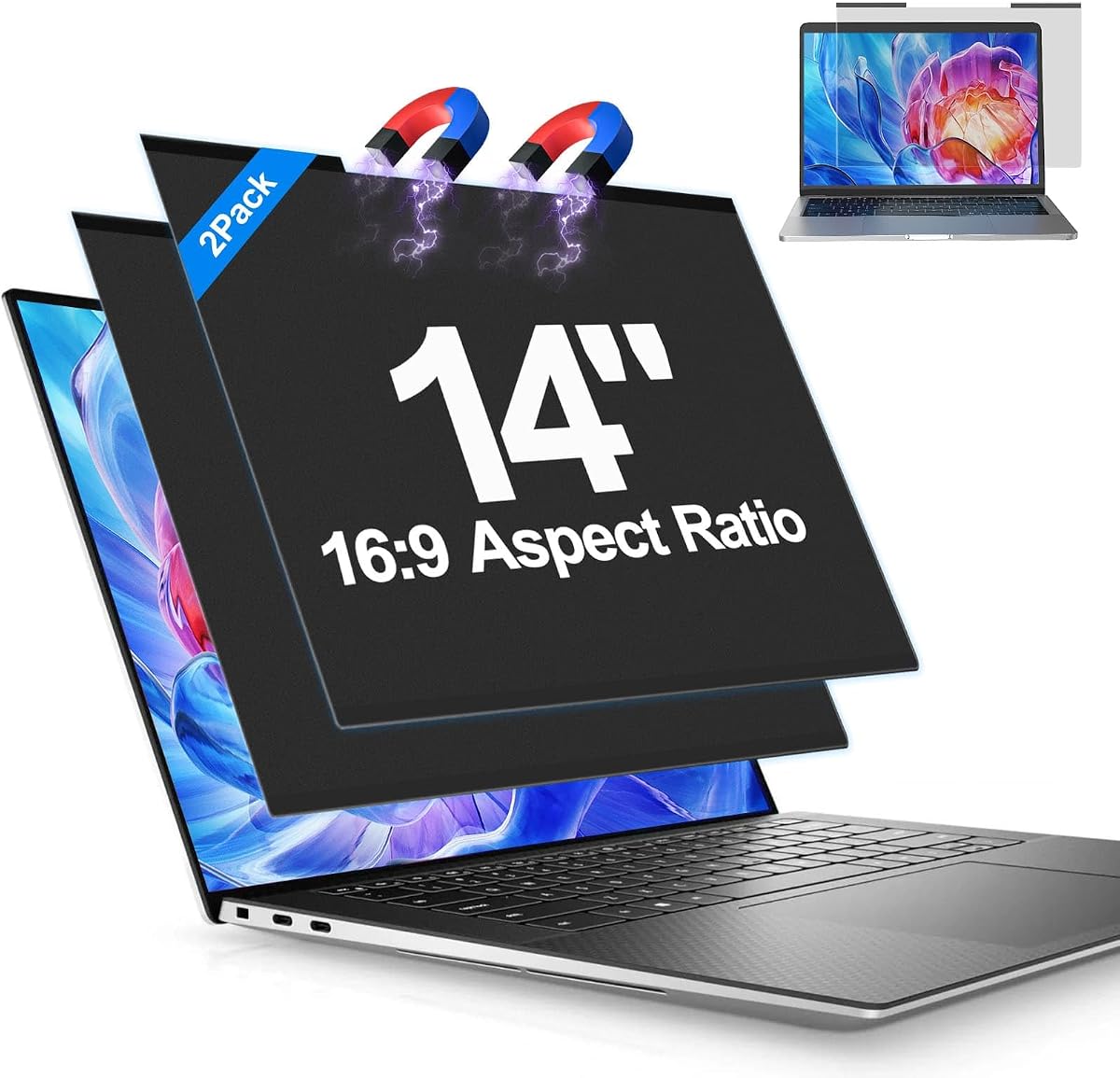
This two-pack magnetic privacy filter is intended for 14-inch 16:9 widescreen laptops, with stated dimensions of 12.2 by 7.13 inches. Its 4.9 rating is the second highest in the selected group, and the two-filter configuration makes it attractive for people who split time between two compatible devices or want a backup.
We may earn a commission when you buy through this link, at no additional cost to you.
The filters use a foldable aluminum-alloy design rather than a simple flat plastic construction. The product emphasizes impact, scratch, and drop resistance, along with an anti-scratch coating intended to preserve clarity. Magnetic attachment allows quick deployment and removal, while the side-view darkening and blue-light filtering add privacy and comfort functions.
The listing does not provide a precise blue-light reduction percentage or a defined side-viewing angle, so it is harder to compare its optical claims numerically with other filters. It is also limited to 14-inch 16:9 geometry and will not suit the 14-inch 16:10 configuration covered by a separate option in this guide. Actual fit depends on accurate display measurements.
This is a compelling travel and multi-device option for users who value a robust, foldable privacy panel. The aluminum construction may be particularly welcome for frequent commuting. Confirm the screen dimensions, compare the unspecified filtration performance with your needs, and ensure that two compatible 14-inch 16:9 devices make the pack format worthwhile.
The aluminum-alloy construction is intended to withstand travel and accidental impacts better than a basic flexible filter. Its foldable profile also supports compact storage between uses.
With two filters included, users can protect a primary and secondary laptop or keep a replacement close at hand. The magnetic design supports quick changes when moving between a private desk and a public location.
We may earn a commission when you buy through this link, at no additional cost to you.
The Kensington MagPro Magnetic Laptop Privacy Screen is a refined 15.6-inch 16:9 accessory with a 4.1 customer rating. Its stated dimensions are 13.6 by 7.65 inches, and the product is compatible with a range of HP, Dell, Acer, Asus, and Lenovo laptops. It is designed for users who want a restrained professional privacy solution rather than a heavily tinted or complex accessory.
We may earn a commission when you buy through this link, at no additional cost to you.
The patented slim magnetic strip is a central feature because it allows the laptop to close and enter sleep mode without removing the filter. Its viewing angle is limited to approximately plus or minus 30 degrees, and a low-reflective coating is intended to reduce glare. The listing also states that blue light is reduced by up to 22% to ease eye strain and potentially reduce interruptions to sleep patterns.
The 22% blue-ray reduction figure is noticeably lower than the stated filtering levels of several privacy competitors, so users seeking maximum blue-light attenuation should consider one of those alternatives. This model also does not advertise an anti-fingerprint coating, and the privacy filter can produce reflections or reduced brightness at off-axis angles. The measurement warning is appropriate because a 15.6-inch diagonal does not guarantee a 16:9 fit.
This is the premium pick for a 15.6-inch 16:9 professional who values a slim magnetic strip, straightforward laptop closure, and established compatibility. It works particularly well for office privacy and travel. If stronger blue-light reduction is the main goal, choose a model with a higher published percentage instead.
The narrow magnetic strip is engineered for a smooth fit that allows the lid to close and the computer to sleep. That convenience makes the filter easier to keep installed during office transitions.
A plus-or-minus 30-degree viewing range protects content from neighboring observers, while the low-reflective coating helps preserve image clarity. It is a balanced option for professional offices and shared workspaces.
We may earn a commission when you buy through this link, at no additional cost to you.
The right magnetic screen protector depends on exact display geometry, desired privacy strength, optical preferences, and how often the filter will be moved. Review the following factors before ordering to avoid an incompatible purchase or an unwanted change to your screen's appearance.
Start by measuring the width and height of the active screen area, excluding the surrounding bezel. A diagonal size such as 14 inches or 15.6 inches does not guarantee compatibility because display proportions vary among 16:9 and 16:10 laptops. Compare the measurements with the dimensions in the product listing, and pay close attention to wording that distinguishes the visible area from the full panel.
The aspect ratio describes the relationship between a display's width and height. Many 15.6-inch laptops use 16:9, while certain 14-inch models and newer MacBook Air sizes use 16:10. A filter designed for one ratio may leave gaps or fail to stay attached on the other, even when the diagonal measurement appears identical. The guide includes separate 14-inch 16:9 and 16:10 options for this reason.
A blue-light filter is primarily intended to reduce some short-wavelength light and associated screen-comfort concerns. A privacy filter adds micro-louver or directional technology that darkens the display from the sides. If you handle confidential information in public, choose a privacy model; if your main concern is glare and blue light during extended use, a non-privacy magnetic shield may preserve a more natural image.
Every layer can affect brightness, contrast, reflections, and color perception. Higher stated transparency or light transmission generally favors a clearer straight-on view, while privacy and matte surfaces can introduce some visible change. Products in this guide range from 93% claimed light transmission to 98% claimed color accuracy, but these figures are not standardized laboratory measures and should be compared cautiously.
Published blue-light reduction figures range substantially across the selected products. Some list 80%, 92%, or 95% filtering, while others provide no percentage or describe a more modest 22% blue-ray reduction. A numerical claim helps with comparison, but it is not the same as a standardized test result. Consider the design, clarity specification, anti-glare finish, and whether privacy is needed alongside the stated percentage.
A fully magnetic product can be attached and removed without adhesive, while some options combine magnets with a small adhesive strip for added security. Look for details about laptop closure, sleep mode, corner retention, and storage. Adhesive can be convenient for a fixed setup, but removable magnetic designs are usually easier to reposition and may be preferable if the laptop is shared or frequently transported.
Travelers benefit from a folding or removable filter, a storage clip, and a microfiber cloth. Office users may prioritize a privacy panel that remains attached throughout the day. Two-pack formats can cover multiple devices or provide a spare, while fixed MacBook-specific options may be simpler than a universal size. Consider where the laptop is used most often and whether touch input must remain functional.
Some packages include only the screen, while others provide cleaning cloths, kits, storage clips, camera covers, adhesive strips, and instructions. Replacement policies and lifetime support can add convenience, especially for products expected to travel. Check the package contents carefully and confirm that any accessories advertised in the listing are included before placing an order.
Before installation, power off or sleep the laptop and clean both the display surface and the filter with a soft microfiber cloth. Remove dust, fingerprints, and oily residue so that attaching the magnetic panel does not trap particles against the screen. For washable products, follow the listed care instructions, rinse only when permitted, and allow the filter to dry fully before use.
Align the protector with the top corners of the display, following the manufacturer's guide for any adhesive strip or silicone grips. Bring the magnetic edge close and let it attach evenly rather than pulling one corner into place first. Check that no bubbles, debris, or misalignment sit beneath the panel, and confirm that the webcam opening remains unobstructed. Remove the filter before closing the lid unless the product explicitly supports sleep-mode closure.
During use, adjust screen brightness to a comfortable level while keeping in mind that privacy filters may look darker from the side. Clean the removable panel regularly, store it in its case or with its storage clip, and avoid folding sharply beyond the design's intended shape. Do not use abrasive cleaners, and do not press against the optical surface with sharp objects.
A magnetic protector can add pressure or weight near the closed edge, particularly if it is not designed to allow the laptop to close. Choose a model with a slim magnetic strip and clear sleep-mode guidance. Follow the attachment instructions carefully and remove the protector before closing the lid if the manufacturer does not specifically permit closure with it installed.
It depends on the product and the laptop's digitizer. The 15.6-inch 16:9 privacy screen in this guide explicitly says that the touchscreen will not function after installation. Other filters may work, but magnetic fields, added thickness, or adhesive components can interfere with touch detection, so check compatibility before ordering.
Some change in brightness, contrast, or color is common, particularly with matte privacy filters. Straight-on light transmission and screen brightness also interact, so raising the display brightness may be necessary. The best option for color-sensitive work is one that states both high transmission and accurate color performance, although those figures remain manufacturer claims.
The aspect ratio describes the shape of the active display. A 16:9 screen is wider relative to its height than a 16:10 screen, so the two do not share the same physical dimensions. A filter can leave gaps, overlap the bezel, or fail to attach correctly if its aspect ratio does not match the screen, even when the diagonal size is the same.
Measure the visible active area from the lower-left corner to the lower-right corner for width, then from the lower edge to the upper edge for height. Exclude the bezel and do not measure only the diagonal. Compare those two figures with the seller's dimensions and verify the aspect ratio, as nearly identical diagonal labels can conceal substantially different shapes.
Only clean a filter with water if its manufacturer explicitly says it is washable. The MacBook Air 13.6 privacy screen, for example, describes rinsing, gentle drying, and reuse. Other products may use coatings or adhesives that should not be exposed to moisture, so use a microfiber cloth and follow the included care instructions.
Yes. Their restricted side viewing angles can make content harder for nearby passengers to see in an airplane, train, or other shared environment. A magnetic model is particularly convenient because it can remain on during a journey and be removed for a brighter or unfiltered view. Privacy is reduced for someone standing directly behind the user, regardless of the product.
Follow the product-specific instructions. Some slim magnetic designs are designed to permit closure and sleep mode, while others should be removed first. Leaving a thick or poorly aligned filter attached can create unnecessary stress on the display, and removing it is generally the safer choice whenever the manufacturer does not explicitly support closure.
The VINTEZ MacBook Pro 13 filter is the strongest overall option for compatible users because it combines a high stated transparency rate, anti-blue-light protection, a camera cutout, and removable magnetic installation. The 15.6-inch magnetic privacy screen offers the best value combination of privacy, glare control, blue-light filtering, and washable construction, while the Kensington MagPro stands out for its slim professional construction and laptop sleep-mode compatibility.
Prioritize exact dimensions and aspect ratio before considering any other feature. Then decide whether you need true side-angle privacy or simply want a clear anti-glare and blue-light filter. Consider light transmission, color rendering, touch support, laptop closure, cleaning requirements, storage, and whether one device or two need protection; these details will matter more in daily use than a single headline filtration percentage.
Product availability, model support, and prices can change, so review the current listing before making a final decision. Confirm the laptop's model identifier, compare the published dimensions, and read the installation and care instructions to ensure the selected magnetic protector fits both the device and your intended working environment.
