
MOES Fingerbot Tuya Bluetooth Hub
4.1Editor score
Built for FingerBot devices
Connects to 2.4GHz Wi-Fi
Supports multiple FingerBots
Works with IFTTT
Alexa and Google Home
Best Bluetooth Gateway Hub guide comparing ten options for protocol support, device limits, app control, voice control, wireless coverage, and setup ease.
A Bluetooth gateway hub acts as a bridge between wireless smart-home devices and a phone, voice assistant, or broader automation system. A capable unit can simplify remote access, device grouping, and routine control, but the strongest choice depends heavily on protocol support, app compatibility, and the number of connected devices.
This guide compares ten Bluetooth gateway hubs using their stated specifications, including Bluetooth Mesh, Zigbee 3.0, Wi-Fi bands, device capacity, voice-platform support, app control, and installation requirements. The list covers general-purpose Tuya hubs, lock-specific gateways, shade controllers, and a specialized outdoor-lighting hub.
Each review explains the product’s strongest use case, important limitations, and ideal buyer. Ratings reflect the supplied customer feedback, while feature claims come from the listed product information. Product availability, compatibility, and prices can change, so readers should verify current details before purchasing.
4.1Editor score

4.1Editor score

4.4Editor score
This side-by-side overview highlights protocol support, connectivity, device capacity, control options, and the most suitable application for each Bluetooth gateway hub.

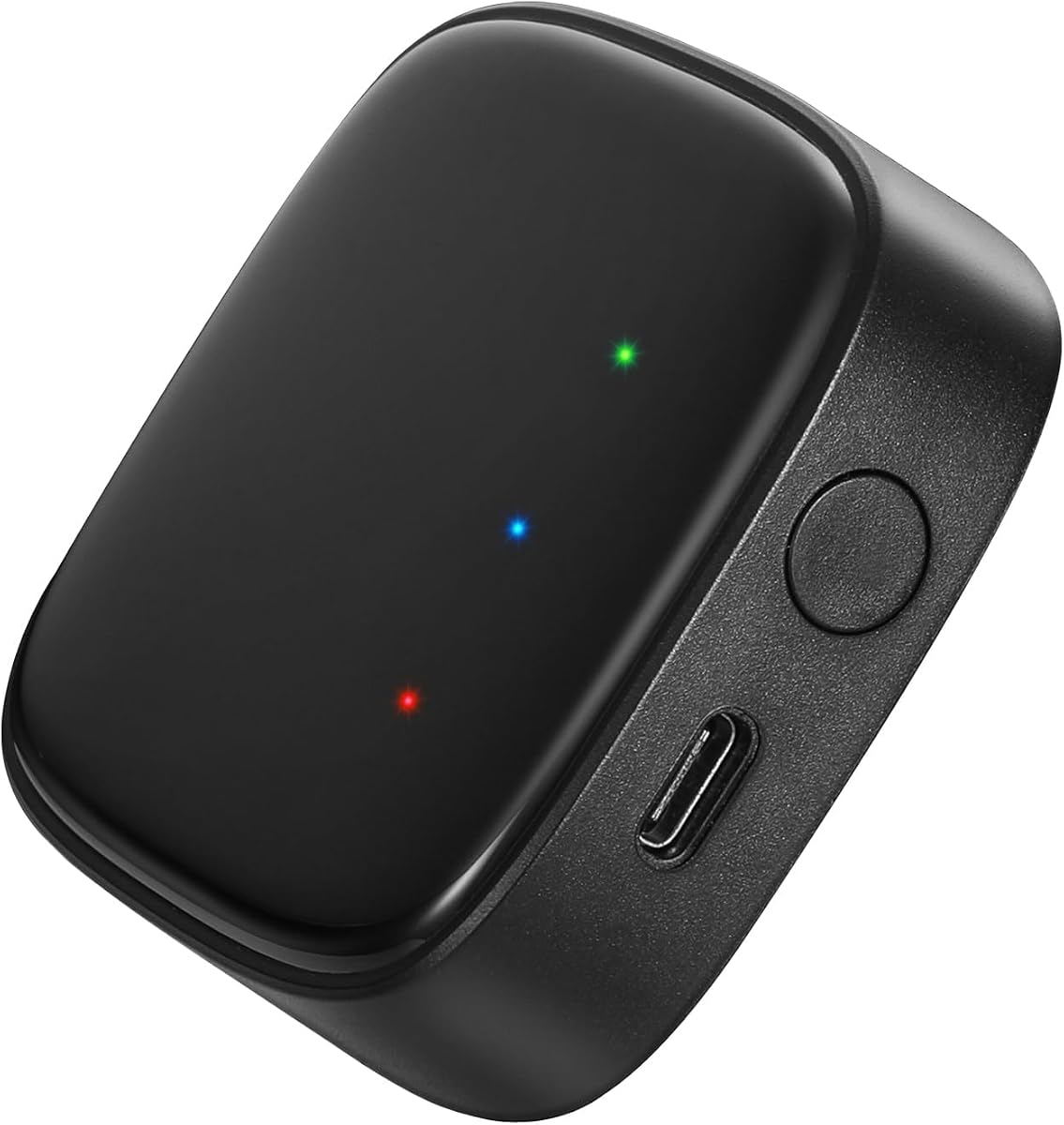


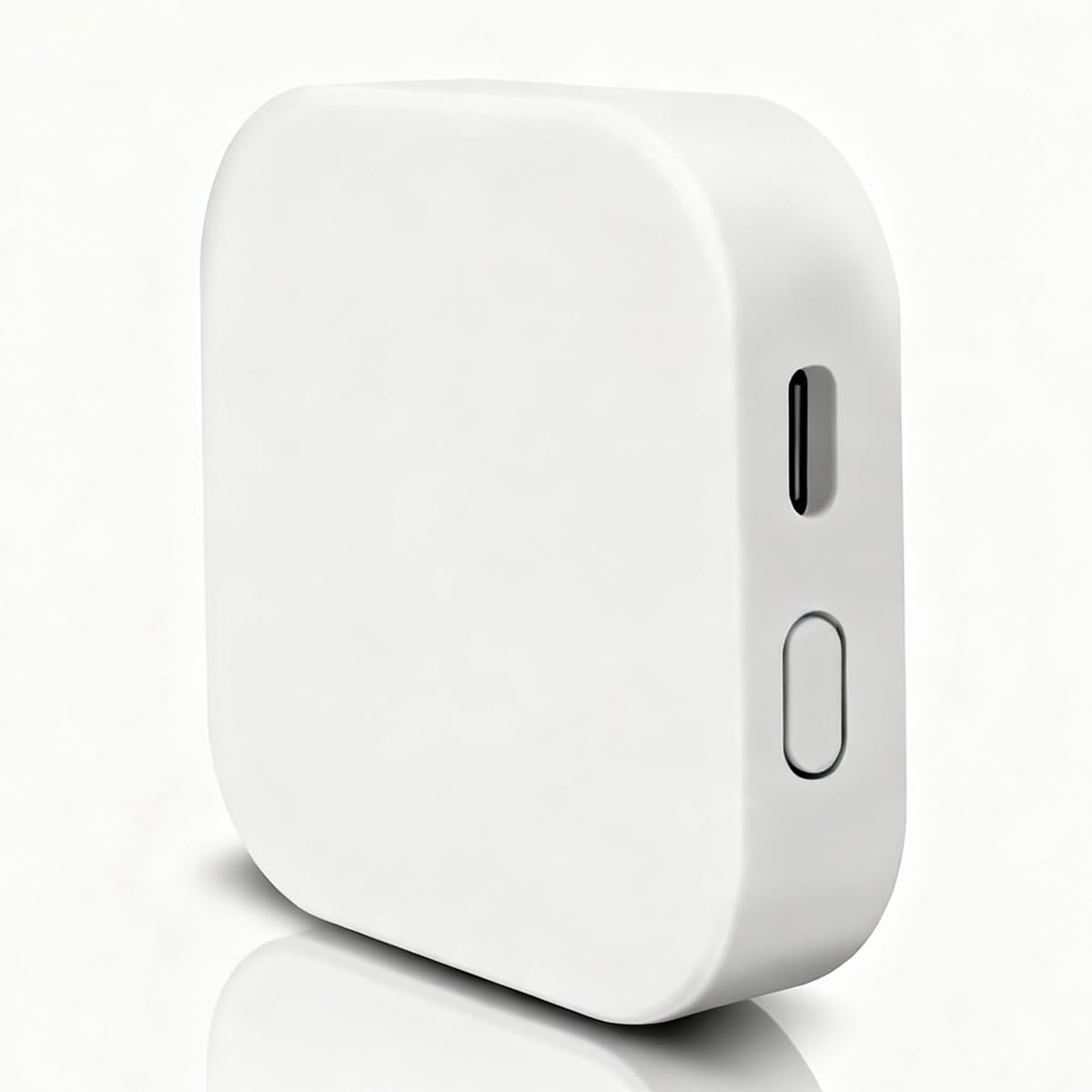
The Smart Multi-Mode Gateway is a strong all-purpose option for a Tuya-based smart home, earning a 4.1 rating from the supplied customer feedback. Its defining advantage is the combination of Bluetooth Mesh and Zigbee 3.0 in one enclosure, allowing compatible sensors, switches, plugs, and other accessories to communicate through a single central hub.
We may earn a commission when you buy through this link, at no additional cost to you.
The stated device capacity reaches 128 Tuya smart-home devices. Through the Smart Life app, users can add or reset devices, create groups, manage linked devices remotely, and use third-party control functions. Voice control through Alexa and Google Home adds another convenient layer for compatible equipment.
Its main limitation is ecosystem rigidity. The listing explicitly restricts support to Tuya Smart devices, so a mixed home using unrelated locks, bulbs, or blinds may find some accessories incompatible. It also operates on 2.4GHz Wi-Fi, requiring the phone and hub to share a compatible network during setup.
This is the most broadly useful gateway in the roundup for readers already invested in Tuya devices or willing to build around them. Its dual-protocol design, large device allowance, and automation support outweigh the platform restriction for most general smart-home buyers.
Combining Bluetooth Mesh and Zigbee 3.0 reduces the need for separate bridges when the connected equipment supports the Tuya ecosystem. It is particularly useful in homes combining Bluetooth sensors with Zigbee switches, plugs, or monitoring devices.
Smart Life provides centralized device management, while Alexa and Google Home support hands-free commands for compatible products. Automations can also use connected devices as triggers for broader household linkage.
We may earn a commission when you buy through this link, at no additional cost to you.
The GHome Smart G2B WiFi Gateway focuses on a specific but important job: bringing compatible Bluetooth smart locks into a Wi-Fi-connected ecosystem. It holds a 4.1 rating and prioritizes remote access, remote unlocking, passcode management, lock-status checks, and real-time entry notifications through the GHome app.
We may earn a commission when you buy through this link, at no additional cost to you.
Unlike many competing hubs, it supports both 2.4GHz and 5GHz Wi-Fi. That flexibility can simplify installation with modern dual-band routers. Compatible GHome locks can also work with Alexa and Google Home, allowing supported status checks and routines to be performed by voice.
The trade-off is that this is not a universal bridge for arbitrary Bluetooth accessories. Its strongest functionality centers on compatible GHome smart locks, with only selected Tuya Bluetooth devices also supported. Buyers should confirm their lock model and app before ordering.
It is a compelling choice for someone who already owns a compatible GHome lock and wants remote household or rental access without replacing the lock. For a general collection of sensors and switches, a multi-protocol Tuya gateway offers broader relevance.
Family members, guests, renters, and service providers can receive appropriate access through the supported app. Remote lock status, unlock commands, and passcode management make the gateway useful for people who are not always at home.
Support for both 2.4GHz and 5GHz networks gives this model more router flexibility than hubs restricted to 2.4GHz. Setup still requires the phone, hub, and compatible devices to be configured through the GHome app.
We may earn a commission when you buy through this link, at no additional cost to you.
The MOES Fingerbot Tuya Bluetooth Hub is a straightforward choice for users who want to automate traditional switches with FingerBot devices. Its 4.1 rating reflects a focused product that links Bluetooth FingerBots to 2.4GHz Wi-Fi rather than attempting to serve every category of smart-home accessory.
We may earn a commission when you buy through this link, at no additional cost to you.
One gateway can connect multiple FingerBots, making it a practical option for a household with several mechanical or electronic controls that would benefit from app, routine, or voice activation. Compatibility with Alexa, Google Home, IFTTT, and timer control broadens the available control methods.
The limitation is clear: it is not a universal Bluetooth gateway. Those planning to add locks, Zigbee sensors, mesh lighting, or a broad collection of Tuya accessories should choose a multi-protocol model instead. Compatibility with a FingerBot water timer and other supported devices also depends on the exact hardware and Tuya environment.
For a targeted project involving one or more FingerBots, this focused hub offers an uncomplicated path to remote control. It earns the Best Budget distinction for delivering relevant functionality without paying for capabilities that a single-device automation setup may never use.
A FingerBot can turn a compatible physical control into an app-accessible smart device. Linking it to a gateway makes remote commands, timers, routines, and voice prompts more practical without replacing the entire switch.
Alexa, Google Home, IFTTT, and timer control give owners several ways to automate compatible bots. The available integrations are valuable because they allow the same device to respond to different routines and triggers.
We may earn a commission when you buy through this link, at no additional cost to you.
The Graywind Bluetooth Gateway stands out for window treatments, carrying the highest rating in the supplied list at 4.4. It is designed to connect compatible Graywind Bluetooth motorized shades with Alexa, Google Assistant, and a mobile app, turning a collection of blinds into a coordinated smart-home system.
We may earn a commission when you buy through this link, at no additional cost to you.
The hub supports Bluetooth, Wi-Fi, and wired network connections, offering more routing options than a basic USB-powered Bluetooth bridge. It can serve up to 16 Graywind smart devices and includes group controls, schedules, and personalized routines that suit multi-window homes.
Compatibility is the decisive caveat. The product is expressly not intended for Zigbee or Matter motors, and its listed shade coverage includes Graywind roller, zebra, Shangri-La, Roman, and dual shades. Buyers should verify the motor and controller in advance rather than assuming all motorized blinds are supported.
This is the premium choice for Graywind shade owners, particularly those with several rooms to automate. Its higher rating, flexible connection methods, 16-device capacity, and scheduling features make it more specialized—and potentially more polished—than a general Tuya bridge.
Multiple compatible shades can be grouped and scheduled to follow the same wake, work, or evening routine. Voice control adds hands-free convenience in rooms where shade operation is frequent.
Bluetooth, Wi-Fi, and wired network support can improve placement flexibility and communication reliability. That makes the gateway more accommodating for a home where the hub must bridge different networking paths.
We may earn a commission when you buy through this link, at no additional cost to you.
The Linkind Outdoor Lights Smart Hub is a specialized gateway for compatible solar spotlights and pathway lights. Its 4.2 rating reflects a strong feature set for outdoor lighting groups, including a claimed control-distance increase from 98 feet to 40 meters and support for as many as 32 Bluetooth Mesh lights.
We may earn a commission when you buy through this link, at no additional cost to you.
Through the Aidot app, users can add and remove lights, adjust colors and brightness, choose scenes and music modes, and control compatible devices remotely. Voice support through Alexa and Google Assistant is useful for routine lighting commands, while synchronized shows can create a coordinated effect for gatherings.
This is a limited-purpose product rather than a general smart-home bridge. Its mesh functions are centered on compatible Linkind outdoor lights, and it requires a 2.4GHz Wi-Fi network. The installation guidance also calls for the hub to remain two to six meters from the router and specifies compatible power and phone requirements.
Buyers with a large Linkind outdoor-lighting setup will find the 32-light grouping and scene controls highly relevant. Those seeking a bridge for indoor locks, sensors, blinds, and mixed device types should choose a broader Tuya multi-protocol gateway instead.
A single hub can group compatible path and spotlight products, making it easier to change brightness, color, scenes, and music throughout the property. Remote control also reduces the need to use a physical switch for each fixture.
The listed 43 preset scenes and music modes make synchronized displays possible for parties or other occasions. Scheduling can coordinate lighting behavior while supporting energy-saving habits.
We may earn a commission when you buy through this link, at no additional cost to you.
The MOES Multi-Protocol Gateway combines Bluetooth Mesh and Zigbee 3.0 while adding security-oriented features that distinguish it from simpler bridges. It holds a 4.2 rating, supports as many as 128 Tuya devices, and can operate through either the MOES app or Smart Life app.
We may earn a commission when you buy through this link, at no additional cost to you.
Its sound and light alarm functions are particularly relevant for compatible leak, motion, door, window, and other monitoring accessories. The hub also supports local scenarios, local automation, security functions, and integration with the Tuya Security SaaS platform, giving administrators more ways to build responsive triggers.
Remote app control and voice support through Alexa and Google Assistant add everyday convenience, while the lack of wiring or technical requirements simplifies installation. As with the other dual-protocol models, compatibility is limited to Tuya devices, and 2.4GHz networking is required.
This is a strong all-around choice for a Tuya household with security sensors, particularly when local automation and alarms are priorities. Its broad device examples and large capacity make it more versatile than a single-purpose shade, lock, or outdoor-light gateway.
Local scenarios and automation allow connected sensors to trigger compatible actions without relying entirely on a cloud-dependent workflow. Sound and light alarms can provide visible and audible alerts for suitable linked equipment.
The hub can combine Tuya Bluetooth locks, Zigbee switches, Finger devices, power-monitor plugs, thermometers, and window sensors. Its stated capacity makes it practical for expanding a connected home over time.
We may earn a commission when you buy through this link, at no additional cost to you.
The MOES Multi-Mode Hub offers a familiar combination of Bluetooth Mesh and Zigbee 3.0 for a large Tuya device network. Its 3.8 rating is the lowest among the listed products, but the specification sheet remains useful for shoppers who prioritize device capacity, security integration, and local control.
We may earn a commission when you buy through this link, at no additional cost to you.
The hub supports up to 128 Tuya devices, including Bluetooth locks, Zigbee leak detectors, Bluetooth Finger devices, intelligent radiator-valve controllers, thermometers, and window sensors. Smart Life provides remote control, while Alexa and Google Home add voice operation for compatible devices.
Sound and light alarms, local scenarios, local automation, and security functions make it appropriate for monitoring-oriented installations. The listing also mentions a two-year warranty and a 30-day refund guarantee, although warranty terms should be confirmed at the time of purchase.
The trade-off is a restricted ecosystem and a less favorable rating than newer alternatives with similar core functions. It remains worth considering for a large, established Tuya installation that relies on the listed device types, but buyers starting fresh should compare the newer multi-protocol models first.
A stated allowance of 128 devices accommodates homes with many sensors, switches, locks, and controllers. That capacity is useful when a single central hub must coordinate numerous compatible accessories.
Local scenarios and automation can improve responsiveness for supported routines. Sound and light alarm functions add value for compatible monitoring setups, although behavior remains dependent on the linked Tuya devices.
We may earn a commission when you buy through this link, at no additional cost to you.
The Tuya Dual-Mode Gateway provides a practical bridge for Zigbee and Bluetooth Mesh products that use the Tuya protocol. With a 4.2 rating, it supports wireless control, device grouping, third-party control functions, and integration with Alexa and Google Home through the Smart Life ecosystem.
We may earn a commission when you buy through this link, at no additional cost to you.
The hub can link compatible Wi-Fi, Zigbee, and Bluetooth devices within the same automation environment. Because it uses wireless connectivity, installation requires no network cable; users can power it up, connect it through Smart Life or Tuya Smart, and begin adding supported accessories.
Compatibility deserves careful attention. The listing explicitly says that bulbs, locks, and blinds not using the Tuya protocol are unsupported. It also specifies 2.4GHz Wi-Fi for the Zigbee hub, so a router configured only for 5GHz will not be sufficient for that function.
This model suits a buyer who has verified Tuya-protocol devices and wants a straightforward wireless bridge. It is less appealing as a universal solution, but the protocol clarity and no-cable installation make it attractive within a carefully matched Tuya setup.
The gateway connects wirelessly after being powered and configured in the appropriate app. That simplifies placement and avoids requiring a wired network connection at the hub’s location.
Adding, resetting, grouping, and third-party control are supported. These functions allow compatible products to participate in broader scenes rather than being operated as completely independent accessories.
We may earn a commission when you buy through this link, at no additional cost to you.
The Tuya Lock Gateway is a compact hub designed around remote control of compatible smart locks and key boxes. It carries a 3.8 rating and can also serve compatible lights, switches, sockets, and other Tuya smart appliances, according to the supplied product information.
We may earn a commission when you buy through this link, at no additional cost to you.
Its central benefit is remote unlocking through the Tuya app when a user is away. The gateway also supports as many as 128 connected devices, making it more flexible than a lock-only bridge while retaining a simple, compact form factor.
Its limitations are meaningful. The listing states that other apps cannot be connected, so buyers outside the Tuya ecosystem should look elsewhere. The included Micro-USB power connection must remain active, and the low 3.8 rating suggests that some users may have encountered setup or support issues.
The gateway is most appropriate for a Tuya household that needs a discreet central bridge and specifically values remote lock access. Its 2.36-by-2.36-by-0.59-inch size and 50-gram weight make placement easy, but ecosystem compatibility should be verified before buying.
A compatible door lock or key box can be controlled through the Tuya app, which is useful when someone needs entry without being physically present. The exact remote-unlock behavior depends on the connected lock and its supported functions.
The compact square enclosure takes up little room and does not require wall wiring. Despite its small size, the stated 128-device support allows it to serve compatible switches, sockets, lights, and appliances as well.
We may earn a commission when you buy through this link, at no additional cost to you.
The Bluetooth SIG Mesh Wireless Hub Gateway is built for larger Bluetooth Mesh ecosystems and carries a strong 4.4 rating. It supports up to 128 Bluetooth Mesh sub-devices, with the listing noting that typical installations may use more than 50 and that more than 100 devices can remain online simultaneously.
We may earn a commission when you buy through this link, at no additional cost to you.
One-key networking allows multiple sub-devices in pairing mode to join without adding them one at a time. The hub also supports large-scale group broadcasts, local scene linkage, cross-gateway linkage, remote app control, and one-click device resets through Tuya Smart or Smart Life.
Connection range is listed as 35 meters indoors and 200 meters or more outdoors in line-of-sight conditions, with general penetration through two walls. These are manufacturer-provided figures, so real results will vary with placement, interference, and the connected devices.
This is the most compelling option for a large Bluetooth Mesh-only home, especially when multicast control and convenient batch pairing matter. It lacks Zigbee support, requires USB power and 2.4GHz Wi-Fi, and only works with Tuya Bluetooth Mesh accessories, so ecosystem fit must be checked first.
Large-scale group broadcasting allows many compatible mesh devices to respond to a shared command. That makes the hub useful for synchronized lighting, curtain control, and other high-device-count routines.
One-key networking lets multiple pending sub-devices join together rather than requiring a separate pairing sequence for every unit. This is a practical advantage during installation or when several rooms are being set up.
We may earn a commission when you buy through this link, at no additional cost to you.
A useful Bluetooth gateway hub should match the protocols, apps, devices, and network requirements of the equipment it is intended to control. The most important step is confirming compatibility before comparing features such as device capacity, voice assistants, range, or automation functions.
Bluetooth devices do not all use the same communication method. Bluetooth Mesh, Bluetooth Low Energy accessories, proprietary Bluetooth products, and Tuya protocol devices can behave very differently with a given gateway. The products in this guide are especially selective: the Tuya-focused units explicitly limit support to compatible Tuya devices, while the GHome gateway centers on GHome smart locks and the Graywind model is designed for Graywind BLE shade motors.
A product title mentioning Bluetooth is not enough to establish compatibility. Buyers should identify the protocol used by each existing device, note the app required to manage it, and compare that information with the hub’s explicit support list. Products branded with Tuya or Smart Life should never be assumed to control arbitrary Bluetooth bulbs, locks, or blinds.
A multi-protocol gateway can connect devices using different local communication methods, making it easier to combine sensors, switches, plugs, locks, and lights. The leading Tuya-oriented products support Bluetooth Mesh and Zigbee 3.0, while a Bluetooth-only hub may offer a simpler setup and stronger focus on mesh device scale.
Multi-protocol support is valuable only when the devices themselves use those protocols. It should not be confused with universal compatibility. If a household already has a mixture of Tuya Zigbee sensors and Tuya Bluetooth accessories, a dual-protocol unit can reduce the need for separate bridges and centralize control.
App compatibility determines how devices are paired, grouped, monitored, and automated. Most products use Smart Life, Tuya Smart, MOES, GHome, or Aidot, while the GHome lock gateway is centered on the GHome and Smart Life apps. Voice control is widely advertised, but it generally applies only to compatible products and requires the relevant voice assistant to be linked to the correct account.
Look for the control functions you actually need: remote access, passcode management, activity logs, scene grouping, status checks, schedules, and custom automations. A listed voice integration does not guarantee that every gateway feature can be performed by voice.
Capacity claims indicate how many compatible sub-devices a hub is designed to manage, but the practical number can vary with device type, network conditions, and manufacturer limits. The Tuya multi-protocol hubs state support for 128 devices, and the Bluetooth SIG Mesh hub also lists up to 128 nodes while noting that 100-plus devices can be online simultaneously. The Graywind hub supports up to 16 Graywind devices, and the Linkind outdoor-light hub supports 32 Linkind lights.
Avoid selecting a gateway solely by its maximum number. A larger capacity is helpful when a home has many similar accessories, but a purpose-built hub may be more reliable for its narrower device category. Review the stated examples, such as locks, sensors, switches, plugs, shades, or lights, and compare them with your planned ecosystem.
Most gateways in this roundup require 2.4GHz Wi-Fi, and their setup instructions typically call for the phone and hub to share that network. The GHome G2B gateway is the notable exception, supporting both 2.4GHz and 5GHz. A dual-band router is not the same as a hub that can use 5GHz, and a 5GHz-only home network can prevent setup.
Check the router’s available bands before installation and know how to temporarily join the appropriate network. Also note whether a product has a wired network option, as the Graywind hub does, or requires a USB power connection throughout operation.
Range depends on the protocol, network layout, router position, walls, and nearby interference. The Linkind hub claims a control distance of 40 meters for compatible outdoor lights, while the Bluetooth SIG Mesh hub lists 35 meters indoors and 200 meters or more outdoors in line-of-sight conditions. The latter also states that it generally passes through two walls.
Treat these figures as supplied specifications rather than guaranteed real-world results. Mesh systems may extend coverage through powered or repeating nodes, while Bluetooth and Zigbee behavior can vary considerably. Positioning the hub centrally and near the router usually makes management easier.
Automation features should match the intended use. General Tuya gateways offer device grouping, triggers, linked routines, and local scenarios. The MOES model adds sound and light alarms, the Linkind hub focuses on lighting scenes and music, and the GHome gateway emphasizes remote unlocking, access notifications, and activity history.
For a security setup, local automation, alarms, event notifications, and reliable trigger support are more valuable than a large number of decorative lighting modes. For shades, grouping, schedules, and a reliable connection to the motor controller matter most. Choose the gateway whose specialty matches the routine you need.
Most gateways are designed for simple installation without wiring, but their physical placement and power method still matter. Several use USB power, while the Linkind hub calls for a 5V-1A or 5V-2A adapter. Its guidance places the hub two to six meters from the router. The Tuya Lock Gateway uses a Micro-USB connection and must remain powered.
A centralized location can improve radio coverage and make device pairing easier. Ensure the selected hub has a suitable outlet or cable and that the power source matches the product guidance. Do not place a gateway inside a sealed metal enclosure, as that can weaken radio signals.
Begin by confirming that every device you intend to connect uses a compatible protocol and is supported by the gateway’s specified app. Connect your phone to the required Wi-Fi network, plug in the hub, and open the appropriate Smart Life, Tuya Smart, MOES, GHome, or Aidot app. Follow the app’s pairing flow rather than assuming a third-party app will discover the equipment.
After the hub appears online, add devices one at a time initially. Put compatible sub-devices into pairing mode, complete their individual pairing steps, rename each device, and assign it to the correct room or group. Once basic control works, create groups, routines, schedules, and voice commands. For security devices, test entry alerts, triggers, and unlock behavior before relying on them for daily access.
For care, keep the hub powered, unobstructed, and away from excessive heat, moisture, and metal enclosures. Place it near the router or at a central point when practical. If devices become difficult to reach, check the app and network before resetting anything, and use the supported reset function. Update the associated app when updates are offered, because firmware and platform changes can affect compatibility.
No. A Bluetooth gateway usually supports a specific protocol, brand, app, or device family rather than every Bluetooth product. The Tuya-focused models in this guide support compatible Tuya devices, while the GHome and Graywind gateways are specialized for their respective ecosystems. Check both the hub and device documentation before purchasing.
A Bluetooth gateway connects compatible Bluetooth or Bluetooth Mesh accessories to an app or network, while a Zigbee gateway connects Zigbee devices. A dual-protocol gateway can handle both categories, provided the individual accessories use the required Tuya protocol and are supported by the manufacturer.
Many Bluetooth and Zigbee hubs use the 2.4GHz band because it offers broader indoor propagation and is commonly used for IoT devices. The phone and gateway normally need to be on the same 2.4GHz network during setup. The GHome G2B gateway is an exception because its listed specifications support both 2.4GHz and 5GHz.
Most of the listed hubs advertise voice support, but only compatible devices and supported functions will work. A gateway may be linked to Alexa or Google Assistant while some advanced settings remain available only in the phone app. The relevant voice platform, app account, hub, and device should be connected before testing.
Capacity varies significantly by model. Several Tuya-oriented hubs list support for 128 devices, the Bluetooth SIG Mesh hub lists up to 128 nodes, the Linkind outdoor-lighting hub supports 32 lights, and the Graywind shade gateway supports 16 devices. Real performance can also depend on device type, network conditions, and platform limits.
Yes. A gateway acts as the communication bridge between wireless accessories and your app or network, so shutting it down can interrupt remote control and automations. Most models use USB power, and the Linkind hub specifies a suitable 5V adapter. Use the power source recommended in the product instructions.
The device may use a different protocol, may not support the Tuya protocol, may already be paired to another hub, or may not be in the correct pairing mode. Confirm compatibility in the app or manufacturer documentation, reset the sub-device using its supported procedure, and keep the phone on the gateway’s required Wi-Fi network.
A compatible multi-protocol Tuya gateway can potentially combine supported Bluetooth, Bluetooth Mesh, and Zigbee 3.0 accessories. However, the ecosystem restriction still applies, and products with proprietary ecosystems may require their own gateway. Review the listed compatible device types and confirm the app used by every product before building a mixed network.
The Smart Multi-Mode Gateway is the most versatile general choice because it combines Bluetooth Mesh and Zigbee 3.0, supports up to 128 Tuya devices, and offers app, voice, grouping, and automation control. The MOES Fingerbot hub is a focused budget option for FingerBot projects, while the Graywind gateway is the premium pick for compatible motorized shades.
Compatibility should guide the final decision more than any single headline feature. Check the protocol, app, Wi-Fi band, device count, power method, and voice ecosystem before ordering. A specialized GHome, Linkind, or shade gateway may be better for its target equipment, but a dual-protocol Tuya hub offers more room to build a mixed smart home.
Current product details, customer ratings, compatibility, and prices can change over time, so readers should confirm the latest listing before purchasing. Checking the current product page also helps verify the exact accessory models, required app, included power connection, and network settings.
