
MNN 15.6-Inch FHD Monitor
4.3Editor score
1920×1080 IPS resolution
Two full-feature USB-C ports
Switch-compatible connectivity
Portrait and landscape modes
Protective folding smart cover
A portable monitor for Switch 2 can turn handheld gaming into a larger-screen experience without requiring a television or a permanent gaming station. The strongest choices balance a playable size, sharp resolution, responsive refresh rate, simple USB-C or HDMI connectivity, and enough portability to remain genuinely useful away from home.
This guide compares ten portable monitors using the specifications and compatibility information supplied for each model. We examine resolution, panel size, refresh rate, color coverage, brightness, ports, stands, speakers, weight, and gaming-focused features, including explicit support for the Switch and Switch 2.
Each pick highlights a different reason to consider a portable display, from a budget-friendly Full HD option to high-refresh 2.5K models and a compact screen designed specifically for Switch 2 use. Product availability and pricing can change, so check the current listing and connector requirements before purchasing.
4.3Editor score

4.8Editor score

4.2Editor score
As an Amazon Associate we earn from qualifying purchases.
The comparison below highlights the most important differences among ten Switch 2 portable monitors, including screen size, resolution, refresh rate, brightness, and the physical features that affect setup and travel.
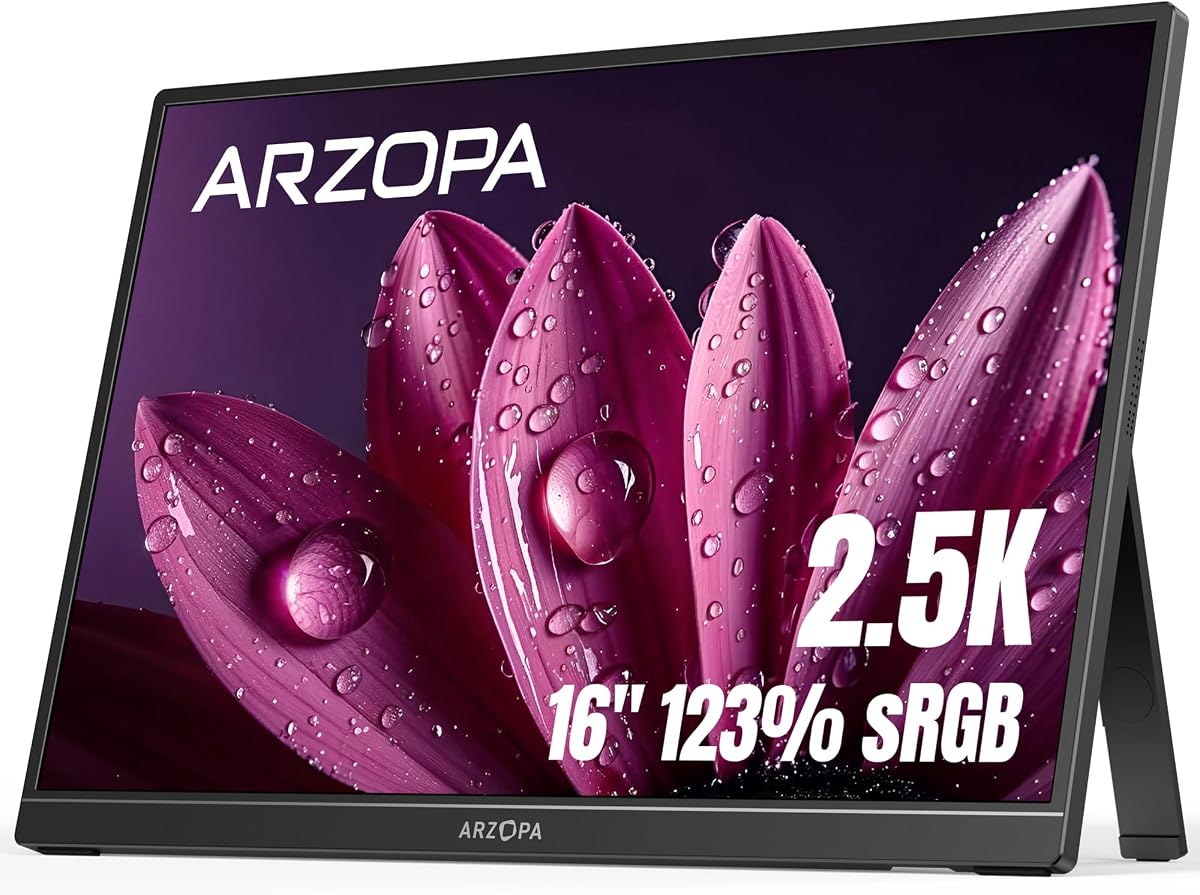



The ARZOPA 16-inch 2.5K portable monitor combines a sharp 2560×1600 panel with a practical 16:10 aspect ratio. It carries a 4.3 rating and stands out for providing more usable screen space than a typical console television without becoming excessively heavy. Its 1.46-pound weight also reinforces the portable design rather than treating portability as a secondary feature.
We may earn a commission when you buy through this link, at no additional cost to you.
The QHD panel provides enough density for detailed game environments, readable menus, and sharp interface text. A listed 123% sRGB coverage and 350-nit brightness make it a credible display for both gaming and general entertainment, while the 16:10 ratio offers additional vertical space compared with a conventional 16:9 screen. USB-C and HDMI connectivity gives the monitor broad compatibility with consoles, laptops, phones, tablets, and other devices.
The main limitation is that the supplied specifications do not identify an elevated refresh rate. That means this model is better suited to players who value resolution, color, and screen size than to competitive gamers seeking the lowest possible frame times. The Switch 2 connection also depends on the cables and dock or adapter available to the user, so a straightforward one-cable setup cannot be assumed from the product description alone.
This is a strong choice for Switch 2 owners who want a larger 16-inch display for portable sessions, travel, or a small entertainment area. It is particularly attractive for players who also use the screen with a laptop, where the 16:10 format can provide a more productive desktop. For competitive motion, one of the 144Hz or 180Hz alternatives will be more compelling.
The 2560×1600 resolution gives menus and game scenes more detail than a standard Full HD panel. The 16:10 format also preserves useful vertical space, making the display less dependent on tiny interface elements.
At 1.46 pounds and 0.36 inches at its thinnest stated measurement, the monitor is easier to justify as a travel companion. Its slim profile and broad device support make it suitable for gaming away from a television.
We may earn a commission when you buy through this link, at no additional cost to you.
The SUPERFECT 16-inch portable gaming monitor is built around a 2.5K QHD panel, 144Hz refresh rate, and a claimed 0.1ms response time. Its 4.4 rating reflects a specification set aimed squarely at enthusiasts, while the QLED panel and listed 100% DCI-P3 color coverage distinguish it from basic travel displays.
We may earn a commission when you buy through this link, at no additional cost to you.
Resolution and refresh rate work together to deliver a more convincing high-end image. The 2560×1600 panel preserves fine detail, 144Hz supports fluid motion, and 400-nit brightness is sufficient for vivid scenes. A 2000:1 contrast ratio is also listed, giving dark areas more depth than many conventional IPS alternatives.
Its lack of an explicit Switch 2 compatibility statement means buyers should verify the correct cable and adapter arrangement. It is also easy to overspend on a high-refresh model if the target games do not benefit from the extra capability. The supplied information does not describe switch-specific dock-free operation, so portability is about the hardware rather than a guaranteed one-cable console workflow.
Choose this monitor when image quality, motion smoothness, and premium gaming specifications matter more than having the most explicit Switch 2 integration. It is a compelling travel display for owners of other modern consoles and gaming PCs, and it can serve the Switch 2 with suitable video and power connections. Buyers should confirm port support and the required cable before ordering.
The 144Hz refresh rate is the centerpiece for action-heavy gaming. Combined with the listed 0.1ms response, it targets smooth motion and minimal ghosting when the connected source and game support the available refresh rates.
VESA compatibility, a built-in kickstand, and an included sleeve provide three practical ways to deploy the monitor. That flexibility helps when desk space, viewing angles, and travel packing all matter.
We may earn a commission when you buy through this link, at no additional cost to you.
The MNN 15.6-inch Full HD portable monitor is a value-oriented option for Nintendo Switch owners who want a larger screen without moving to a high-refresh gaming display. It holds a 4.3 rating and includes a 15.6-inch IPS panel, 1920×1080 resolution, 60Hz refresh rate, and a wide 178-degree viewing angle.
We may earn a commission when you buy through this link, at no additional cost to you.
The strongest feature for this use case is explicit console compatibility. The supplied information lists Nintendo Switch among supported devices and provides two full-feature USB-C ports. With a device that supports the required USB-C display and power protocol, a single cable can handle both display signal and power, making the setup more convenient for travel.
The compromises are clear. Full HD is less detailed than the 2.5K options, and a 60Hz panel will not deliver the smooth motion available from 144Hz or 180Hz models. Smart-cover support is useful, though a physical kickstand may offer fewer placement options. Compatibility also depends on the connected device supporting the appropriate USB-C Alternate Mode.
This is the most practical recommendation for a buyer who prioritizes affordability, portability, and straightforward Switch compatibility over maximum resolution. It also works for students and travelers who want a second screen for a laptop. Those seeking competitive performance should step up to a higher-refresh 2.5K model.
Two full-feature USB-C ports can carry display and power when the source supports the required protocol. This reduces cable clutter and makes the monitor easier to use for Switch and laptop sessions.
The scratch-resistant PU leather smart cover protects the panel during transport and folds into a stand. Landscape and portrait support also broadens its usefulness beyond console gaming.
We may earn a commission when you buy through this link, at no additional cost to you.
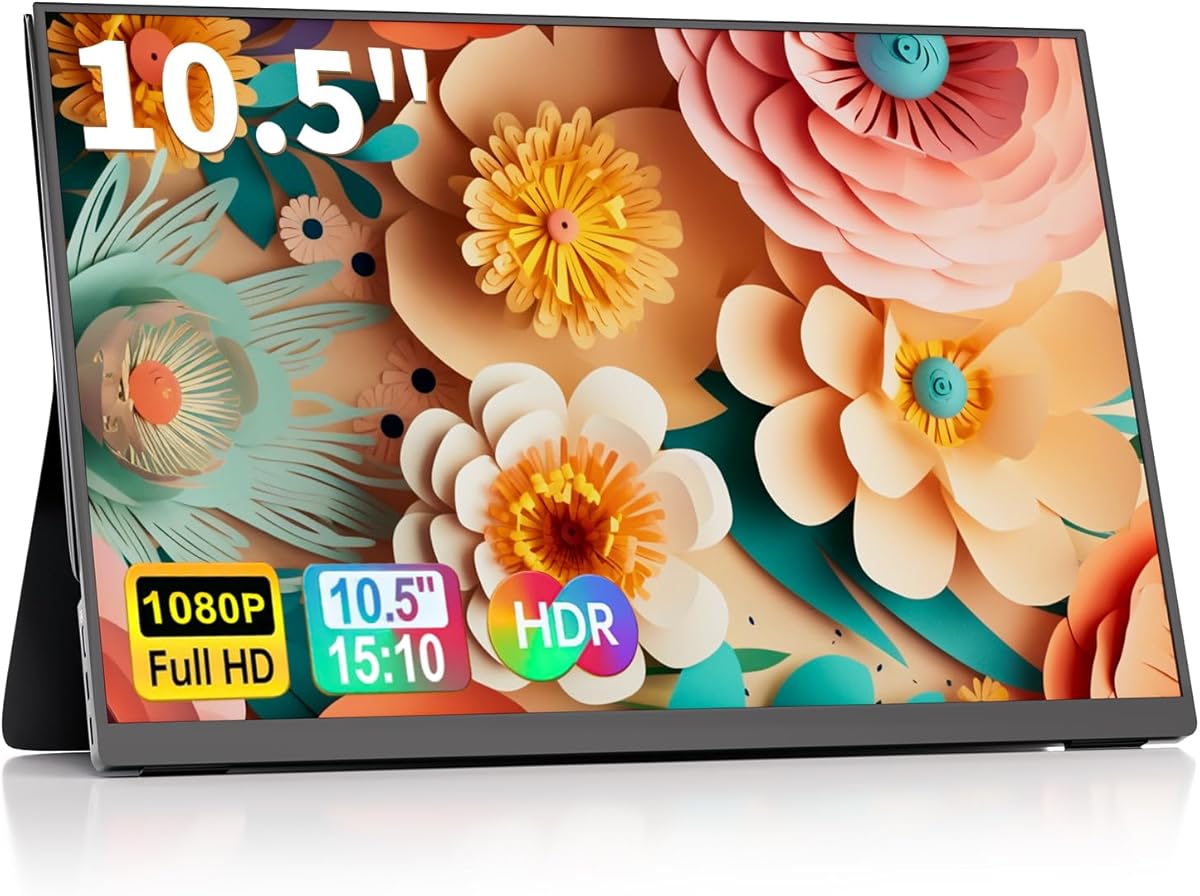
The ALLOG 10.5-inch portable monitor is the smallest display in this guide, offering 1920×1200 resolution and a 60Hz refresh rate. It carries a 4.1 rating and prioritizes a compact, travel-oriented footprint over the large screen and high refresh rate favored by dedicated gaming monitors.
We may earn a commission when you buy through this link, at no additional cost to you.
Its aluminum alloy casing provides a sturdy shell and effective heat dissipation, while the supplied connectivity includes two USB-C ports, Mini-HDMI, and a 3.5mm audio input. Nintendo Switch is explicitly listed as compatible, and the monitor is described as requiring no applications or drivers for basic plug-and-play operation.
A 10.5-inch screen is unquestionably the least immersive option for Switch 2 games, although its high pixel density can still produce a clear image. The 60Hz rate is suitable for many console titles but not ideal for users seeking very fluid motion. The physical size of the mini port and the need to manage power separately in some configurations are additional setup considerations.
This model makes the most sense for travelers, students, and occasional handheld gamers who value a pocket-adjacent second screen more than a large viewing area. It can be especially useful for quick mobile sessions where carrying a 16-inch monitor is inconvenient. Buyers should choose it for portability rather than console spectacle.
The small footprint makes this display practical to carry alongside a Switch 2. USB-C and Mini-HDMI provide connection options, while the smart cover offers basic viewing-angle adjustment.
The metal casing helps the monitor feel more robust while improving heat dissipation. That construction is useful during longer gaming sessions and repeated travel.
We may earn a commission when you buy through this link, at no additional cost to you.
The ARZOPA Z3FC is built for fast gaming, combining a 16.1-inch 2560×1440 panel with a listed 180Hz refresh rate. It holds a 4.2 rating and stands out as the highest-refresh option among the ten products, making it the strongest choice for motion-focused players who can source a suitably high-frame-rate signal.
We may earn a commission when you buy through this link, at no additional cost to you.
A 400-nit panel, 1000:1 contrast ratio, and 107% sRGB coverage produce a vivid image for gaming, media, and general productivity. Two fully functional USB-C connections and a Mini-HDMI port support a broad range of devices, including laptops, Macs, Xbox systems, PS5, and Steam Deck according to the supplied information.
A 180Hz monitor cannot create additional frames that the source does not provide. Switch 2 games and accessories may not consistently drive that rate, so the premium specification may remain underused. The description also does not explicitly confirm dock-free Switch 2 operation, meaning the appropriate power and video connection must be checked before purchase.
Despite that limitation, the Z3FC is a strong match for owners who alternate between a Switch 2 and a high-performance PC or another gaming device. It also works as a sharp secondary productivity display. For a console-only setup, ensure the relevant cable and power method are supported before ordering.
The 180Hz refresh rate provides considerable headroom for fast-moving content. It is most valuable when connected to a source and game capable of supplying a high frame rate.
The QHD panel and adjustable stand allow the monitor to serve as a gaming screen and desktop display. Its thin, portable format supports use in different locations.
We may earn a commission when you buy through this link, at no additional cost to you.
The cocopar 16-inch 2.5K monitor offers one of the strongest overall combinations of display quality, gaming performance, portability, and physical design. It has a 4.8 rating, a 2560×1600 resolution, 144Hz refresh rate, 470-nit brightness, and a listed 110% sRGB color gamut.
We may earn a commission when you buy through this link, at no additional cost to you.
The 16:10 aspect ratio gives Switch 2 users more vertical room while remaining compatible with the proportions of common gaming consoles. USB-C provides convenient single-cable operation when the source supports Thunderbolt or DisplayPort Alternate Mode, while HDMI provides an alternative connection path. The product is designed to work with PS5, Xbox, laptops, MacBooks, and other compatible devices without requiring driver installation.
Physical design is a major strength. The 1.5-pound metal chassis is thin, the kickstand adjusts from 0 to 90 degrees, and VESA holes allow an arm or stand to be added. Dual 1.5W speakers provide convenient audio for games and video, although their small output will not replace a dedicated sound system. Its 16-inch footprint is still larger than a compact travel monitor.
This is the most complete choice in the guide for a buyer who wants one portable display for gaming, travel, and productivity. It is especially attractive if the Switch 2 will share screen time with a laptop or PC. Confirm that the desired source supports the required USB-C mode or use HDMI, and choose this model for its all-around versatility.
The 16:10 format provides additional vertical space while remaining suitable for 16:9 console output. That balance makes it useful for both console menus and laptop desktops.
A 0-to-90-degree metal kickstand, VESA mounting holes, and a protective sleeve cover several placement styles. The monitor is suitable for a desk, monitor arm, or temporary travel setup.
The dual 1.5W speakers add useful sound without requiring another accessory. They are best suited to travel, meetings, and casual gaming rather than a full home-theater experience.
We may earn a commission when you buy through this link, at no additional cost to you.
The Kado two-pack of 15.6-inch portable monitors is a distinctive option for users who want more than one travel display. Each screen has a 1920×1080 IPS panel, and the pair carries a 4.3 rating. The configuration is especially useful for dual-screen laptop workflows, shared work setups, or keeping separate displays for different devices.
We may earn a commission when you buy through this link, at no additional cost to you.
Each monitor offers USB-C with DisplayPort Alternate Mode and HDMI, along with explicit compatibility for Nintendo Switch, Xbox, and PlayStation systems. The 45W USB-C reverse charging function is a useful addition when a compatible source needs more energy while sending video. A rotatable kickstand, 75×75mm VESA pattern, built-in speakers, and driver-free operation make each unit versatile.
The shared limitations of Full HD resolution and 60Hz refresh are more noticeable when considering premium alternatives. The screens are designed for productivity, travel, and general gaming rather than competitive high-refresh play. Carrying two 15.6-inch displays also consumes more luggage space, and the pack may be unnecessary for a single Switch 2 user.
Choose this bundle if you regularly work across two devices, travel with family or coworkers, or want a spare portable display. It is a practical productivity package with useful charging and mounting features. A single Switch 2 player who wants a large, sharp gaming image will likely find a dedicated high-resolution model more focused.
Two Full HD IPS screens can divide email, documents, communication, and game-related windows across separate devices. This is useful for mobile workflows that require more than one extended display.
The 45W USB-C reverse charging function can keep a compatible connected device powered while transmitting video. This simplifies setups where outlet access is limited.
We may earn a commission when you buy through this link, at no additional cost to you.
The S135 13.5-inch portable monitor is the most explicitly designed for the Switch and Switch 2 among these products. It has a 4.1 rating, a distinctive 2256×1504 resolution, 500-nit brightness, and 100% sRGB coverage. Its direct dock-free Switch 2 workflow makes it especially relevant to the keyword.
We may earn a commission when you buy through this link, at no additional cost to you.
The centerpiece is the promise of connecting a Switch or Switch 2 with one USB-C cable and playing on a larger screen without carrying a dock or performing extra setup. The same USB-C and HDMI connectivity also supports laptops, PS5 systems, and Android phones. At 1.32 pounds and only 0.39 inches thick, it remains easy to carry alongside the console.
No refresh rate is stated in the supplied specifications, so buyers who care about competitive motion should not assume a high-refresh panel. The 13.5-inch size is smaller than the 16-inch options but still a substantial upgrade over the Switch 2's built-in screen. Brightness and color coverage should provide a vivid image in well-lit or outdoor settings.
This is the recommendation for a Switch 2 owner who values a simple, dock-free connection more than desktop productivity or the largest possible panel. It is also a sensible travel companion because it is lighter than most full-size portable monitors. Confirm that the included cable and the console's current output arrangement match the user's setup before purchase.
The listed single-cable Switch 2 workflow removes the need to carry a separate dock. That convenience is the model's clearest advantage over displays requiring multiple adapters.
A listed 500-nit panel should remain clear in bright rooms and outdoors. Combined with 100% sRGB coverage, it provides a vivid foundation for colorful games and media.
The 1.32-pound weight and slim dimensions are well suited to travel. The monitor can be carried with the console without recreating the bulk of a desktop display.
We may earn a commission when you buy through this link, at no additional cost to you.
The VisionOwl 16-inch 2.5K monitor combines a 2560×1600 panel, 144Hz refresh rate, and 470-nit brightness with a 4.8 rating. It is a strong all-around option for console gaming and productivity, particularly for buyers who care about color depth and a complete set of included accessories.
We may earn a commission when you buy through this link, at no additional cost to you.
The 8-bit plus 2FRC IPS panel is listed as capable of displaying up to 1.07 billion colors with smoother gradients. Its 110% sRGB coverage makes it useful for photo editing, design, video, and games. The 16:10 ratio also matches modern MacBook displays more closely, helping reduce black bars when mirroring or extending a laptop screen.
Physical connectivity is thoughtfully arranged. A full-size Standard HDMI port is more robust than Mini-HDMI, while dual USB-C ports support compatible devices. A metal chassis, built-in kickstand, and VESA holes cover desktop and mounted arrangements. The included sleeve, power adapter, HDMI cable, and USB-C cables make the package particularly convenient for travel.
This is an excellent choice for users who want a premium portable monitor without giving up everyday productivity features. It can handle Switch and Switch 2 connections, but the description only states general Switch compatibility and does not promise dock-free operation. Verify the console's video and power requirements before buying. For a dedicated high-refresh desktop-style screen, it is one of the most balanced options here.
The 8-bit plus 2FRC configuration is intended to reduce banding and produce smoother transitions. That makes the screen useful beyond games for editing and general media consumption.
A sleeve, power adapter, Standard HDMI cable, and two USB-C display cables are included. The package reduces the need to identify compatible accessories before a trip.
The built-in kickstand offers immediate placement, while VESA holes support a monitor arm. That versatility allows one display to move between temporary and more permanent setups.
We may earn a commission when you buy through this link, at no additional cost to you.
The InnoView 15.6-inch portable monitor is a value-focused Full HD display with a 4.4 rating. It combines an IPS panel, 1920×1080 resolution, 60Hz refresh rate, and 178-degree viewing angle, making it suitable for Switch gaming, laptop extension, remote work, and everyday media use.
We may earn a commission when you buy through this link, at no additional cost to you.
The supplied compatibility list includes Nintendo Switch, Xbox, and PlayStation systems alongside laptops, phones, tablets, and desktop computers. Two full-function Type-C ports and one HDMI input provide several ways to connect. With a compatible USB-C source, a single cable can transmit display and power, while the monitor also supports reverse charging.
A notable limitation is that the power cable is not included when HDMI is used instead of USB-C. Buyers should keep that in mind if their source device cannot provide USB-C power. Full HD resolution and 60Hz are adequate for many games, but they are less impressive than the 2.5K and high-refresh alternatives. The built-in speaker is convenient rather than powerful.
This is a good lower-cost option for Switch 2 players who also need a general travel display. The smart protective cover provides transport protection and doubles as a landscape or portrait stand. Choose it for versatility and value; choose a high-refresh 2.5K model when sharper detail and smoother motion are the main priorities.
The monitor supports several common source devices and includes both USB-C and HDMI. This makes it a practical choice for a travel kit that serves gaming and productivity.
The scratch-resistant PU leather cover protects the screen while carrying and provides a stable base afterward. Landscape and portrait orientations support different working styles.
USB-C operation is straightforward with a compatible source, but an HDMI setup may require a separate power cable. Checking the user's existing accessories prevents an avoidable additional purchase.
We may earn a commission when you buy through this link, at no additional cost to you.
The most useful portable monitor for Switch 2 is not automatically the model with the longest specification list. Screen size, connection method, resolution, refresh rate, and intended use should be considered together, with particular attention to how the console will be powered and connected.
A portable monitor should support the connection method the player actually uses. USB-C is convenient when a single cable can carry both power and video, while HDMI may require separate power for some source devices. The S135 is explicitly presented as a dock-free Switch 2 option using one USB-C cable, which makes it particularly relevant for console-focused shopping.
Prioritize a model with clear Switch or Switch 2 compatibility and confirm whether a dock, adapter, or separate charging cable is required.
Screen size is the most visible difference between these products. The ALLOG 10.5-inch model is the easiest to carry, the S135 occupies a middle ground, and the 16-inch options provide the largest gaming view. A 16-inch screen feels more like a traditional display, but it also demands more bag space and may be less convenient beside a handheld console.
Choose the largest screen that remains practical for the intended trips, desk, and storage area rather than focusing on size alone.
Resolution determines how much visual information the panel can present. The 2560×1600 and 2560×1440 options are particularly crisp, while 1920×1080 remains perfectly usable and can make a smaller screen feel sharper. Resolution also matters outside games because higher density improves the readability of menus, documents, and streaming interfaces.
For a large 16-inch screen, 2.5K QHD offers a clear advantage over Full HD, especially for fine text and detailed game environments.
A 60Hz monitor can look perfectly smooth for many console games, but 144Hz and 180Hz options provide a major motion advantage when the game and source deliver enough frames. The SUPERFECT and ARZOPA Z3FC target fast play, while the cocopar and VisionOwl combine 144Hz with 2.5K resolution. Refresh rate alone does not create extra frames, so compatibility matters.
Prioritize a high refresh rate for competitive action or fast scrolling, and do not expect the Switch 2 to use the full potential of every model.
A bright display is useful in rooms with windows, on a patio, or during travel. The S135 leads the listed specifications at 500 nits, while the cocopar and VisionOwl offer 470 nits. Color coverage is also relevant for colorful games and media. The SUPERFECT uses a QLED panel with a listed 100% DCI-P3 gamut, while several alternatives advertise 100% or more sRGB coverage.
Choose higher brightness and wider color specifications when the screen will be used outdoors or for creative work in addition to gaming.
Connector durability can matter during frequent travel. Full-size HDMI and full-function USB-C ports are generally easier to manage than Mini-HDMI, while USB-C DisplayPort Alternate Mode enables more convenient single-cable operation. Materials also influence long-term use: the ALLOG, cocopar, and VisionOwl feature aluminum or metal construction, whereas other models focus on slim protective covers.
Check both connector type and the capabilities required by the source device, particularly for one-cable video and power configurations.
The included stand influences how easily a monitor can be positioned beside a Switch 2. Built-in kickstands provide immediate angle adjustment, while folding smart covers are thinner but offer fewer placement choices. VESA-compatible models can also be attached to an arm or stand, making them more useful in a temporary or semi-permanent workstation. Models with portrait support can be especially helpful for chat, video, or reading interfaces.
Consider the viewing position, available desk space, and whether portability or a fixed installation matters more before choosing the stand arrangement.
Built-in speakers can make a portable setup more self-contained, although their power is usually modest. The cocopar includes dual 1.5W speakers, while the Kado, VisionOwl, and InnoView also list integrated audio. A monitor that supports laptops, phones, and consoles can be more valuable if it handles video calls, streaming, and work as well as games.
Treat built-in audio as a convenience rather than a replacement for quality headphones or speakers, and favor a multi-purpose display if it will serve more than gaming.
Before connecting the monitor, check the output mode of the Switch 2, the supported refresh rate, and whether the included USB-C cable provides both video and power. A monitor may display an image without receiving enough power from the console, so a separate charging method can still be required. Update the console and any necessary display settings before changing the resolution or aspect ratio.
Place the portable monitor on a stable, flat surface and use the kickstand, cover, or VESA mount to achieve a comfortable viewing angle. Allow ventilation around the rear and avoid pressing on the panel or placing heavy objects against the screen. When moving between locations, insert the protective cover where supplied, pack the cables separately, and avoid leaving the display exposed to excessive heat or pressure.
For clean care, unplug the power and use a soft, dry microfiber cloth to remove fingerprints and dust. Do not spray cleaner directly onto the screen, and avoid ammonia-based or abrasive solutions. If the display flickers, verify the cable, power source, device protocol, and selected output mode before changing settings. Keeping the original case, cables, and documentation together simplifies troubleshooting and future travel.
The best choice depends on how you travel and play. The S135 is tailored to dock-free Switch 2 use, while the cocopar and VisionOwl offer larger 2.5K screens with 144Hz refresh rates for mixed gaming and productivity. Budget-conscious buyers may prefer the MNN for its simpler Full HD design and explicit Switch support.
It depends on the monitor and connection method. The S135 is described as supporting a dock-free, single USB-C connection with Switch 2, while other models may require HDMI, a suitable adapter, or separate power. Check the current product listing and console compatibility notes before relying on a one-cable setup.
A 2.5K panel can provide sharper menus, text, and game environments, particularly on a 16-inch display. The benefit is less obvious on a smaller screen because the pixels are packed more tightly. Resolution should therefore be considered alongside size, brightness, and the capabilities of the games you play.
A 144Hz or 180Hz panel can provide smoother motion if the console and game support a high frame rate. It is not automatically a visual upgrade for every title, and many games will run below the monitor's maximum refresh rate. The higher refresh models remain useful if the same screen will also serve a capable gaming PC.
The 10.5-inch ALLOG is the most compact model listed, while the 13.5-inch S135 offers a middle ground and remains light enough to carry easily. Larger 16-inch screens are more immersive but require more bag space. Choose based on the balance between display size and how often you will move the setup.
Yes, and most of the reviewed models support laptops, phones, tablets, and consoles in addition to the Switch 2. The 2.5K cocopar and VisionOwl are especially practical for productivity because of their larger screens, USB-C connectivity, and mounting options. Compatibility and single-cable power depend on the source device's supported protocols.
No, but integrated speakers can make a travel setup more convenient. The cocopar includes dual 1.5W speakers, and several other options also provide built-in audio. Headphones or separate speakers will usually deliver a stronger result, particularly for a larger group or a more immersive presentation.
First confirm that the source device supports the monitor's required USB-C DisplayPort Alternate Mode or Thunderbolt standard, then try a known-compatible cable. Some devices also need a separate power connection even when a picture appears. Resetting the console and selecting a supported resolution or refresh rate can also resolve unstable output.
The cocopar 16-inch 2.5K monitor is the most complete overall option because it combines a sharp 2560×1600 panel, 144Hz refresh rate, 470-nit brightness, an adjustable metal kickstand, VESA mounting, and built-in speakers. The MNN 15.6-inch model serves as the budget-focused pick, while the ARZOPA Z3FC offers the highest listed refresh rate for performance-oriented buyers.
For the most direct Switch 2 experience, the S135 deserves particular attention because its product information specifically describes dock-free, single-cable USB-C use and a lightweight 13.5-inch design. Prioritize that verified console workflow if simplicity matters more than maximum resolution. Otherwise, screen size, refresh rate, brightness, and the exact adapters you already own should guide the final decision.
Prices, availability, cable bundles, and product details can change over time, so review the current listing before buying. Confirm Switch 2 compatibility, supported output modes, and whether power and video can travel over the same cable. With those checks completed, the right portable monitor can provide a large, vivid, and highly convenient alternative to the console's built-in display.