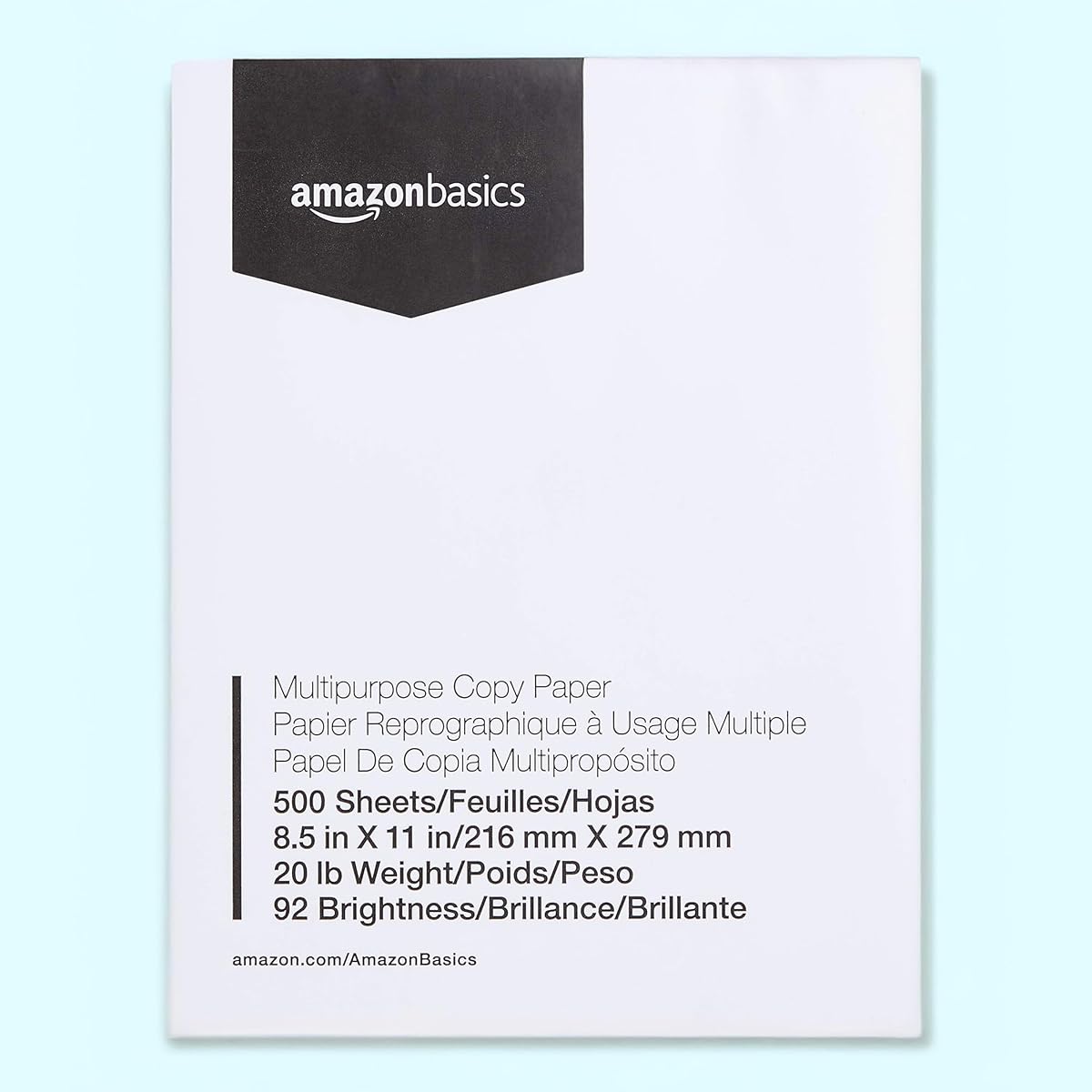
Amazon Basics Multipurpose Copy Printer Paper
4.8Editor score
20-pound multipurpose stock
92-bright white paper
Jam-resistant construction
500 sheets per ream
We compare the best paper for laser printing by weight, brightness, sheet count, jam resistance, color quality, and sustainability for home and office use.
Paper for laser printing should deliver clean text, smooth toner adhesion, reliable feed, and dependable results across the printers used at home or in the office. Weight, brightness, surface smoothness, and sheet dimensions all influence output quality, while a paper’s coating and construction can affect jams, drying, and long-term appearance.
This guide compares ten multipurpose, office, premium, and color-focused papers designed for laser printing. The evaluation considers the supplied specifications, including basis weight, brightness, ream size, compatibility, color treatment, acid-free status, sustainability credentials, and the manufacturers’ stated jam performance.
Each pick highlights a different reason to choose it, from dependable everyday printing to heavier presentation stock. Ratings reflect the available customer feedback, while the recommendations consider document type, printer behavior, color intensity, and printing volume. Product prices and availability can change, so check current listings before purchasing.
4.8Editor score

4.8Editor score

4.8Editor score
The comparison below places all ten choices side by side, with emphasis on paper weight, brightness, sheet quantity, color performance, printer compatibility, and the qualities that matter for routine or presentation printing.




HP Copy & Print 20 combines a 4.8 rating with specifications that make it a convincing all-purpose choice. The 8.5-by-11-inch, 20-pound sheets are designed for home, school, and office printing, with 92 brightness and ColorLok technology intended to produce vivid color, bold black text, and faster drying.
We may earn a commission when you buy through this link, at no additional cost to you.
One standout feature is the claim that the paper runs on HP equipment as well as other printers and copiers. That broad compatibility makes sense for anyone who moves between a home laser printer, an inkjet device, and office equipment. The FSC certification and use of renewable forest resources also distinguish it from basic unverified stock, while the sealed wrapper helps protect cut sheets from moisture.
There are some reasonable trade-offs. At 20 pounds, it is not as substantial as the 28- and 32-pound choices in this list, so it may feel less premium when producing presentations, proposals, or other documents meant to make a visual impression. ColorLok technology is useful for ordinary color documents, although specialty photo or exhibition paper would serve a different need.
This is an easy recommendation for most buyers because it balances versatility, brightness, sustainability, and a high customer rating. Choose HP Copy & Print 20 for routine reports, schoolwork, copies, internal documents, and mixed black-and-white or color printing. It is the strongest general-purpose option when you want one paper that can handle many jobs without moving to a heavier format.
Compatibility with laser printers, inkjet printers, and copiers gives this paper broad practical value. The stated 92 brightness should provide clear contrast for text while ColorLok technology supports more saturated color and quicker drying when documents contain mixed graphics.
FSC certification and sourcing from renewable forest resources make this a more responsible choice for environmentally conscious buyers. Its polyurethane-coated wrapper also helps protect the cut edges and sheet surfaces from moisture during storage.
We may earn a commission when you buy through this link, at no additional cost to you.
Amazon Basics Multipurpose Copy Printer Paper earns a 4.8 rating and is positioned as a practical, economical choice for everyday output. Each ream contains 500 white, letter-size sheets at 20 pounds and 92 brightness. The smooth stock is designed to distribute ink and toner consistently while drying quickly and resisting paper jams.
We may earn a commission when you buy through this link, at no additional cost to you.
Its greatest strength is versatility. The manufacturer explicitly lists compatibility with laser and inkjet printers, copiers, and fax machines, making it suitable for a home office or a shared workspace with several device types. Acid-free construction helps preserve the appearance of documents over time, while virgin paper is intended to provide consistent professional results.
The main limitation is that this is deliberately multipurpose paper rather than specialty media. It does not advertise the ultra-smooth surface, high-resolution capability, or heavy basis weight found among the premium products. Very formal presentations, brochures, and color-intensive design work may benefit from one of those heavier or more specialized alternatives.
Amazon Basics is a strong recommendation for people who print reports, forms, school projects, recipes, invoices, and ordinary color documents in meaningful quantities. If dependable everyday feed and broad compatibility matter more than a luxurious surface, this paper delivers the essentials without introducing unnecessary complexity.
The stated resistance to paper jams is valuable for anyone who prints long reports or handles multiple pages per run. A smooth 20-pound surface also supports consistent toner coverage and ink distribution across home and office equipment.
At 92 brightness, the paper offers useful contrast for standard documents. Its bright white shade is designed to help both black text and ordinary color graphics appear crisp without requiring the heavier construction of presentation stock.
We may earn a commission when you buy through this link, at no additional cost to you.
Hammermill Premium Inkjet & Laser is a 4.8-rated 24-pound paper intended for sharp, clear output across a wide range of office equipment. Its 97 brightness and blue-white shade distinguish it from standard 92-bright multipurpose stock, while the 500-sheet ream offers a practical balance for regular print jobs.
We may earn a commission when you buy through this link, at no additional cost to you.
ColorLok technology is central to the product's appeal. Hammermill states that it produces colors that are 30% brighter, blacks that are 60% bolder, and ink that dries three times faster than standard paper. The sheet is also suitable for double-sided projects and is formulated for newsletters, flyers, reports, memos, and other common business documents.
The main compromise is that this product is not exclusively engineered around high-speed laser equipment, unlike the Hammermill Premium Laser models later in the list. Buyers with a demanding color workflow or a need for heavier presentation stock may prefer one of those options. For general premium-quality printing, however, the broader inkjet and laser focus is a benefit.
This paper is well suited to households and offices producing polished but practical documents. It works particularly well when reports, school projects, or internal communications need more visual clarity than ordinary copy paper without the bulk of 28- or 32-pound stock. Its brightness, weight, and FSC certification create a convincing middle ground.
The 97-brightness blue-white shade gives text and graphics a clean, high-contrast appearance. That difference is noticeable in reports, charts, and double-sided pages where ordinary paper can make an otherwise professional document look flat.
The stated ColorLok treatment is designed to improve toner or ink appearance and reduce drying time. This can be useful for mixed-color pages that must be handled immediately or printed on both sides without extended pauses.
We may earn a commission when you buy through this link, at no additional cost to you.
HP All In One 22 receives a 4.8 rating and stands out for its unusual 750-sheet mega ream. The 22-pound weight, 96 brightness, and 8.5-by-11-inch format make it a substantial multipurpose option for users who want to reduce the frequency of replenishing paper.
We may earn a commission when you buy through this link, at no additional cost to you.
HP describes the sheets as thicker, brighter, and whiter than ordinary multipurpose printing papers. They are optimized for inkjet and laser printers as well as copiers, which gives the product flexibility in mixed offices. ColorLok technology is included to produce more vivid colors, bolder blacks, and faster drying, making it useful when a multipurpose ream still needs to handle colored content.
The additional weight is not free. Some compact printers and small manual-feed trays may have narrower paper-handling limits, so buyers should verify their device specifications before switching from 20-pound stock. It also costs more in general than a standard single ream, although that comparison should be made against the total quantity and current market pricing.
HP All In One 22 is ideal for schools, administrative teams, and busy home offices that consume substantial paper. It offers a stronger appearance than basic copy paper while remaining lighter than presentation-grade 28- and 32-pound choices. For high-volume users who want fewer ream changes, the 750-sheet format is a practical advantage.
At 750 sheets, this mega ream covers substantially more printing than a standard 500-sheet package. For a school, clinic, or office with regular document output, that larger quantity can simplify storage and reduce interruptions caused by running out of paper.
The 96-brightness rating and HP's description of the stock as brighter and whiter than ordinary multipurpose paper should improve perceived contrast. It remains a practical option for color documents as well as routine black-and-white output.
We may earn a commission when you buy through this link, at no additional cost to you.
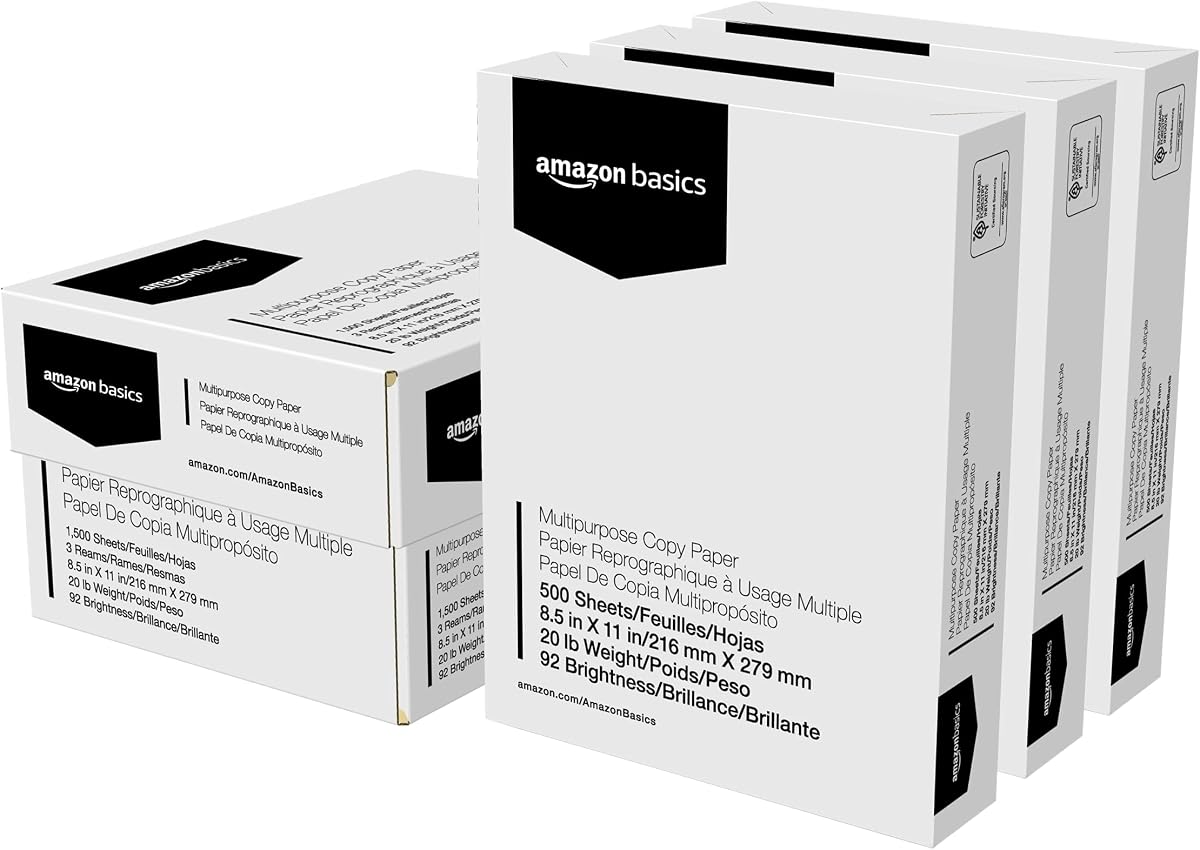
Amazon Basics Multipurpose Copy Printer Paper in the three-ream case supplies 1,500 letter-size sheets, making it a straightforward bulk option for high-volume homes and offices. The 4.8-rated paper retains the familiar 20-pound weight and 92 brightness of the brand's standard multipurpose line, with three reams for easier storage and handling.
We may earn a commission when you buy through this link, at no additional cost to you.
The smooth paper is intended to distribute ink and toner consistently, dry quickly, and resist jams. It works with laser and inkjet printers, copiers, and fax machines, while the bright white surface provides good contrast for both text and color. Acid-free construction helps protect stored documents from yellowing.
The obvious trade-off is storage and handling. Three full reams take up more room than a single ream, and the package itself has listed dimensions of 11.5 by 8.75 by 6.25 inches. Buyers should also recognize that the basic 20-pound construction does not provide the tactile substance or presentation quality of heavier choices.
This case works best for people who already know they need substantial quantities of dependable standard paper. It is useful for school semesters, office supply cycles, invoice preparation, and frequent home printing. The main advantage is convenience and supply continuity rather than a specialized printing feature, making it a sensible bulk-purchasing option.
The 1,500-sheet case is divided into three 500-sheet reams, which can make storage and replenishment more manageable than one very large bundle. It is a practical choice when keeping at least one spare ream on hand is important.
Support for laser and inkjet printers, copiers, and fax machines keeps the paper useful across different equipment. Its smooth surface and stated jam resistance are intended to support steady feeding in high-volume workflows.
We may earn a commission when you buy through this link, at no additional cost to you.
HP Premium 32 is the most substantial conventional sheet among the HP products in this guide, combining a 4.8 rating with a 32-pound weight and 100 brightness. Its 163 whiteness and super-smooth surface are specifically presented as features for impressive full-color premium printing.
We may earn a commission when you buy through this link, at no additional cost to you.
This paper is built for documents that need to look more substantial, such as reports, proposals, presentations, and other professional collateral. ColorLok technology is included for more vivid colors, bolder blacks, and faster drying, while the smooth surface helps support refined image and text rendering. It is FSC-certified and made in the United States according to the supplied product information.
The trade-offs relate to cost efficiency and equipment capacity. A 32-pound sheet is substantially heavier than ordinary copy paper, so using it for every high-volume print job can be wasteful. It may also be unsuitable for printers with limited paper trays or manual-feed openings, making compatibility checks important for owners of older or compact devices.
HP Premium 32 is the recommendation for buyers who judge output by appearance and feel rather than unit cost. It is well suited to premium color documents, polished reports, and presentation material that needs a confident visual presence. When the document deserves a heavier paper, this option provides the brightness, smoothness, and archival qualities to justify it.
At 32 pounds, the paper feels and handles more like premium presentation stock than standard multipurpose paper. That added substance can make a report, proposal, or color handout appear more carefully produced and less likely to bend or curl during handling.
The listed 100 brightness and 163 whiteness provide a notably bright appearance for professional output. Combined with the super-smooth surface and ColorLok treatment, the specifications target sharp text and rich full-color reproduction.
We may earn a commission when you buy through this link, at no additional cost to you.
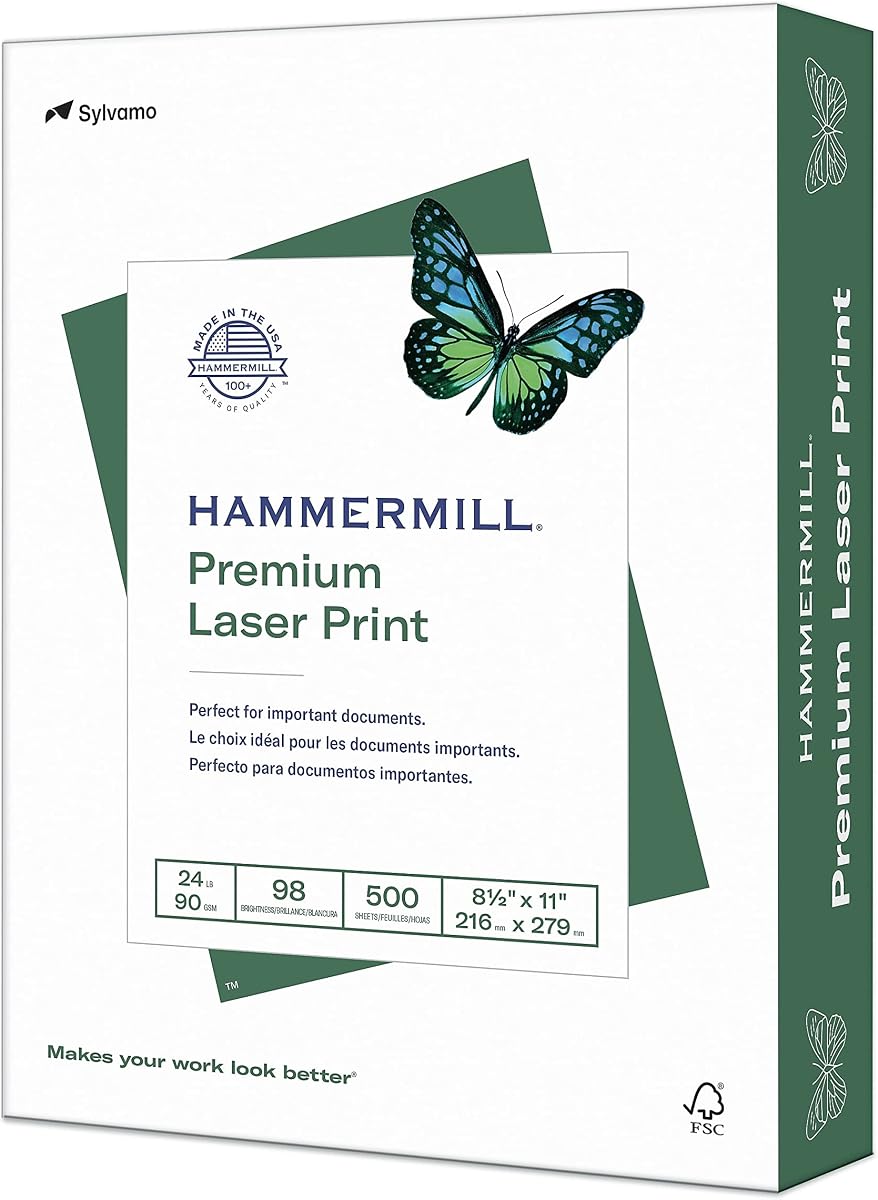
Hammermill Premium Laser 24 earns a 4.7 rating and focuses specifically on professional-looking, color-intensive laser printing. The 8.5-by-11-inch sheets weigh 24 pounds and carry a 98 brightness rating, giving the paper a more refined look than ordinary 20-pound copy stock.
We may earn a commission when you buy through this link, at no additional cost to you.
Its ultra-smooth finish is specially formulated for color images and text and is stated to support resolution up to 2400 dpi. That makes the product relevant for brochures, direct mail, design proposals, and full-color presentations where visual consistency matters. It is also engineered to run in laser and color printers rather than claiming equal specialization for every office device.
Hammermill provides an unusually specific jam-free guarantee: no more than one jam in 10,000 sheets on high-speed digital equipment, with replacement if that threshold is exceeded. This is especially reassuring for offices relying on production printers, although individual printer conditions can still affect performance.
This paper is a strong choice for color-heavy professional work that does not require the substantial 32-pound weight. Buyers producing newsletters, proposals, brochures, and presentations can benefit from the smooth surface, strong brightness, and laser-specific design. For plain internal printing, those premium traits may be more than necessary.
Unlike general-purpose sheets that divide attention between inkjet and laser devices, this paper is designed around laser and color printers. Its smooth surface and stated 2400-dpi capability make it a logical option for detailed graphics and professionally printed marketing material.
The stated guarantee allows no more than one jam in 10,000 sheets on high-speed digital equipment. That level of specificity offers useful reassurance for print shops, administrative teams, and offices that cannot afford frequent interruptions.
We may earn a commission when you buy through this link, at no additional cost to you.
Hammermill Premium Laser 32 combines a 4.7 rating with heavyweight paper for professional, color-intensive printing. Its 32-pound basis weight, 98 brightness, and ultra-smooth finish give documents a substantial appearance while supporting sharp images and text in laser and color printers.
We may earn a commission when you buy through this link, at no additional cost to you.
The surface is stated to handle resolution up to 2400 dpi, making this paper suitable for design proposals, direct mail, brochures, and full-color presentations. Its heavier weight helps convey quality through both appearance and handling, while the white shade maintains contrast. The product is also acid-free and designed to resist yellowing over time.
As with other heavyweight sheets, the disadvantages are economic and mechanical. It is not a sensible choice for routine school notes, draft copies, or high-volume internal forms, and users should confirm that their printer's tray and manual-feed specifications support 32-pound media. The trade-off is intentional: fewer sheets are needed to create the same physical impression.
Hammermill Premium Laser 32 is best suited to business owners, designers, and professional teams preparing a limited number of high-impact documents. It is particularly compelling for full-color proposals and presentations where image detail, substantial handling, and archival appearance all matter. For those projects, the heavier construction is a feature rather than excess.
The 32-pound weight provides a noticeably firmer feel than standard office stock. It is better suited to materials that clients or audiences will handle directly, including polished proposals, brochures, and presentation handouts.
An ultra-smooth surface and stated support for up to 2400 dpi target high-detail laser output. The 98 brightness preserves strong contrast, while the heavier sheet helps color-rich pages look more refined.
We may earn a commission when you buy through this link, at no additional cost to you.
Staples Laser Paper delivers a 4.8 rating with a useful balance of 28-pound weight and 98 brightness. Each ream contains 500 white letter-size sheets, giving it enough substance for professional documents without reaching the heaviest 32-pound category.
We may earn a commission when you buy through this link, at no additional cost to you.
The paper is marketed for professional use across laser and inkjet printers, which expands its appeal for mixed-device environments. Its 98 brightness should support sharp, clear results, while acid-free construction is intended to prevent crumbling or yellowing over time. It is also FSC-certified and sourced from responsibly managed forests.
Compared with the premium Hammermill laser papers, Staples provides less detail about specialized surface engineering, resolution, drying, or a specific jam guarantee. That does not negate its practical strengths, but buyers seeking highly technical color specifications may find the two Hammermill options better documented for intensive graphics.
This is a versatile middle-ground recommendation for offices that want paper a little more substantial than copy stock. It works for reports, internal presentations, direct correspondence, and professional color documents. Users who want a durable, sharp-looking page without the handling demands of the heaviest premium sheets will find this a balanced option.
The 28-pound weight falls between standard copy paper and 32-pound presentation stock. It can give reports and correspondence a more professional feel while remaining easier to feed and handle than the heaviest alternatives.
A 98 brightness rating supports clean contrast for printed details. FSC certification adds a sustainability credential, while acid-free construction helps maintain long-term appearance and reduces the risk of brittleness or yellowing.
We may earn a commission when you buy through this link, at no additional cost to you.
HP Office 20 is built around dependable, high-volume everyday printing and comes in a three-ream case containing 1,500 sheets. It carries a 4.8 rating, 92 brightness, and standard letter dimensions, making it directly relevant to homes, schools, and offices with regular output needs.
We may earn a commission when you buy through this link, at no additional cost to you.
The manufacturer emphasizes reliability and dependability for high-volume printing while noting that the paper works with HP equipment as well as other printers and copiers. ColorLok technology adds more vivid colors, bolder blacks, and faster drying, although the main use case described for this product is everyday black-and-white printing.
FSC certification, renewable forest sourcing, production with no deforestation in North America, and LEED-credit contribution give the product a responsible-sourcing profile. Acid-free construction is intended to prevent yellowing and maintain the appearance of stored documents over time.
HP Office 20 is best for routine reports, forms, internal communications, schoolwork, and high-volume monochrome documents. It is less compelling for premium presentations because the 20-pound weight offers little tactile distinction from ordinary copy paper, but its large quantity and strong compatibility make it a dependable operational choice.
The 1,500-sheet package is intended to support frequent printing without frequent paper orders. Its standard 20-pound construction should be familiar to most laser printers and is practical for routine office documents.
FSC certification and responsible forest sourcing provide useful documentation for sustainability-minded organizations. The paper also offers acid-free storage qualities and ColorLok treatment for ordinary color output.
We may earn a commission when you buy through this link, at no additional cost to you.
The best paper for laser printing depends on your printer, documents, and expected volume. Weight, brightness, surface smoothness, color treatment, jam resistance, and sheet quantity should be matched to the work rather than chosen by brand alone.
Paper weight is commonly expressed in pounds and indicates thickness and substance. A 20-pound sheet is the conventional choice for routine reports, copies, schoolwork, forms, and internal documents. Moving to 24 pounds adds a more substantial feel without greatly increasing the premium character of a print job. At 28 and 32 pounds, the paper is better suited to professional proposals, presentations, brochures, direct mail, and other materials that people may hold, sort, or present.
Choose 20-pound paper for value and machine compatibility, 24-pound paper for a balance of quality and practicality, and heavier stock when appearance and handling are priorities. Always verify your printer's supported basis-weight range, particularly for manual-feed slots and compact devices.
Brightness describes how white or light a sheet appears, while whiteness relates more closely to the absence of color in the paper. Higher brightness can improve perceived contrast and make black text look sharper. Most standard multipurpose choices in this guide range from 92 to 97 brightness, while the HP Premium 32 reaches 100 and several color-focused options offer 98. Higher numbers are not automatically right for every task, but they are valuable when documents need crisp presentation-quality output.
For ordinary home or office printing, 92 brightness is generally sufficient. Consider 97 or higher when creating reports, charts, proposals, or pages with substantial graphics. Judge brightness alongside color treatment and smoothness rather than relying on that number alone.
A smooth, consistent surface helps toner spread evenly and can improve the appearance of fine text, photographic images, and solid color areas. Products marketed for color-intensive printing often emphasize an ultra-smooth finish and high-resolution capability. General-purpose copy paper may not make the same claims, although a smooth 20-pound surface can still produce clean everyday documents. Smoothness should be considered alongside weight because very heavy paper can feel premium while still lacking the surface characteristics needed for fine graphic detail.
Choose a smoother paper for brochures, presentations, design proposals, and detailed color images. For schoolwork, copies, and internal reports, prioritize dependable feeding and contrast over a highly specialized finish.
A paper may be usable in multiple devices, but the strongest laser-specific choices are formulated with laser toner and high-speed office equipment in mind. General-purpose products that support laser and inkjet printers provide flexibility for homes that own both types. Copier and fax compatibility can also be useful in offices with shared equipment. The mere fact that a sheet is plain white does not guarantee trouble-free operation, so check the stated compatibility and your printer manufacturer's loading recommendations.
Choose general-purpose stock for mixed equipment and laser-specific paper for production printers, brochures, and color-heavy office jobs. If your printer has manual-feed limitations, verify sheet weight and dimensions before buying in bulk.
Reliable paper feeding saves time, reduces waste, and protects productivity. Some papers explicitly state that they resist jams, while Hammermill offers a specific guarantee covering high-speed digital equipment. A smoother cut and balanced sheet construction can help, but the printer, toner level, environmental humidity, and maintenance state also influence feeding. It is sensible to load high-speed equipment with the paper best suited to that machine rather than assuming every white sheet will perform identically.
For routine printing, choose a product with stated jam-resistant or smooth-surface characteristics. For high-speed digital workflows, a documented jam guarantee offers added reassurance. Store paper in a dry environment and avoid overloading trays.
Color-focused papers use surface treatments to promote more vivid colors, bolder blacks, and faster drying. HP calls this ColorLok technology, while Hammermill uses the same name for its relevant products and provides specific brightness and drying claims. Faster drying is particularly helpful for duplex printing or jobs that are handled immediately after leaving the machine. Enhanced color characteristics are valuable for flyers, charts, newsletters, and presentations, although ordinary black-and-white documents do not require the strongest possible color treatment.
Choose enhanced color paper for graphics and mixed-color documents. For text-heavy printing, good brightness, smooth feeding, and suitable weight will matter more than a specialized coating for saturation.
A standard ream contains 500 sheets, but the products in this guide also include 750-sheet mega reams and 1,500-sheet cases. Larger packages reduce replenishment and can be convenient for high-volume users, while separate reams make storage easier. They also require more shelf space and tie up more paper at once. Smaller reams may make better sense for limited storage, occasional printing, or keeping paper near several different devices.
Estimate your monthly print volume and divide it by the sheets in each package. Choose a 1,500-sheet case for steady high-volume use, a 750-sheet mega ream for a useful middle ground, and a 500-sheet ream when convenience and storage matter more.
Sustainability credentials can include FSC certification, responsible forest sourcing, recycled content, and reduced-deforestation manufacturing claims. None of those details automatically determines print quality, but they matter for organizations with environmental goals or procurement standards. Acid-free paper is also relevant when documents need to remain readable and visually stable over time. Look for specific certifications rather than vague sustainability language, and separate responsible sourcing claims from claims about recycled content.
Prioritize FSC certification when responsible forestry is important to you, and choose acid-free stock for records and long-term documents. For most home users, pairing sustainable sourcing with dependable feeding and clean output provides the most useful balance.
Load laser paper into the printer according to the manufacturer's guidance, confirming that the tray supports the selected sheet size and basis weight. Remove wrapping and any loose sheets from the stack, align the edges, and adjust the guides so the paper can move freely. For a new paper or printer, test a few pages before beginning a large job.
Keep unopened reams in their protective packaging and store them in a dry, climate-controlled area away from direct sunlight. Avoid locations with strong humidity, leaks, or rapid temperature changes because moisture can cause waviness, sticking, and feeding problems. Let paper acclimate to room conditions before opening a package used in a cooler environment.
Use the appropriate print settings for the chosen paper rather than forcing plain copy-paper settings onto heavier stock. Select the matching paper type or weight when the printer offers that option, clean the feed rollers occasionally, and remove damaged sheets. For duplex jobs, verify that the printer supports automatic double-sided printing and allow heavier papers additional time to dry.
Yes, 20-pound paper is a standard and dependable choice for most laser printers. It works well for reports, school projects, invoices, forms, and ordinary color documents while feeding smoothly through many home and office devices. Heavier paper may look more premium, but it is not necessary for every print job.
The best weight depends on your printer and the document's purpose. Most routine printing is comfortable at 20 pounds, while 24 pounds offers a balance of substance and practicality. Heavier 28- or 32-pound paper suits presentations and professional proposals, provided your printer supports the greater thickness and paper capacity.
Not automatically. Heavier paper can provide a more substantial appearance, but jams are influenced by sheet construction, printer design, humidity, roller condition, and how the stack is loaded. Products with smooth finishes or specific jam-resistance claims may perform better in demanding equipment, so check both paper specifications and printer requirements.
Brighter paper can make black text look sharper and give color graphics a cleaner appearance. A 92-brightness sheet is adequate for normal documents, while 97 to 100 brightness is beneficial for reports, charts, proposals, and presentations. Other factors such as weight, smoothness, and toner compatibility also influence the final result.
It depends on the product. Several choices in this guide explicitly support both laser and inkjet equipment, including the Amazon Basics, Hammermill Premium Inkjet & Laser, HP Copy & Print, and Staples papers. Products marketed specifically for premium laser printing may still work in compatible inkjet devices, but you should confirm the manufacturer's guidance before use.
The HP Premium 32 and Hammermill Premium Laser options are strong candidates because they combine heavier weights with smooth surfaces and color-focused features. A 24-pound paper such as Hammermill Premium Laser 24 can produce polished color output at a lighter weight. The right choice depends on whether visual impact, high-resolution detail, or economical volume matters more.
Acid-free paper is preferable for records, reports, and documents intended for long-term storage. It resists yellowing and helps maintain the original appearance over time. For temporary copies, the attribute may be less important, but it adds useful longevity without changing the core printing process.
Keep the paper in its original wrapper, in a dry location protected from sunlight and large temperature changes. Avoid damp basements, kitchens, or areas near leaks. Let cold paper reach room temperature before opening, and always follow the printer manufacturer's loading and storage recommendations.
HP Copy & Print 20 is the strongest overall choice because it combines broad device compatibility, 92 brightness, ColorLok treatment, and FSC certification in a practical 20-pound format. Amazon Basics Multipurpose offers dependable everyday performance and clear value, while HP Premium 32 delivers the brightness, smoothness, and substantial presentation weight needed for polished output.
Prioritize printer compatibility and paper weight before any aesthetic feature. Use standard 20-pound stock for high-volume routine work, move to 24 pounds when a cleaner, more substantial appearance is useful, and choose 28- or 32-pound sheets for professional material that needs to feel and look premium. For color-heavy jobs, pay close attention to smooth surfaces and drying treatment.
Finally, compare current prices, package sizes, and manufacturer specifications before purchasing. Stock levels and product details can change, and printer compatibility should always be confirmed for new paper or unfamiliar equipment. With the right weight, brightness, and surface for your documents, laser printing becomes more consistent and easier to manage.