
Kids Smart Watch Safe First Phone Watch
4.5Editor score
Approved contacts only
Live GPS and geofences
Remote listen-in controls
Classroom distraction blocking
Communication Watches for Kids compared for GPS, calling, messaging, safety, durability, parental controls, and everyday use to help families choose confidently
Communication watches for kids combine wrist-worn calling and messaging with GPS tracking, emergency tools, and parent-managed controls. A useful model should help children stay connected without exposing them to an open internet, unfamiliar callers, social media, or unrestricted apps. The right balance depends heavily on the child’s age, independence, school environment, and family communication habits.
This guide compares ten communication watches using the information supplied for each model, with particular attention to location accuracy, approved-contact controls, calling and messaging functions, school modes, water resistance, battery claims, and ease of activation. It also identifies which models are most practical for younger children, active kids, and families that want a tightly controlled, browser-free experience.
Each review explains the watch’s strongest benefits, practical limitations, and best-fit buyer. Award labels are reserved for the top three recommendations, while the full comparison covers every watch in the list. Product availability, subscription terms, and prices can change, so readers should confirm the current listing and service requirements before purchasing.
4.5Editor score

4.9Editor score

3.5Editor score
The table below compares the ten watches by their most important communication, safety, durability, and control features. It also highlights practical differences in the included cellular service, age range, school controls, and available forms of communication.
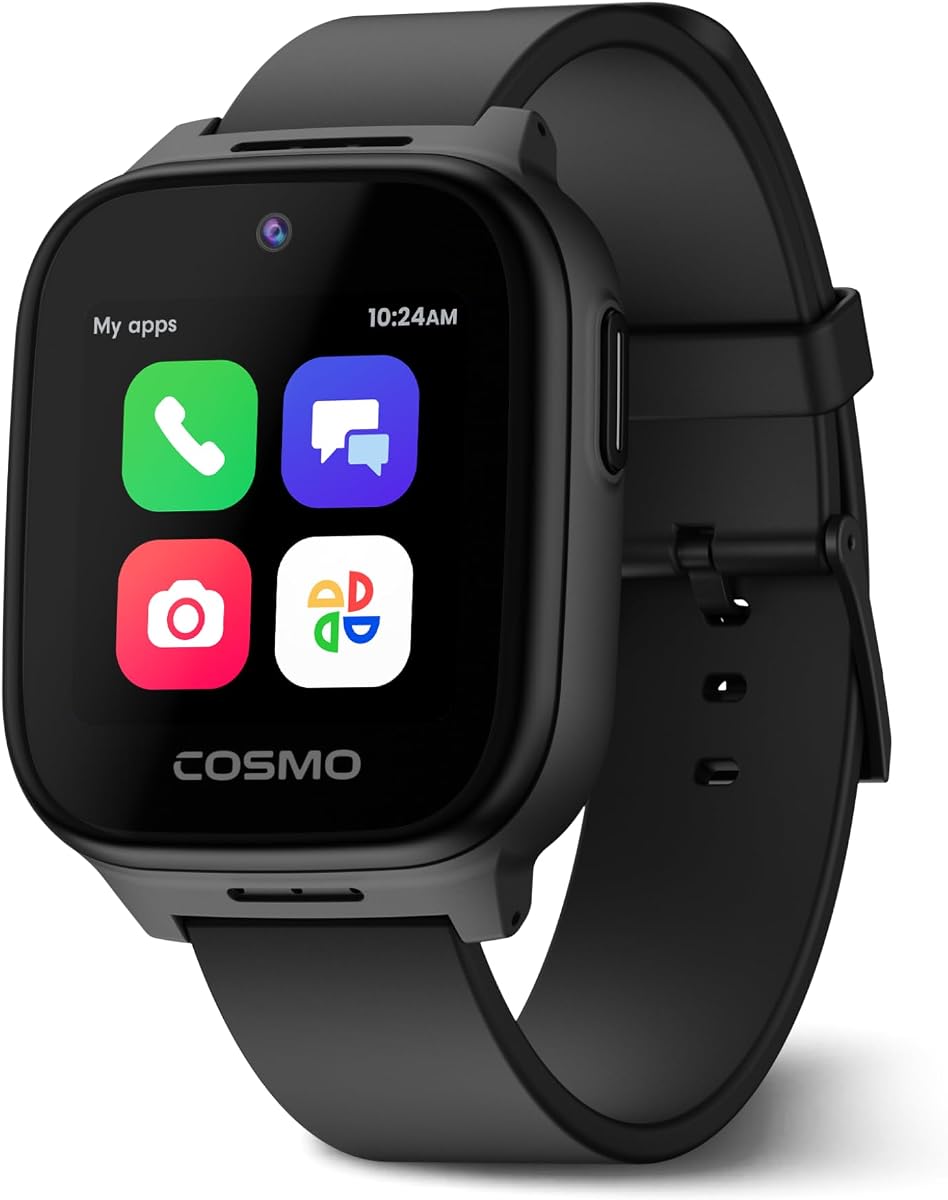
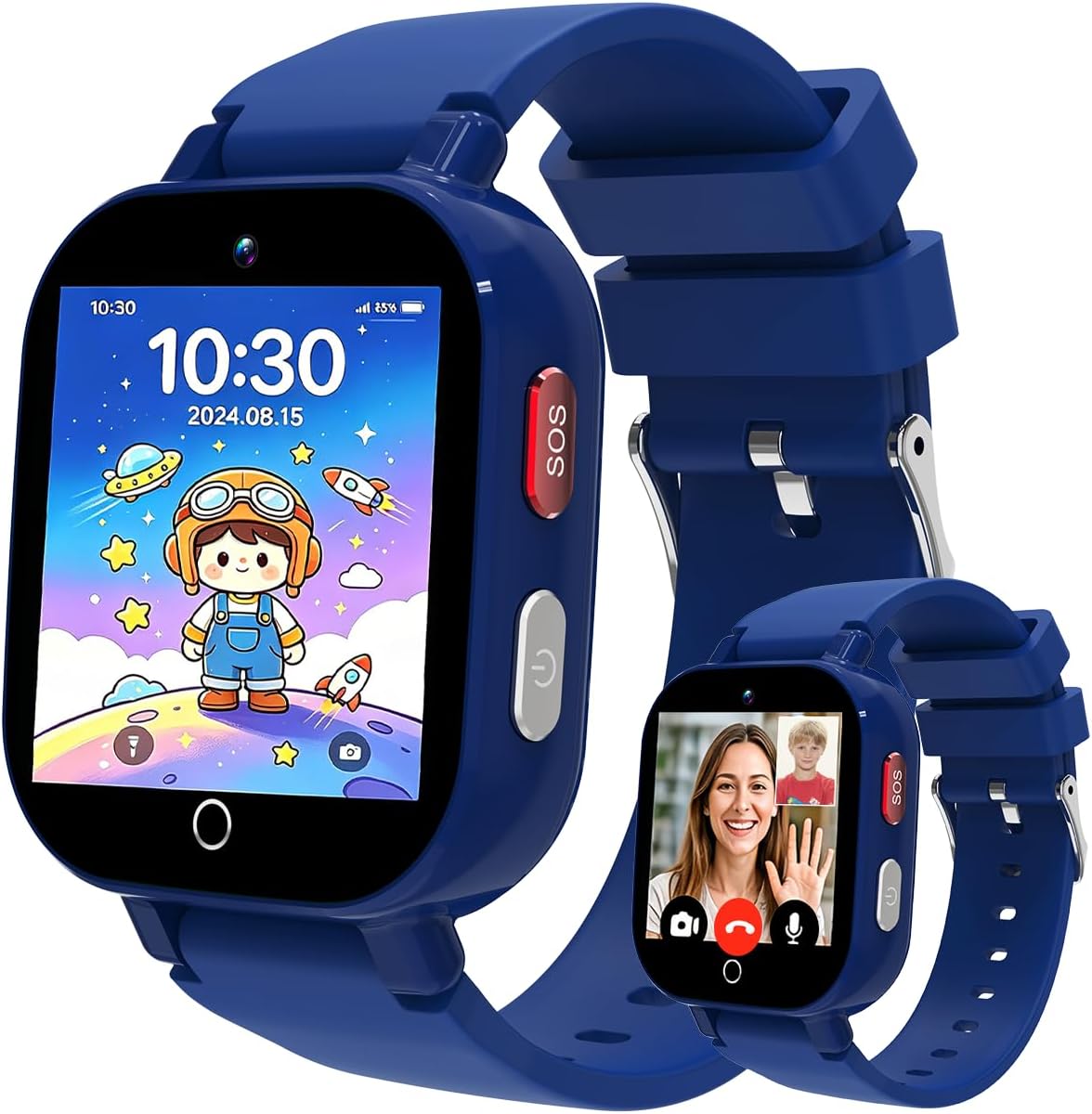


The JrTrack 5 is a feature-rich communication watch aimed at children aged six and older who are ready for a safer alternative to a smartphone. Its supplied rating is 3.6, but the product data emphasizes a broad combination of real-time GPS, secure calling, multimedia messaging, parent controls, and safety tools. The result is a device designed less as entertainment and more as a managed connection point for school, travel, and family routines.
We may earn a commission when you buy through this link, at no additional cost to you.
Its strongest feature is the control placed in the parent’s hands. Only approved contacts can reach the child, internet and social-media access are blocked, and parents can monitor text messages, set time limits, and select which kid-safe apps remain available. The SafeCore system combines SOS alerts, GPS SafeZone notifications, and optional emergency calling, while Focus Mode can lock distracting functions when the child needs to concentrate.
Communication is also broader than a basic call-and-track watch. Supported messaging includes text, pictures, audio, and short video messages, while the watch also offers Spotify and Spotify Kids access when appropriately enabled and subscribed. Real-time HaloGPS tracking, route location, an alarm, reminders, activity goals, a calculator, timer, and stopwatch make it useful beyond emergencies. The main caveat is that JrTrack uses its own eSIM-based family-safe service and is not compatible with other carriers.
The JrTrack 5 is best for families that want extensive communication options while retaining strict boundaries around contacts and internet access. It is especially suitable for children old enough to manage messages independently but not yet ready for a full smartphone. Verify cellular availability, plan requirements, and the parent app’s controls before buying, but for breadth of child-safe features, this remains one of the most capable watches in the guide.
The watch keeps children inside a tightly controlled communication environment. Parent-managed contacts, monitored messages, selectable apps, and blocked internet access help reduce exposure to strangers and distracting online content.
Real-time location, SafeZone notifications, emergency calling, SOS alerts, and customizable Focus Mode give parents useful tools for both school hours and after-school travel. These features are particularly helpful when a child starts moving around more independently.
We may earn a commission when you buy through this link, at no additional cost to you.
This 4G GPS video watch targets children approximately four to twelve years old and combines communication with a large collection of location, entertainment, and control functions. Its 4.1 rating reflects a generally capable product, while the supplied details highlight multiple satellite systems, real-time location updates, geofences, 4G video calling, remote monitoring, and IP68 waterproofing.
We may earn a commission when you buy through this link, at no additional cost to you.
Location tracking is one of the model’s strongest selling points. It supports GPS, GLONASS, Galileo, BeiDou, QZSS, and NavIC, alongside Wi-Fi and LBS positioning. Parents can inspect location history, review daily routes, create multiple safe zones, refresh a child’s position, and remotely ring the watch. Those functions provide more context than a single map pin and help reveal whether a child is following an expected routine.
The communication suite includes 4G video calls, ordinary voice calls, instant messaging, a family group chat, voice messages, texts, and emojis. A press-and-hold SOS control calls preset contacts, while remote listening lets a parent hear the watch’s surroundings when needed. The parent app supports blocked unknown calls, a disabled dial pad, class mode, scheduled power controls, remote restart, and other call restrictions. An AI voice assistant, translation, image recognition, camera, games, and sports modes add variety without displacing the core safety tools.
The key compromise is regional limitation: the watch supports the United States but not other countries. Its stated five-day daily-use battery life is also more useful as a manufacturer claim than a guarantee, since calling, video, GPS, and Wi-Fi use can affect runtime. This is a strong option for families seeking many functions, extensive location data, and a generous age range without paying for a more specialized platform.
Parents can do more than see a current location. Route history, multiple geofences, location refreshes, and remote ringing make it easier to investigate unusual changes in a child’s movements and to establish recurring safe zones around home or school.
The watch includes useful extras such as an AI assistant, translation tools, a camera, games, and sports modes, while class mode and contact restrictions preserve the structure parents need. Restricting those features through the app is straightforward.
We may earn a commission when you buy through this link, at no additional cost to you.
The 4G GPS School Watch is designed for children ages four to twelve and offers an accessible mix of video communication, location tracking, school controls, and basic entertainment. Its 4.4 rating is among the stronger results in this comparison, and the supplied information presents it as a straightforward first communication device with a curved 1.54-inch display and soft silicone plus woven strap options.
We may earn a commission when you buy through this link, at no additional cost to you.
Communication includes stable 4G voice calling, voice chat, ordinary phone functions, and two-way HD video through a front camera. Parents initiate contact through the YQT Smart app, while children can use one-touch SOS calling when needed. The watch also includes an alarm, pedometer, stopwatch, and games, giving it enough utility for everyday routines without overwhelming the primary communication functions.
Safety tools are built around dual GPS and LBS positioning. Parents can view real-time location, examine the full day’s route history, and establish an electronic fence that triggers an alarm when the child leaves the designated area. Class mode can be managed remotely to limit use during school periods, and the app allows approved-contact management and rejection of unknown incoming calls. The physical design also appears aimed at comfort, with breathable silicone and a woven alternative strap.
Families should note that the included Speedtalk SIM card is currently valid only in the United States and must be activated on the Speedtalk website with a suitable data plan. The watch should also be powered off while inserting the SIM. Beyond that service limitation, this model is a persuasive pick for parents who want video, geofencing, school management, and location history in a kid-friendly design.
A front camera and two-way HD video calling make this watch useful for quick visual check-ins. The child can also use voice chat and standard calling, giving families more than one way to reach each other.
The curved IPS HD screen, breathable silicone strap, and woven strap option support comfort during school and play. Multiple band choices also make it easier to match the watch to a child’s preferred style.
We may earn a commission when you buy through this link, at no additional cost to you.
The Junicare watch is a communication-focused smartwatch for children aged four to twelve, with voice calls, text chat, video calling, GPS, SOS, and app-based parental controls. Its 4.2 rating and detailed feature list make it a credible all-rounder for families seeking a first wearable phone without the open environment of a smartphone.
We may earn a commission when you buy through this link, at no additional cost to you.
Pairing is designed to be uncomplicated: the parent downloads the Junicare app and scans the QR code displayed on the watch. Once connected, the app can manage contacts, block unknown incoming calls, and show the child’s real-time location. The watch also supports two-way HD video through a front-facing camera, while a one-touch SOS button provides a quick route to contacting parents during emergencies.
Location features use dual GPS and LBS positioning, with customizable electronic geofences for areas such as home and school. Parents receive alerts when a child leaves a designated range and can review 24-hour route playback. Class Mode is especially useful because it can leave positioning and emergency calling active while disabling games, the calculator, pedometer, stopwatch, and other distractions during designated school hours.
The 1.7-inch curved IPS display, skin-friendly breathable silicone strap, and woven strap option make the watch comfortable and relatively understated. The supplied Speedtalk SIM card is a limitation because it must be activated and is only usable in the United States. Parents should turn off the watch before inserting it. With those conditions understood, this is a practical, uncomplicated choice for a child who needs family communication and location visibility.
A live location map answers where a child is now, while 24-hour playback helps parents understand where the child has been. That added history is valuable for spotting route changes or reviewing school-day travel.
Class Mode reduces unnecessary entertainment while preserving location and emergency functions. Parents can turn it on remotely, making it easier to keep the watch from becoming a distraction during lessons or school activities.
We may earn a commission when you buy through this link, at no additional cost to you.
The TickTalk5 is positioned as a premium communication watch for children ages three to twelve, bringing together GPS tracking, calls, texts, and SOS functions. Its supplied rating is 4.1, and the product information concentrates on physical durability rather than describing a large catalog of entertainment apps. That makes it a potentially strong choice for a younger child whose priorities are reliable communication and a watch built to handle active play.
We may earn a commission when you buy through this link, at no additional cost to you.
The watch is described as IP67 water-resistant, shockproof, and dustproof. A ScreenSafe design is intended to reduce screen damage, while regular software updates and customer support are highlighted as part of the ownership experience. The combination is reassuring for parents of toddlers and young children who may drop the device, splash it, or treat it roughly during ordinary play.
Because the supplied data gives less detail about the parent dashboard, contact controls, and specific app restrictions than it does for other models, buyers should verify those details on the current product listing. The confirmed functions cover the essentials: a dedicated number for communication, GPS location, text messaging, ordinary calls, and an emergency SOS option. Those basics can be more useful than a crowded feature set to a child who is still learning how to use a watch.
TickTalk5 is best considered when durability and a broad starting age matter more than having every possible multimedia tool on the wrist. It also fits families willing to investigate the current service setup before buying. The product’s age range, rugged construction, and direct communication functions justify premium consideration, while the limited supplied information makes careful feature verification especially important.
Shock resistance, dust protection, water resistance, and ScreenSafe screen design create a practical foundation for active children. These physical safeguards are especially relevant for younger users who may not handle a watch as carefully as an older child.
Calls, texts, GPS, and SOS cover the fundamental reasons families choose a communication watch. A focused feature set can be easier for a young child to understand than a device crowded with games and unrestricted applications.
We may earn a commission when you buy through this link, at no additional cost to you.
The Safe First Phone Watch combines a 4.1 rating with a concise, safety-first proposition: approved contacts, no open internet, no social media, and parent control. It is marketed for children approximately four to twelve, making it a practical budget-oriented option for families that want the fundamental benefits of a first phone without giving a child unrestricted smartphone access.
We may earn a commission when you buy through this link, at no additional cost to you.
Its Monitor GPS app provides control over contacts, calls, messages, location, alerts, Remote Listen-In, and Classroom Mode. Only contacts added to the phonebook can call the watch, and the dial pad can be enabled or disabled as needed. This is a valuable default for younger children because it prevents a stranger from reaching the wearer and reduces the likelihood of the child wandering into an unrestricted phone menu.
Location features include a live map and custom geofences for home, school, and other recurring destinations. The watch sends arrival and departure alerts, while the SOS control can be held for three seconds to start calling the emergency-contact list. If the first person does not answer, the watch moves to the next contact. Classroom Mode can silence calls and distractions during custom school hours while retaining SOS and live GPS tracking.
A subscription is required for United States nationwide connectivity, live location, video calling, parental controls, and the associated safety features, so the purchase cost alone does not represent the full cost of ownership. Even so, the combination of strict contact controls, remote listening, geofences, and class scheduling is unusually complete. This is the best budget choice for families willing to pay for the service that makes the watch operational.
Remote Listen-In and message oversight can help a parent understand a situation when text or location alone is not enough. The ability to disable the dial pad also keeps young children from making unapproved calls.
The SOS system does more than place one call. It starts with pre-saved contacts and automatically advances if the first contact does not answer, providing a useful layer of redundancy during an urgent situation.
We may earn a commission when you buy through this link, at no additional cost to you.
The Gabb Watch 3e is a carefully controlled communication watch for children ages five and older. Its supplied rating of 3.5 may give some buyers pause, but the defining product characteristics are clear: no browser, no social media, and no app store. The watch instead focuses on parent-approved calls, texts, group chat, GPS, Safe Zones, and an emergency button within the managed Gabb OS environment.
We may earn a commission when you buy through this link, at no additional cost to you.
The MyGabb app provides real-time location, custom Safe Zone arrival and departure notifications, and controls for Focus Time and contacts. Children receive their own number and can use speech-to-text or different keyboard options when communicating with approved contacts. The inclusion of group chat gives siblings or other approved family members another way to stay in touch without creating an unrestricted messaging environment.
Physical design and charging are notable strengths. IP68 water resistance protects against rain and immersion, while Gorilla Glass 3 adds scratch protection for a device likely to encounter daily wear. A magnetic wireless charger removes the need to attach a cable directly, and the Gabb Go rewards system can motivate children to complete movement goals and chores. These details make the watch feel more like a purpose-built family device than a generic miniature smartphone.
Ownership requires an activation charge and a monthly phone plan, and the service is limited to the United States. Parents should also consider that the 3.5 rating is lower than those of most competing models in this list, while acknowledging the focused operating system and robust physical design. Gabb Watch 3e is best for families that prioritize a tightly managed environment, durable construction, and simple charging over a large assortment of watch apps.
Gabb OS removes browsers, social media, and an app store, keeping the child inside a defined set of communication tools. Parent-approved contacts, Focus Time, and group chat create a useful middle ground between a basic tracker and a smartphone.
IP68 water resistance and Gorilla Glass 3 are meaningful protections for a child’s watch. Magnetic wireless charging is also a welcome convenience that reduces cable handling and makes routine charging less disruptive.
We may earn a commission when you buy through this link, at no additional cost to you.
Kipywatch is a communication watch that combines real-time location, controlled calling, messaging, and a rewards system for children. It has a 3.8 supplied rating and is positioned as an approachable option for families that want voice messages and photos without allowing a child to communicate with unknown numbers. The Kipy Parent App is used to configure the included AT&T SIM and manage the watch.
We may earn a commission when you buy through this link, at no additional cost to you.
The most useful communication features include instant voice messages, photos, voice calls, and parent-approved contact access. Unknown numbers are blocked by default, which is a sensible starting point for a young or newly independent user. Live location appears in the parent app, and geofencing Safe Zones can be created around school, bus stops, or after-school activities. Parents receive alerts when the child arrives or leaves those boundaries and can also review location history.
School Mode silences calls and notifications to reduce classroom distraction. A reward system lets parents send hearts when the child reaches designated goals, adding a behavior-based element that can support routines. The watch is IP67 water-resistant, has rounded edges and a soft strap, and ships with a screen protector. Those details improve comfort and help protect the display from everyday scratches.
Full access depends on a subscription plan, and the service is optimized exclusively for nationwide coverage within the United States. The product is marketed toward girls, but the listed communication and safety functions are not inherently limited by gender. Kipywatch is a good fit for families that value photo sharing, gentle routine reinforcement, simple setup, and strong contact filtering over advanced entertainment or a broad app library.
Voice messages and photo sharing give children simple ways to communicate beyond a basic call. Parent-approved contact controls keep those exchanges within a known circle, which is important for younger users.
Geofences around school, transportation points, and activities can alert parents when a child reaches or leaves a familiar location. This is especially helpful during the irregular schedules that often follow school, activities, and play.
We may earn a commission when you buy through this link, at no additional cost to you.
The Garmin Bounce is a kids smartwatch designed to combine two-way communication with encouragement of an active lifestyle. It has a 4.1 rating, a bright color touchscreen, and a swim-friendly, durable form. The lilac floral color shown in the supplied listing also gives it a distinctive appearance compared with the more neutral black and blue models in this guide.
We may earn a commission when you buy through this link, at no additional cost to you.
Communication takes the form of two-way text and voice messaging through the Garmin Jr. app on a compatible smartphone. The watch can send messages to family contacts and receive replies, while real-time location tracking lets parents view a child’s whereabouts. Parent-defined boundaries generate notifications when the child enters or leaves selected areas, adding a useful geofencing layer to the experience.
An Assistance feature allows a child to send family contacts a message containing live location. It must be set up in advance, and the child needs data connectivity in the area where the feature is used. This is a meaningful safety distinction: rather than relying only on a location map that a parent must check, the child can deliberately request help with location attached.
Garmin positions the watch as a tool for an active lifestyle, and its swim-friendly construction suits children who regularly swim or play outdoors. The stated battery life is up to two days, although connected features and LTE conditions can reduce it considerably. An active subscription and LTE connectivity are also required. Garmin Bounce is a strong recommendation for active families that want a watch to double as an activity and lifestyle device rather than a feature-heavy mini phone.
The Assistance function lets a child send a help message with live location to family contacts. Because it depends on setup and data coverage, families should practice using it before the child needs it in an emergency.
The swim-friendly design and Garmin’s fitness-oriented approach make this a good fit for children who spend substantial time moving, swimming, or playing outside. Parents can use messaging and location features to stay connected without making the watch purely a communication device.
We may earn a commission when you buy through this link, at no additional cost to you.
The 4G Waterproof Video Watch has the highest supplied customer rating in this group at 4.9, alongside a focused set of features for communication and safety. It is designed for boys and girls and combines 4G calling, HD video chat, real-time GPS, route history, Safe Zone alerts, SOS calling, Class Mode, and IP68 waterproofing. The result is a practical all-rounder for families seeking strong everyday connectivity.
We may earn a commission when you buy through this link, at no additional cost to you.
Two-way communication is straightforward: children can place standard calls, use HD video chat, and activate a one-tap SOS feature for emergency contact. The parent app provides class schedules that automatically block distractions, which can reduce the likelihood that a watch becomes an unnecessary focus during lessons. An in-app customer-support option may also help new owners resolve setup or configuration questions.
For safety, real-time GPS tracking shows a child’s current position, route history reveals previous travel, and Safe Zone alerts notify parents when the child enters or leaves a configured area. These tools cover several common family needs: checking in during an errand, reviewing a walk home, or receiving a prompt when a child reaches school or leaves the playground. A full-function device requires an active Nano SIM.
The physical design is straightforward but practical. The watch is IP68 waterproof, sweat-resistant, and supplied with a dual strap for different preferences or outfits. Its Transformer branding and updated 2026 presentation may appeal to children who like a more themed design. Because the supplied details do not describe the parental dashboard in as much depth as some competing models, parents should verify contact approval, school scheduling, and service details. The strong rating and balanced feature mix make it a leading choice for everyday family communication.
Real-time tracking provides the immediate picture, route history adds context, and Safe Zone alerts flag meaningful arrivals and departures. Together, these features answer the common questions parents have during the school day and after activities.
Ordinary calling and HD video make the watch useful for regular family check-ins, while app-controlled Class Mode can limit distractions during school. The dual-strap, IP68 design also suits children who want a durable watch for active daily use.
We may earn a commission when you buy through this link, at no additional cost to you.
A good communication watch should balance connection, safety, simplicity, and durability without giving a child the open access of a smartphone. The most important factors vary by age, but cellular coverage, approved-contact controls, location accuracy, and reliable parental tools deserve careful attention before purchase.
The age range printed on a product listing is a useful starting point, but developmental readiness matters just as much. Younger children may benefit from a watch that restricts the dial pad, limits contacts, and silences distractions by default. Older children may be ready to send text, photo, and video messages independently, provided a parent still manages the contact list. A watch should also be simple enough for the child to understand what each button does without creating anxiety during an emergency.
Most communication watches require cellular service, and the included SIM or activation process may not work as a normal carrier would. Several products in this guide are restricted to the United States, while JrTrack uses its own eSIM-based family-safe service and is not compatible with other carriers. Families should confirm activation steps, coverage maps, plan requirements, and whether the service supports voice, video, and data in the places the child regularly visits. Checking these details before buying can prevent a watch from arriving with its core features inactive.
A child should be able to call and message family members without receiving unwanted communication from strangers. The strongest designs allow only parent-approved contacts to call, let parents block unknown numbers, and optionally disable the dial pad. Messaging can range from standard texts and voice messages to photos, emoji, and video, which may matter more as a child gets older. Parents should also determine whether they can review conversations, limit specific functions, and prevent the child from installing or accessing unapproved apps.
Real-time location is the foundation of a kids GPS watch, but accuracy and history add practical value. Multi-satellite support, Wi-Fi positioning, and LBS can improve location estimates in different environments. Geofencing around home, school, bus stops, or after-school activities provides automatic arrival and departure notifications. Route history helps parents see how a child traveled rather than only where the child currently appears. No watch can guarantee perfect positioning, so the tool is best used as reassurance and a prompt for contact rather than as an unquestioned substitute for supervision.
SOS functionality should be easy to find and difficult to trigger accidentally. A press-and-hold control is generally preferable to a single press, while a contact sequence that advances when the first person does not answer adds redundancy. Some watches also provide remote listening, emergency calling, or a location-bearing assistance message. Parents should verify whether emergency calling works alongside the main cellular service, how contacts are ordered, and what happens when the device lacks a signal. Practicing the procedure with the child is just as important as confirming that the feature exists.
A communication watch can be helpful during school while also becoming a distraction if calls, games, or notifications remain available. Classroom Mode should silence nonessential communication and optionally disable entertainment while preserving location and emergency functions. The best controls allow parents to establish schedules from the app rather than requiring manual changes each morning. A watch for a child in formal school may benefit more from this scheduling than from additional games or entertainment features.
Battery life varies greatly depending on whether a watch is used primarily for calls, video, GPS, or light messaging. Garmin Bounce lists up to two days, while one of the 4G models claims as many as five days in daily use. Real-world runtime can be shorter, especially when video calling and continuous location updates are common. Families should compare the claimed use case with their child’s routine and note whether the device uses a proprietary cable, a standard charger, or a magnetic charging dock. Charging at a consistent time each night is usually easier for young children than managing an unpredictable battery.
Children may run, splash, fall, or sleep with a watch, so physical construction matters. IP67 and IP68 ratings indicate water resistance, but they do not mean every watch is suitable for swimming; the product guidance must be checked. Shock resistance, dust protection, scratch-resistant glass, and protective screen designs can add useful durability. The strap should also remain comfortable through a full school day, and the display should be large enough for messages and menus without making the watch feel heavy. A secure fit is especially important for younger children.
Begin by activating the watch through its designated parent app and service before handing it to the child. Install the correct app, scan the device QR code or follow the activation steps, and wait until location, contacts, and calling functions appear correctly in the parent dashboard. Add only a small number of essential contacts at first, set home and school Safe Zones, and configure Class Mode before the child begins using the watch. A short test call and test message from each primary caregiver can confirm that the service is fully operational.
Set expectations with the child in age-appropriate terms. Explain that the watch is for contacting family and trusted contacts, not for talking to strangers or sharing personal information. Show the child how to make an approved call, send a permitted message, activate SOS by holding the required control, and recognize the difference between an incoming unknown number and a trusted contact. Parents should also establish when the watch should be charged, where it is kept at school, and what should happen if the child loses it or needs to swap straps.
Care for the watch according to its specific water-resistance and cleaning instructions. Avoid exposing a device to hot water, harsh cleaners, or pressurized spray, and dry the case and strap fully after swimming, rain, or handwashing. Inspect the strap fit, screen, charging contacts, and seals regularly for looseness, cracking, or residue. Keep the app and watch firmware updated, periodically review the contact list and Safe Zones, and remove old phone numbers when caregivers or emergency contacts change.
The supplied products cover several age groups, ranging from approximately three years old through age twelve. Readiness matters more than the number alone. A younger child generally benefits from a small approved-contact list and disabled dialing, while an older child may be ready to use text, photo, or video messages under parental supervision.
A communication watch can replace many everyday uses of a smartphone, especially calling approved contacts, sharing limited messages, and checking location. It should not be treated as a full substitute when a child needs unrestricted apps, academic tools, advanced photography, or broad web access. The best models deliberately reduce those functions to keep communication controlled.
No location system is perfect at every moment. Buildings, trees, dense urban areas, weak cellular coverage, and a watch that has not been moved recently can affect the displayed position. Models with multiple satellite systems, Wi-Fi positioning, and LBS may improve results, and route history can provide useful context when a single location point looks unusual.
Most of the watches in this guide need an active cellular service, included SIM activation, or manufacturer-specific plan for calling, tracking, and safety tools. The exact service varies by model, and several products are limited to the United States. Check the current activation terms and plan requirements before purchasing so you understand both the device and service costs.
Many of the listed models are designed to prevent that by allowing only parent-approved contacts to call. Several also let a parent block unknown numbers and disable the dial pad. Families should still review the contact settings after every app update or service change because the exact defaults and available controls vary by watch.
Many families find a watch useful for arrival notifications, emergency contact, and check-in after school. Classroom Mode can silence calls and notifications or disable distracting functions while retaining location and SOS. The school should be told about the device, and the family should check whether its policy permits wearables during lessons or activities.
A water-resistance rating does not automatically mean a watch is suitable for swimming. Some watches are designed to withstand rain, handwashing, and accidental splashes, while swim-friendly models explicitly support aquatic use. Follow the manufacturer’s guidance for the exact model and avoid operating the watch in water unless it is rated for that activity.
Use Class Mode or a similar scheduling feature to silence nonessential calls, notifications, games, and other entertainment during school. Keep the approved-contact list short, disable the dial pad when it is not needed, and review message access through the parent app. The watch should support a child’s independence while preserving a distraction-free learning routine.
The 4G Waterproof Video Watch stands out for its strong supplied rating and balanced combination of two-way calls, HD video, real-time GPS, route history, Safe Zone alerts, Class Mode, and IP68 protection. The Safe First Phone Watch is a compelling budget choice because it emphasizes approved contacts, remote listening, geofencing, and school controls, while the Gabb Watch 3e is the premium option for families wanting a browser-free operating system, durable construction, and magnetic wireless charging.
Before choosing, prioritize the child’s age and maturity, the cellular service in the places the family uses, and the level of parental control that feels appropriate. Younger children benefit from approved-contact calling, disabled dialing, remote scheduling, and simple SOS procedures. Older children may place more value on text, photo, video, location history, and parent messaging visibility. Durability, battery life, and a comfortable strap should be weighed alongside digital features.
Finally, check the current listing, service terms, activation steps, and current price before making a final decision. Connectivity plans and product configurations can change, and the supplied information is only one part of the decision. A parent app trial, coverage check, and a walk-through of the SOS feature can prevent surprises and help ensure the chosen watch fits both the child’s daily life and the family’s safety expectations.