
Samsung 256GB microSD Express
4.8Editor score
Purpose-built for Nintendo Switch 2
256GB supports focused game libraries
High customer rating
Switch 2 Microsd Card guide comparing capacity, speed, compatibility, durability, cooling, and features for Nintendo Switch 2 owners.
A microSD card for Nintendo Switch 2 must support the microSD Express standard, not merely offer enough capacity for a game library. The right card should provide fast loading, dependable heat management, and sufficient room for downloaded games, updates, screenshots, and other content without causing unnecessary transfers or deletions.
This guide compares ten microSD cards selected for Nintendo gaming, focusing on official Switch 2 compatibility, advertised read and write speeds, storage capacity, durability, thermal controls, and useful management features. It also identifies three legacy UHS-I cards clearly labeled as unsuitable for the Switch 2, helping shoppers avoid a costly compatibility mistake.
Each review explains who the card suits, where it stands out, and where its specification sheet reveals a limitation. The leading choices range from compact 256GB models for focused libraries to 1TB options for expansive collections, while several products are designed only for the original Switch family. Current prices and availability can change.
4.8Editor score

4.6Editor score
4.6Editor score
The table below places all ten cards side by side, separating genuine microSD Express choices for Nintendo Switch 2 from UHS-I models that work only with the original Nintendo Switch, Switch OLED, Switch Lite, and compatible devices.




The Samsung microSD Express Card in 256GB is a direct match for Nintendo Switch 2 owners who need a straightforward and appropriately compatible card. It carries a 4.8 rating, making it one of the strongest customer-rated products in this roundup. Its defining feature is not a crowded specification list but a clear fit with the console's new expandable memory standard.
We may earn a commission when you buy through this link, at no additional cost to you.
The supplied product information specifically identifies this as a microSD Express card for Nintendo Switch 2. That matters because the original Switch uses a different approach to compatible microSD storage, and a standard card that works in an older console should not automatically be assumed to work in the new system. This Samsung option removes the guesswork by being presented as the required standard for smoother game access.
A 256GB capacity creates a sensible middle ground for players who want more room than the console's built-in storage without carrying a very large card. It is particularly appropriate for a focused collection of digitally installed games rather than an extensive archive of every available release. The product listing does not provide detailed read or write figures, so buyers should judge it primarily by its stated Switch 2 compatibility and capacity rather than by unquoted speed numbers.
This is a strong recommendation for a new Switch 2 owner seeking a simpler, well-rated starting card. It may not satisfy someone intending to install dozens of large games, and buyers with demanding transfer workflows may prefer a model publishing exact throughput figures. Within a 256GB format, however, it offers a focused package of Switch 2 support, useful capacity, and excellent customer feedback.
The card's most valuable benefit is reduced decision complexity. It is explicitly designed for the new standard used by Switch 2, helping owners avoid the common mistake of selecting a card that only works with the original Switch family.
At 256GB, the card offers meaningful room for a selection of downloaded games, updates, screenshots, and captures. It is best suited to players who manage their library regularly rather than treating the card as unlimited storage.
We may earn a commission when you buy through this link, at no additional cost to you.
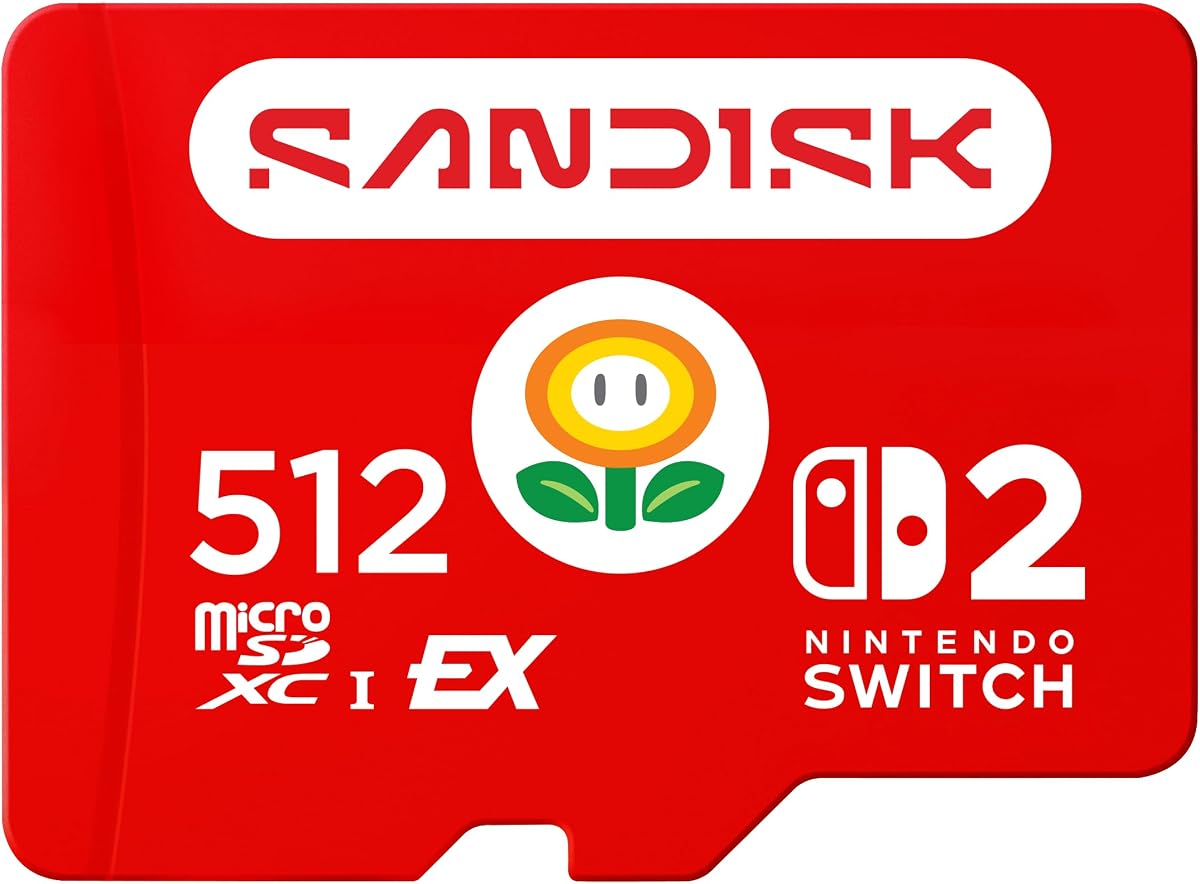
This officially licensed 512GB SanDisk microSD Express card stands out for its unusually clear performance claims, including read speeds up to 880MB/s and write speeds up to 650MB/s. It is built specifically for Nintendo Switch 2 and carries a 4.6 rating. For players who want both a larger library and a card marketed for high-speed access, it is one of the most compelling specifications in the group.
We may earn a commission when you buy through this link, at no additional cost to you.
Its headline benefits extend beyond capacity. The listing describes the card as officially licensed for Nintendo Switch 2, giving buyers an unusually clear product designation. The stated throughput figures also distinguish it from ordinary UHS-I microSD cards, which are optimized for different host devices and cannot simply be inserted into a Switch 2 expecting the same performance profile.
The card also supports Full HD gameplay captures, adding a practical benefit for players who record short clips or save screenshots. This does not turn the card into a dedicated capture solution, but it means one Express card can serve both the console's storage needs and common lightweight recording tasks. Its 512GB capacity gives users room to keep digital games and downloadable content together while leaving space for media.
The trade-off is that some users may not need 512GB or may not fully utilize the advertised transfer speeds in ordinary console use. It also requires a microSD Express-compatible setup rather than a general UHS-I card. Even so, this is an excellent recommendation for owners who prioritize official licensing, large capacity, and the strongest published speed figures among the products reviewed here.
Official Nintendo Switch 2 licensing provides a straightforward compatibility signal. That makes this card easier to recommend to buyers who want an expressly supported option rather than relying on broad standards compatibility.
The published read and write rates make the card well suited to fast game access, content organization, and Full HD gameplay capture. The 512GB capacity also reduces the need to move data between cards as a library grows.
We may earn a commission when you buy through this link, at no additional cost to you.
The standard SanDisk 256GB microSD Express card is an editor's choice because it combines clear Switch 2 support with unusually broad technical positioning. It carries a 4.6 rating, works with Nintendo Switch 2, and is described as ready for future products using a PCIe-NVMe interface. That makes it more than a one-console storage accessory in the supplied product information.
We may earn a commission when you buy through this link, at no additional cost to you.
Its ThermAdapt technology is one of the most relevant details for sustained gaming. The specially designed enclosure and controller use dynamic adaptive thermal management, a feature intended to help devices avoid overheating. In a compact console, where storage cards operate near other heat-producing components, active thermal awareness is a meaningful advantage over a card with no stated thermal-control system.
The card also lists extensive physical protections, including waterproof, temperature-proof, humidity-proof, drop-proof, shock-proof, magnetic-proof, x-ray-proof, and wear-out resistance. It performs at UHS-I speeds when used with microSD UHS-I and UHS-II devices, allowing the same card to serve compatible tablets, cameras, and other equipment. The advertised media-transfer figures are especially strong when paired with the separately sold SanDisk PRO-READER SD Express Dual Card.
The limitation is straightforward: the listing does not provide a direct read or write figure for Switch 2, and 256GB may be modest for collectors. Nonetheless, this is the most balanced technical card for buyers who value thermal management, durability, future interface readiness, and backward performance. It is our strongest all-around recommendation for a serious Switch 2 storage setup.
Dynamic adaptive thermal management helps the card respond to changing heat conditions. That focus is especially relevant during long sessions or repeated transfers, when storage and console components operate near one another.
UHS-I performance in UHS-I and UHS-II devices extends the card's usefulness with compatible cameras, tablets, and other hardware. The same physical card can therefore support a broader range of storage tasks.
We may earn a commission when you buy through this link, at no additional cost to you.
This 512GB version of the standard SanDisk microSD Express card is aimed at owners who want more breathing room than a 256GB card provides. It works with Nintendo Switch 2, carries a 4.6 rating, and includes the same ThermAdapt thermal-management system highlighted in the smaller-capacity model.
We may earn a commission when you buy through this link, at no additional cost to you.
Its future-ready positioning is notable. The product information states that it is ready for future products with a PCIe-NVMe interface while retaining UHS-I speeds when used with UHS-I and UHS-II devices. The card also has a substantial list of physical protections, helping it withstand moisture, temperature variation, drops, shocks, magnetic fields, X-rays, and wear.
The product information gives impressive media-transfer examples involving the separately sold SanDisk PRO-READER SD Express Dual Card. These are useful for photographers or creators who may employ the same card beyond gaming, although console buyers should not assume that every file operation will occur at the same headline rate.
A buyer with a modest number of saved games may find that 256GB is more convenient and easier to maintain. For a larger and growing library, however, this card's capacity reduces the frequency of deletion and transfer cycles. It is a particularly sensible recommendation for users who want the broad technical benefits of ThermAdapt and future interface support without moving to 1TB.
Doubling the capacity of the 256GB version gives users a practical buffer for games, updates, downloadable content, and media. It can also reduce interruptions caused by repeatedly clearing older titles.
The enclosure and controller work together through dynamic adaptive thermal management. That design detail makes the card suitable for buyers who expect extended gaming and regular transfers rather than light, occasional use.
We may earn a commission when you buy through this link, at no additional cost to you.
The Super Mario Super Star Edition of the SanDisk 256GB microSD card is a strong choice for original Nintendo Switch, Switch OLED, and Switch Lite owners, but it must not be purchased for a Switch 2. The product information explicitly says it is not designed for Nintendo Switch 2, an important limitation that outweighs its otherwise attractive 4.8 rating.
We may earn a commission when you buy through this link, at no additional cost to you.
For compatible older systems, the card offers read speeds up to 100MB/s and write speeds up to 90MB/s. It is officially licensed and provides 256GB of additional storage, enough for downloaded games, screenshots, and video captures. The themed design also gives it a distinctive appearance compared with a generic card.
Its 4.8 rating indicates strong customer satisfaction, but ratings cannot compensate for a platform mismatch. The Switch 2 uses microSD Express, and the product listing warns that ordinary Switch microSD cards that do not support the new standard cannot be used with it. This model is therefore a different product category from the compatible Express cards above rather than a cheaper alternative.
This card is a good recommendation for an original Switch or Switch OLED owner who values an officially licensed, well-rated, themed card. It is emphatically the wrong purchase for someone searching specifically for Switch 2 storage. Checking the console label and the card's compatibility statement before ordering is essential.
For original Switch-family systems, the licensed Super Mario theme adds personality without sacrificing the basic function of a 256GB storage card. It is well suited to owners who want visible game-specific styling.
The explicit incompatibility with Switch 2 is decisive. A high customer rating for use in older systems tells a buyer nothing about whether the card can meet the new console's microSD Express requirement.
We may earn a commission when you buy through this link, at no additional cost to you.
The Samsung P9 Express 256GB combines Switch 2 compatibility, a 4.7 rating, and a strong software-management proposition. Its advertised sequential read speed reaches 800MB/s, which is presented as up to four times faster than Samsung's standard UHS-I microSD cards. It also includes Dynamic Thermal Guard for heat control.
We may earn a commission when you buy through this link, at no additional cost to you.
This card is designed for more than console storage. Samsung Magician Software provides product authenticity verification and drive health monitoring, adding a layer of oversight that can be useful for a card containing a valuable game library. Compatibility extends to Nintendo Switch 2 and microSD UHS-I devices, including tablets, drones, and cameras, so it can serve several roles.
The product information lists six types of protection and a three-year limited warranty. The Dynamic Thermal Guard is especially relevant during sustained gameplay, helping the card reduce overheating as workloads increase. Together, these protections and monitoring features create a package oriented toward owners who want to manage their storage over time.
The 256GB capacity remains the main practical limitation for a large library, and buyers who never use management software may not need every feature. Nevertheless, the 4.7 rating, 800MB/s read claim, thermal guard, and health monitoring make this a particularly well-rounded choice for a moderate Switch 2 collection.
Samsung Magician Software can verify product authenticity and monitor drive health. This makes the card appealing to buyers who want visibility into the condition of their storage beyond simple capacity and speed.
Dynamic Thermal Guard helps reduce overheating during demanding activity. The feature supports smoother, more consistent operation when the console is running a game and transferring content.
We may earn a commission when you buy through this link, at no additional cost to you.
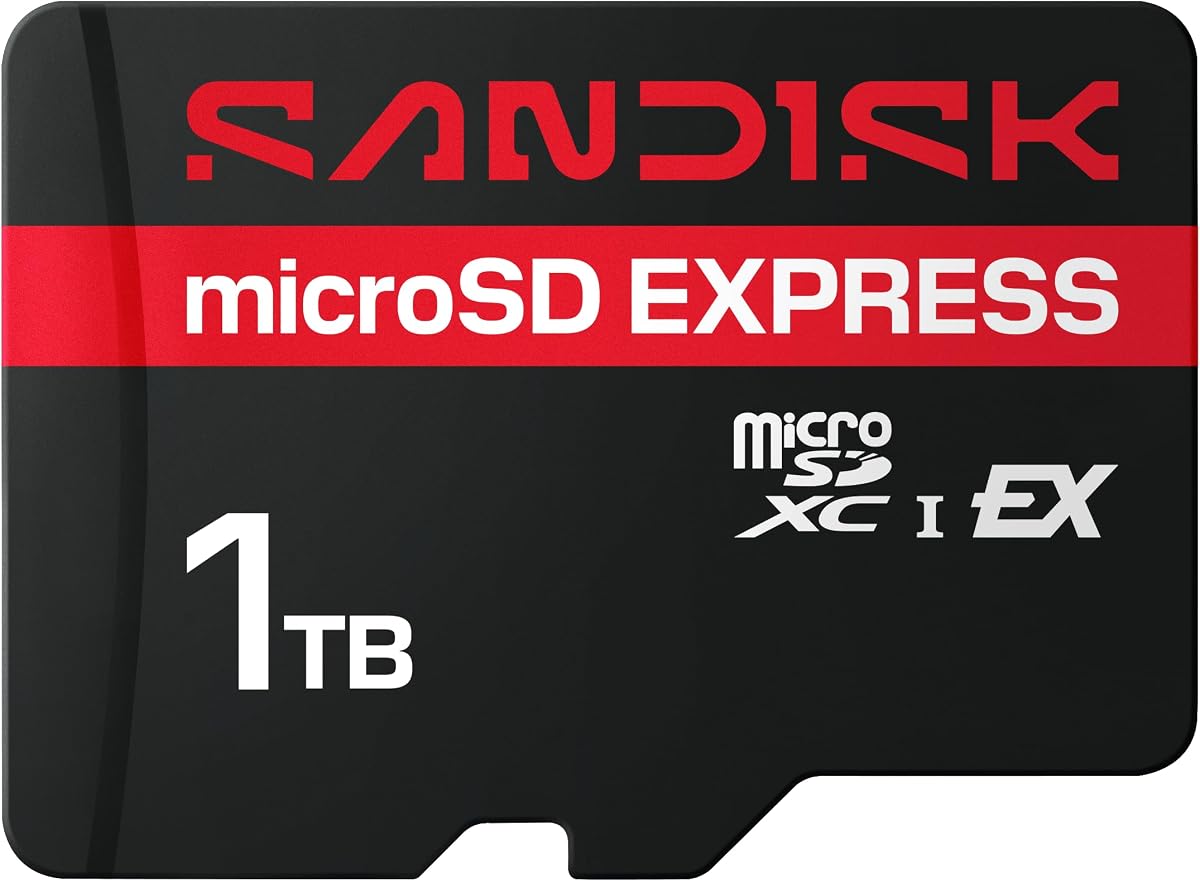
The SanDisk 1TB microSD Express card is the roomiest compatible option in this roundup and serves players who want to treat their Switch 2 storage as a substantial game archive. It works with Nintendo Switch 2, carries a 4.6 rating, and advertises transfer speeds up to 880MB/s with a PCIe-NVMe interface.
We may earn a commission when you buy through this link, at no additional cost to you.
Capacity is the defining benefit. One terabyte gives users room for a large collection of digital games, downloadable content, updates, screenshots, and recordings without constant housekeeping. It can be particularly attractive for owners who travel, regularly download new releases, or maintain separate game collections that would otherwise require frequent deletion.
The card retains UHS-I performance when used with UHS-I and UHS-II devices, which makes it versatile beyond the console. It also lists waterproof, temperature-proof, humidity-proof, drop-proof, shock-proof, magnetic-proof, x-ray-proof, and wear-out resistance. The stated media-transfer performance is especially strong when used with the separately sold compatible dual-card reader.
A 1TB card is unnecessary for someone who installs only a handful of games or regularly moves content to another drive. Capacity also cannot guarantee that every game in a personal library will fit once updates and other console-managed files are included. Within those realities, this is the best recommendation for Switch 2 owners who want maximum flexibility and minimal library management.
One terabyte gives a large buffer for digital games and downloadable content. Players can keep older favorites installed while adding new releases, reducing the need to delete and redownload titles.
The advertised 880MB/s transfer capability is useful when moving sizeable game files and media. Actual results depend on the host device, reader, file set, and other conditions, but the card is designed with substantially faster interfaces than ordinary UHS-I media.
We may earn a commission when you buy through this link, at no additional cost to you.
The 512GB Samsung P9 Express is an attractive middle ground between the 256GB P9 and the largest cards in the roundup. It is explicitly compatible with Nintendo Switch 2, carries a 4.7 rating, and offers advertised sequential read speeds up to 800MB/s alongside Dynamic Thermal Guard heat management.
We may earn a commission when you buy through this link, at no additional cost to you.
The extra capacity is valuable for users who want room for both games and downloadable content, including DLC. The product information emphasizes keeping all games and content on one card, reducing the need to delete titles. At the same time, 512GB remains less cumbersome than the largest options, making it easier to maintain and carry.
Samsung Magician Software adds authenticity verification and drive health monitoring, while six protection types and a three-year limited warranty support long-term ownership. The card also works with microSD UHS-I devices, including tablets, drones, and cameras, although performance in those systems will reflect their slower interfaces.
Compared with the 256GB P9, the main reason to choose this version is storage rather than a different feature set. For users with a moderate-to-large library, the additional room can prevent repeated transfers. For a smaller collection, the 256GB model is more streamlined. Either way, the 4.7 rating and comprehensive thermal and monitoring features make the P9 family particularly convincing.
The 512GB format offers a meaningful library buffer without moving to 1TB or 2TB cards. It is well suited to owners who want to preserve games and DLC while keeping the card reasonably easy to manage.
Samsung Magician's authenticity and health tools complement the card's six protection types and three-year limited warranty. Buyers who value ongoing storage oversight receive more information than capacity and speed alone provide.
We may earn a commission when you buy through this link, at no additional cost to you.
The Legend of Zelda Edition 1TB SanDisk microSD card is a high-capacity, officially licensed option for the original Nintendo Switch family. Its 4.8 rating reflects strong customer feedback, and the themed design gives it clear appeal. However, the product information explicitly states that it is not designed for Nintendo Switch 2.
We may earn a commission when you buy through this link, at no additional cost to you.
Within the compatible older consoles, it offers read speeds up to 100MB/s and write speeds up to 90MB/s. A one-terabyte capacity can hold a large game collection alongside screenshots and videos, making it appealing to players who want to preserve substantial libraries without swapping cards frequently.
The product is not an Express card, so it should not be evaluated against the Switch 2-compatible products using the same performance and compatibility criteria. Its speed figures reflect the requirements and interfaces of the original Switch ecosystem. A buyer who inserts it into a Switch 2 expecting microSD Express support will encounter a fundamental platform mismatch.
It is a strong recommendation for original Switch, Switch OLED, or Switch Lite owners who appreciate licensed thematic styling and need generous capacity. It is not a recommendation for a Switch 2 buyer. The distinction is simple enough to check before purchase, but it must be made deliberately rather than relying on the large capacity or strong rating.
For compatible original Switch systems, the 1TB capacity supports extensive collections and media storage. The card's familiar UHS-I profile and licensed design suit established users of the older platform.
The 1TB figure may look attractive in a search, but capacity cannot overcome an incompatible standard. Switch 2 owners should choose a card explicitly identified as microSD Express instead.
We may earn a commission when you buy through this link, at no additional cost to you.
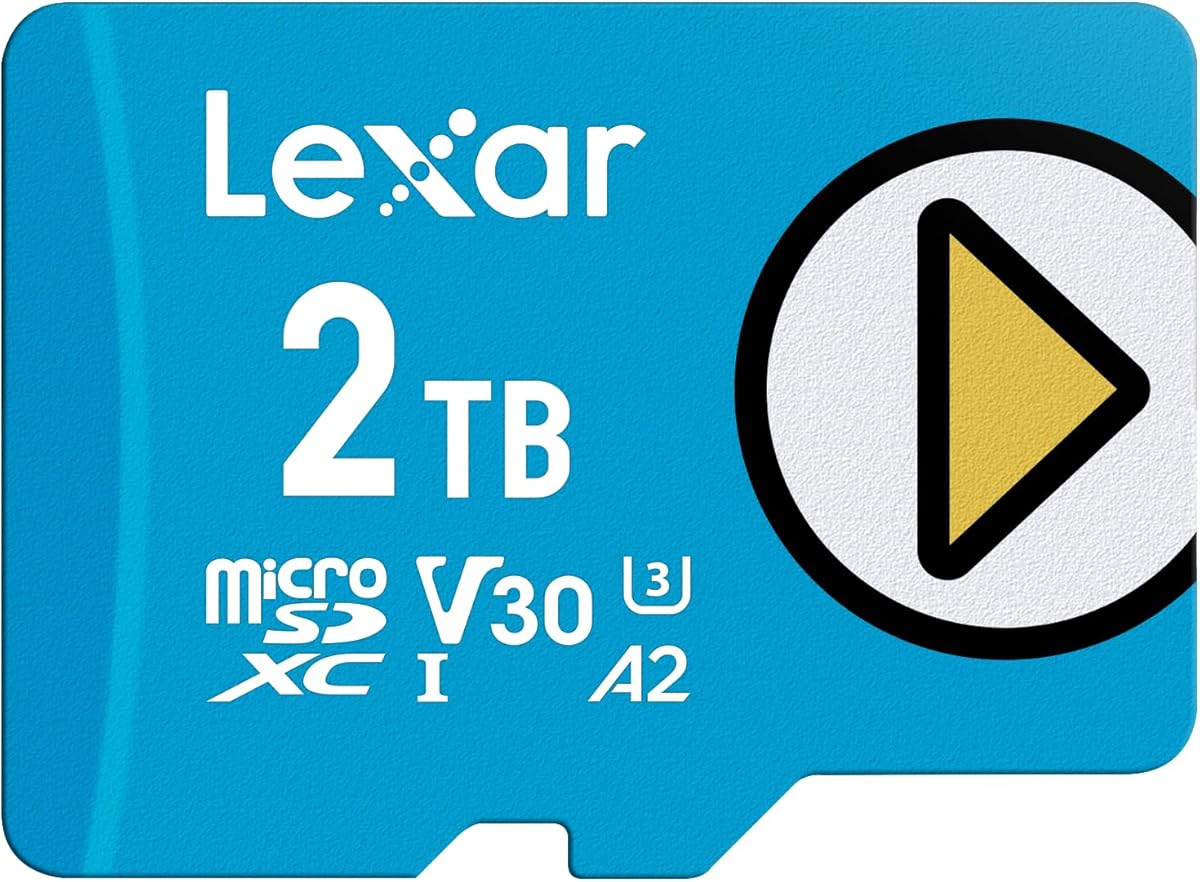
The Lexar 2TB Play Blue offers the largest nominal capacity in this comparison and is compatible with the original Nintendo Switch, smartphones, and tablets. It carries a 4.5 rating, supports read speeds up to 160MB/s, and carries V30, UHS-I, and A2 classifications. It is not compatible with Nintendo Switch 2.
We may earn a commission when you buy through this link, at no additional cost to you.
Its 2TB capacity is useful for owners of older Switch systems who want to minimize card swapping and preserve a large digital library. The A2 rating supports app and game access performance, while the 160MB/s read claim may be relevant in other compatible devices. The card also includes temperature resistance, waterproofing, X-ray protection, and other durability features.
Lifetime access to the Lexar Recovery Tool adds a recovery-oriented benefit for users who want assistance with accidentally deleted or formatted files. A five-year limited warranty provides another form of long-term coverage. These features make the card more relevant as general storage than the dedicated Switch 2 Express options in this roundup.
For Switch 2 owners, the compatibility statement rules it out completely. It is best recommended to original Switch users with exceptionally large libraries, or to buyers seeking high-capacity UHS-I storage for several other device types. Its strong capacity and recovery features do not change the need to verify the target console before ordering.
Two terabytes can accommodate a very large game and media collection. That makes the card appealing to original Switch users who prefer consolidating content instead of rotating among multiple cards.
Lifetime access to the Lexar Recovery Tool can help users address accidental deletions or formatting. It is a useful companion feature, although it does not change the card's incompatibility with Switch 2.
We may earn a commission when you buy through this link, at no additional cost to you.
The most important decision is platform compatibility, followed by capacity, speed, thermal management, and durability. A card with impressive headline specifications is still a poor choice if it does not support the standard required by the console.
Nintendo Switch 2 uses microSD Express, while many cards sold for the original Nintendo Switch use UHS-I. The difference is fundamental because a card that works in the original Switch, Switch OLED, or Switch Lite may not work in Switch 2 at all. Look for explicit language stating that the card works with Nintendo Switch 2 or is designed for the new console, and treat ordinary Switch compatibility as a warning that the product is intended for a different platform.
Choose a card explicitly identified as microSD Express. Do not assume that a high-capacity, high-speed, or officially licensed UHS-I card will be accepted by Switch 2.
Capacity depends on how many digital games you keep installed, whether you archive older games, and whether you also store screenshots, video clips, and downloadable content. A 256GB card suits a focused or regularly managed collection, 512GB provides a comfortable buffer for a larger library, and 1TB suits owners who want to minimize cleanup. Larger capacities may be appealing to original Switch users but cannot be used in Switch 2 unless the card also supports microSD Express.
For Switch 2, prioritize a compatible Express card in a capacity you can maintain. More space is useful, but it should not come at the expense of compatibility or speed.
Fast read speeds can improve access to installed content, while write speeds matter when downloading, copying, or transferring files. Among the compatible options in this guide, advertised read speeds reach 880MB/s on selected SanDisk cards and 800MB/s on the Samsung P9 Express models. Real-world results depend on the host device, source, file sizes, and other conditions, so treat peak figures as comparative specifications rather than guaranteed console results.
Look for both read and write figures when available. A product with a detailed speed profile is easier to evaluate than one that lists compatibility without throughput data.
Compact cards operate inside a console that also generates heat. SanDisk's ThermAdapt uses a specially designed enclosure and controller with dynamic adaptive thermal management, while Samsung's P9 Express includes Dynamic Thermal Guard. These features are especially relevant for long gaming sessions, repeated transfers, and users who want the card to sustain performance rather than operate only in light bursts.
Prioritize active or adaptive heat management when your routine includes extended play or frequent game movement. The feature does not remove every environmental risk, but it adds an important layer of thermal design.
Physical protection matters because a portable card can encounter drops, moisture, temperature changes, magnetic fields, and daily wear. Several products list extensive multi-proof protection. The Samsung P9 Express also provides six protection types, a three-year limited warranty, and Samsung Magician Software for authenticity verification and drive health monitoring. The Lexar Play Blue includes recovery-tool access and a five-year limited warranty, although it is intended for the original Switch rather than Switch 2.
For long-term ownership, durability ratings, warranty coverage, and health tools are useful complements to speed and capacity. Choose the features that match how carefully and frequently you move the card.
Licensing can make compatibility easier to identify. The SanDisk 512GB Express card in this guide is officially licensed for Nintendo Switch 2, while themed SanDisk cards for the original Switch carry official licensing for that older platform. Themed appearance and high ratings should never replace checking the compatibility statement, because a licensed original Switch card can still be completely unsuitable for Switch 2.
Read the title and bullet points together. Look for microSD Express, Nintendo Switch 2, and any explicit warning against using the card with the newer console.
Some buyers want one card for a console, camera, tablet, drone, or other equipment. Several compatible Express cards also operate at UHS-I speeds in UHS-I and UHS-II devices, preserving broader utility even when their fastest interface is unavailable. The Samsung P9 Express similarly supports microSD UHS-I devices. This versatility is useful, but the card's best performance still depends on the host hardware.
Confirm both primary and secondary-device compatibility before purchasing. A broad compatibility list is helpful only if it includes every device you actually intend to use.
Storage cards are available in many capacities and their prices can move as inventory changes. Because compatibility is non-negotiable, a shopper should compare the complete product identity rather than select the first card that appears affordable. Confirm that the listing still shows the expected capacity, standard, and console compatibility at the time of purchase. Also check whether a newly released capacity or licensed edition better matches current needs.
Compare current listings and product details before buying. Value matters only after the card has been confirmed suitable for Nintendo Switch 2.
Before inserting a new card, confirm that it is labeled as a microSD Express card compatible with Nintendo Switch 2. Format the card through the console's own storage management process after installation, following the on-screen prompts. This establishes the correct file structure for the device and helps the console recognize the available capacity. Do not assume a card formatted for a camera, computer, or original Switch will require no additional setup.
Keep the console powered down when inserting or removing the card, and avoid touching the gold contacts. When removing the card, use the console's supported procedure and wait for any on-screen activity to finish. Do not force a card that resists insertion, because alignment problems can damage the slot or contacts. Store the card in a protective case when it is not in use, particularly if you transport it between devices.
Treat the card as valuable storage rather than disposable media. Maintain free space, transfer larger archives to another device when practical, and avoid interrupting writes. SanDisk's listed environmental protections and the Samsung P9 Express's Magician health-monitoring tools can add reassurance, but sensible handling remains the best protection. If the console reports a storage error, move important content elsewhere before formatting or replacing the card.
Only if that specific card supports the microSD Express standard required by Nintendo Switch 2. Many ordinary Nintendo Switch cards use UHS-I and are explicitly not compatible with Switch 2. Check the card's packaging and product listing rather than relying on its capacity, speed, or original Switch licensing.
Nintendo Switch 2 requires a microSD Express card according to the supplied product information. A card may work with cameras, phones, tablets, or the original Switch while still failing the new console's requirements. Compatibility should therefore be confirmed at the model level.
A 256GB card can be sufficient for a focused collection of digital games, updates, and media. The right amount depends on how many titles remain installed, the size of individual releases, and whether you save screenshots or videos. Players with a large or fast-growing library may prefer 512GB or 1TB.
A faster card can improve file access and transfers, although actual console performance depends on the game, host interface, file system, and workload. The compatible cards here advertise read speeds up to 800MB/s or 880MB/s. Fast writes are particularly useful when moving or downloading large files.
A card reader is not necessary to use a compatible card in Nintendo Switch 2 because the console includes the intended card slot. A compatible high-speed reader can be useful for organizing files on a computer, and some advertised media-transfer figures were measured with the separately sold SanDisk PRO-READER SD Express Dual Card.
No. Both product descriptions explicitly state that they are not designed for Nintendo Switch 2. They are licensed microSD cards for the original Nintendo Switch family and should be selected only for those compatible systems.
Many of the compatible Express cards also perform at UHS-I speeds in microSD UHS-I and UHS-II devices. Exact support and speed depend on the particular device and card reader. Confirm that the second device supports the card format before relying on it for important files.
Insert the compatible card with the console powered down, then use the console's storage-management prompts to format it. Wait for formatting and any required restart to finish before transferring games. Keep free space available and move important data to another location before formatting or replacing the card.
The Samsung 256GB microSD Express card is the most streamlined starting recommendation, offering explicit Switch 2 compatibility, useful capacity, and a 4.8 rating. The SanDisk 256GB Express card takes the editor's choice for its deeper feature set, including ThermAdapt, future PCIe-NVMe positioning, broad protection, and backward performance. For a larger library with exceptionally strong published transfer figures, the officially licensed 512GB SanDisk Express card leads the premium group.
Above all, compatibility should come before capacity or speed. Original Switch, Switch OLED, and Switch Lite cards may have impressive ratings and enormous storage, but they are not substitutes for microSD Express. Among compatible cards, choose 256GB for a focused library, 512GB for a roomy collection, and 1TB for owners who want fewer storage-management interruptions. Thermal management and monitoring software are worthwhile when long sessions and frequent transfers are routine.
Prices, inventory, and product listings can change, so confirm the current specifications before ordering. Check that the listing still identifies the card as microSD Express and compatible with Nintendo Switch 2, then verify that its capacity, speed claims, protection features, and warranty fit your needs. That final compatibility check can prevent the most expensive and frustrating storage mistake.