
SanDisk 128GB Extreme
5.0Editor score
Compatible Insta360 bundle
Up to 190 MB/s reading
Includes card reader
The best memory card for Insta360 X5 guide compares 10 microSD options for speed, capacity, durability, recording performance, and everyday value in 2026.
A memory card for Insta360 X5 must handle demanding action-camera recording while leaving enough capacity for long sessions, rapid file transfers, and dependable everyday use. The most useful choice combines a suitable speed class, adequate storage, strong endurance, and compatibility with the camera rather than relying on headline transfer speeds alone.
This guide compares 10 microSD cards using their stated capacities, speed classifications, read and write specifications, durability features, ratings, and intended uses. The list includes official Insta360 options, broadly compatible action-camera cards, and higher-performance SanDisk and Lexar models for creators who transfer footage frequently.
Each review explains who benefits most from the card, where it makes the workflow easier, and which compromises deserve attention. The first three recommendations cover particularly compelling combinations of performance and convenience, while the complete ranking helps shoppers match capacity and speed to the way they use the X5. Retail pricing changes over time.
5.0Editor score

4.8Editor score

4.8Editor score
The comparison below organizes all 10 cards by capacity, stated transfer performance, video and application classifications, and practical extras such as bundled readers. It is designed to make the differences clear without mistaking laboratory speed figures for guaranteed X5 recording performance.


The Insta360 256GB PRO is the most straightforward all-around recommendation because it combines first-party branding with a balanced capacity and V30 recording class. It carries a 4.8 rating and is specified to deliver up to 90 MB/s for both reading and writing. For an X5 owner who wants a card that looks purpose-selected for the camera without paying for the highest headline transfer rates, it offers a convincing mix of simplicity and capability.
We may earn a commission when you buy through this link, at no additional cost to you.
Its 256GB capacity is substantial enough for many collections of high-resolution clips and still images without becoming burdensome to organize. The V30 classification is designed around a sustained 30 MB/s video write rate, while A2 improves random operation and app-related performance on compatible hosts. A microSDXC UHS-I card is also the practical format expected for modern high-capacity X5 workflows. The card is extremely small at 15 by 11 by 1 millimeters and weighs only 0.5 grams.
The main limitation is that its stated 90 MB/s performance trails several SanDisk and Lexar options with much larger read-speed claims. That distinction matters most for people who offload large files to a desktop and want the fastest possible transfer. During recording, however, the relevant standard is sustained video performance rather than peak card-reader throughput. The card also operates across a stated temperature range of minus 25 to 85 degrees Celsius and is rated for 3,000 erase cycles.
This is the recommendation for most Insta360 X5 users. It is particularly attractive to buyers who prioritize official compatibility, balanced storage, and steady V30 performance over maximizing transfer speed. Choose the 512GB version instead if uninterrupted recording time matters more than minimizing the number of cards carried, or consider a SanDisk Extreme option when rapid offloading is the main priority.
The 256GB capacity gives creators room to record multiple sessions while retaining 90 MB/s stated read and write performance. It avoids the constant card swapping associated with smaller cards and does not demand a premium UHS-II reader for routine use.
A 3,000-cycle endurance rating and broad operating-temperature specification make this card a sensible choice for extended trips, outdoor recording, and projects stored across changing seasonal conditions.
We may earn a commission when you buy through this link, at no additional cost to you.
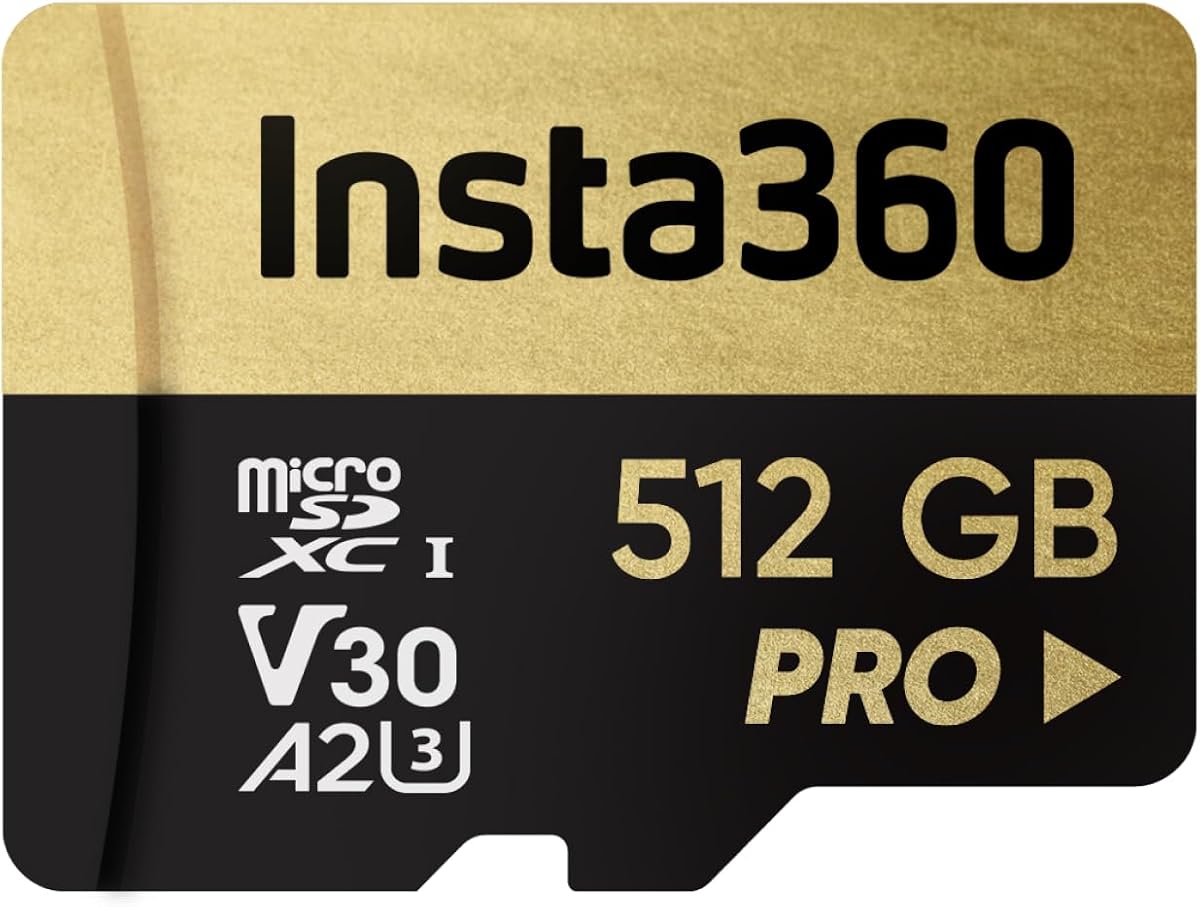
The Insta360 512GB PRO is the high-capacity choice in the official range, earning a 4.8 rating for its combination of ample storage and steady performance. It is especially attractive to travel creators, 360-video enthusiasts, and anyone who would rather record continuously than rotate among several smaller cards. Its 512GB capacity is the main attraction, while V30, A2, and UHS-I classifications support modern video and application workloads.
We may earn a commission when you buy through this link, at no additional cost to you.
The stated speed remains 90 MB/s for both reading and writing, matching the 256GB model. That consistency allows buyers to focus on capacity without accepting a lower specification tier. The A2 class is useful for random-access performance in compatible devices, and V30 targets stable video capture. Its physical dimensions are 15 by 11 by 1 millimeters, with a weight of 0.5 grams, so the added capacity does not change the card's portable format.
The clear trade-off is that one large card represents a greater concentration of data than several smaller cards. A card failure, loss, or damage can therefore affect a larger body of footage unless the user maintains disciplined backups. Another limitation is the lack of a bundled reader; buyers who lack a compatible microSD reader may need to purchase one separately. Peak transfer performance also remains below the most aggressive SanDisk and Lexar specifications.
The 512GB PRO suits creators who value long recording windows and minimal card changes. It is a particularly logical choice for multi-day activities or professional jobs where stopping to free space is inconvenient. For lighter users, the 256GB model offers the same core performance in a less concentrated storage format, while a faster third-party card may be better for rapid post-production transfers.
A 512GB card can hold a substantial production before it fills, reducing interruptions during long sessions. That convenience is especially valuable when the X5 is recording high-resolution 360-degree footage that creates larger files than conventional cameras.
This card retains the same stated 90 MB/s read and write performance, V30 rating, and A2 class as the 256GB option. Buyers are choosing more room rather than an entirely different performance category.
We may earn a commission when you buy through this link, at no additional cost to you.
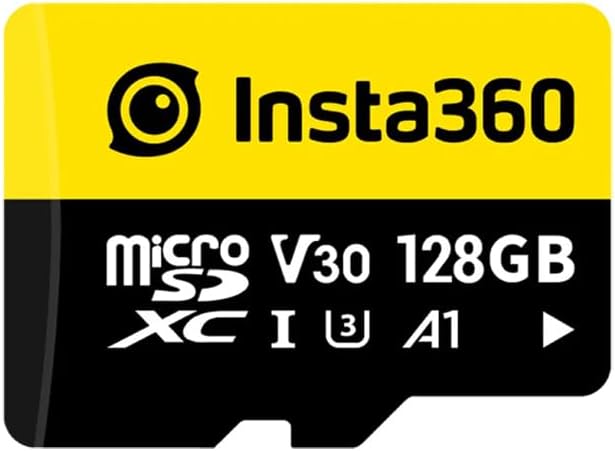
The Insta360 128GB is an official, compact option that brings the camera maker's branding and a familiar performance profile to a smaller capacity. Its 4.8 rating reflects a card positioned for high-resolution photos, video, and daily X5 use. The listing emphasizes optimized compatibility, UHS-I U3 performance, V30 recording support, and 90 MB/s read and write figures, giving buyers a clear set of expectations.
We may earn a commission when you buy through this link, at no additional cost to you.
At 128GB, this card is most appropriate for short trips, lighter shoots, and users who prefer to move footage off the card regularly. It remains a microSDXC card with the speed characteristics needed for demanding action-camera files, and its A1 rating supports everyday application access. The 90 MB/s figure is more than sufficient for the camera's stated video class while avoiding the complexity of a UHS-II card and specialized reader.
Its limitations are easier to summarize because it uses a smaller capacity and A1 rather than A2 performance class. A1 may show less improvement than A2 in random-access and app-loading scenarios, although results vary by device and workload. The most visible trade-off is storage: long 360-degree recording sessions may fill it sooner, making routine transfers more frequent. Anyone producing daily content should consider this before settling on the smaller option.
This card is best for the X5 owner who wants first-party compatibility, a manageable capacity, and strong sustained-speed specifications without moving to a larger format. It works particularly well for weekend adventures and shorter productions. For uninterrupted long-form capture, move up to the 256GB or 512GB PRO; for high-speed offloading, consider one of the faster SanDisk Extreme cards.
The smaller 128GB format is easy to carry as a spare and encourages users to transfer completed projects regularly. It is a practical option for short trips where unused capacity would not add meaningful value.
V30 and U3 support stable high-resolution recording, while the listed 90 MB/s speeds keep file handling responsive. The A1 class is the only performance-class difference from the official PRO cards.
We may earn a commission when you buy through this link, at no additional cost to you.
The GIGASTONE 128GB is a feature-heavy alternative for X5 users who want more than basic storage and fast reading. It has a 4.6 rating, supports 4K UHD video recording, and is listed for use with action cameras, drones, Nintendo Switch, and other UHS-I devices. Its most distinctive benefit is the advertised five-year free data recovery service, which can be reassuring for travelers storing valuable footage away from a computer.
We may earn a commission when you buy through this link, at no additional cost to you.
The card offers stated read and write speeds of up to 100 MB/s and 50 MB/s. Read performance is strong enough to reduce waiting during offloading, while the 50 MB/s write figure comfortably exceeds the 30 MB/s sustained level associated with V30. It also carries U3, A2, and V30 classifications, covering video recording and application performance in a broadly compatible microSDXC format. That makes it useful for creators who share one card among several devices.
The main concern is that its stated write speed is lower than the 90 MB/s figures of the official Insta360 cards and the 170 MB/s claim of the highest-end SanDisk option. During sustained X5 recording, V30 remains the more important baseline, but faster writes can help under especially demanding workloads. Capacity is also limited to 128GB, so users should budget for regular transfers or carry more than one card.
This is a good match for buyers who value recovery support, strong read speed, and a broad action-camera feature set. It is less compelling for creators who want one officially branded card or expect very high sustained write performance. Choose it when recovery assistance and flexible compatibility outweigh having a larger capacity card.
The advertised five-year data recovery service distinguishes this card from many alternatives. It cannot prevent loss, but it can provide a path for recovering files after certain forms of card or data failure.
The U3, A2, and V30 classifications make this card suitable for many cameras and mobile workflows. That versatility is valuable for users who move between an X5, another action camera, a drone, or a Nintendo Switch.
We may earn a commission when you buy through this link, at no additional cost to you.
The SANDISK 256B Extreme stands out for its aggressive speed claims and broad physical protection. Its 4.7 rating reflects a card intended for high-resolution action video, rapid offloading, and demanding mobile workflows. The advertised specifications include up to 245 MB/s reading and up to 170 MB/s writing for relevant capacities, alongside U3 and V30 classifications for high-resolution recording.
We may earn a commission when you buy through this link, at no additional cost to you.
A 256GB capacity is a useful middle ground for the X5. It is large enough to hold numerous clips and images, yet the card is easier to manage as a single project medium than a very large-capacity option. The included SD adapter adds flexibility for devices that accept full-size SD cards. The product information also emphasizes waterproof, shockproof, temperature-proof, humidity-proof, magnet-proof, X-ray-proof, and wear-out-proof characteristics.
One detail deserves attention: the supplied product title says 256B, although the product data also describes the 256GB speed range. Buyers should verify the capacity and package contents on the listing before purchasing, particularly when comparing it with the other SanDisk Extreme 256GB option. The headline speeds are also conditional on compatible devices, interfaces, and usage conditions, so the X5 itself will not necessarily deliver those transfer rates during recording.
This card is ideal for editors who spend considerable time moving large 360-degree files and want the fastest stated read performance in the group. It is also a solid option for outdoor users who value the extensive durability claims. If the X5's recording reliability and official fit matter more than offloading speed, the Insta360 PRO series is the simpler selection.
The stated 245 MB/s read capability can significantly shorten transfers when paired with a compatible reader and host. The benefit appears during post-production rather than inside the camera, where sustained V30 recording is the more relevant requirement.
The card's stated resistance to water, temperature, shock, humidity, magnets, X-rays, and wear suits travel-heavy workflows. These characteristics complement the X5's use in environments where a small card can be exposed to rough handling.
We may earn a commission when you buy through this link, at no additional cost to you.
The 512GB SanDisk Extreme bundle is the most complete premium package for an X5 owner who wants generous storage, rapid transfers, and an included reader. It carries a 4.8 rating, is specifically listed for the Insta360 X5 and X4 Air, and includes an Everything But Stromboli microSD and SD card reader. That reader removes one common accessory from the buying decision.
We may earn a commission when you buy through this link, at no additional cost to you.
The card provides up to 190 MB/s read speed and up to 90 MB/s write speed, a strong combination for both recording and post-production. Its V30 and A2 classifications support continuous video and responsive application performance. A 512GB capacity is particularly useful for creators producing substantial volumes of high-resolution images and extended video sessions without frequently changing cards.
The principal trade-off is that a large card stores a large amount of work on one device. The user must back up footage promptly because a lost or damaged card can put more at risk than a smaller card would. The included reader is convenient, although its own interface may not allow the computer to achieve the card's maximum stated read speed. As with all peak speed claims, actual transfer performance depends on the host device and reader.
This bundle is recommended for X5 users who want a polished, ready-to-use setup. It combines a capacity suited to long shoots with a useful reader and strong stated speed. Choose the separate 512GB Extreme card if maximum offloading speed is the priority; choose the official Insta360 512GB PRO if official branding and erase-cycle information carry more weight.
The included reader means users can begin transferring footage without separately researching reader compatibility. It is a practical convenience for creators who want a complete first setup for the X5.
The card pairs 512GB of storage with up to 190 MB/s reading and 90 MB/s writing. This combination supports long recording sessions and quicker movement of completed clips into a post-production folder.
We may earn a commission when you buy through this link, at no additional cost to you.
The standalone SanDisk 512GB Extreme is the performance flagship of this list, combining generous capacity with the highest stated read speed and one of the highest write speeds. It has a 4.7 rating and is marketed for action cameras, drones, Android devices, and high-resolution video. For users who regularly offload 5.3K or 4K UHD files, the potential transfer savings can be more tangible than any small difference during recording.
We may earn a commission when you buy through this link, at no additional cost to you.
Its specifications include up to 245 MB/s reading and up to 170 MB/s writing for the applicable capacity range. U3 and V30 video classifications preserve compatibility with high-resolution recording, while the 512GB capacity reduces the need to rotate cards during long productions. The product information also lists resistance to temperature, humidity, water, shock, drops, magnets, X-rays, and wear, making it a credible travel companion.
Those headline figures require compatible equipment. A basic USB reader or an older computer may deliver only a fraction of the stated read rate, meaning the buyer may need a more capable reader to realize the advantage. The card is also overkill for users who shoot briefly and rarely edit on a desktop. Since another 512GB Extreme bundle includes a reader, this standalone version offers the clearest reason to choose only when maximum card performance matters more than bundled accessories.
This is the best choice for high-volume creators and editors who already own fast transfer hardware. It also suits users who want a single, large card for an X5 and other UHS-I devices. For a simpler package with a reader included, consider the 512GB bundle; for first-party camera alignment, the Insta360 PRO line is the more natural fit.
The card's stated 245 MB/s read speed is intended to reduce offloading waits for large video collections. A compatible host and reader are essential for turning that specification into a real workflow advantage.
A 512GB capacity supports long sessions and reduces card changes, while V30 and U3 classifications support the X5's high-resolution recording demands. A single card is convenient, though regular backups remain essential.
We may earn a commission when you buy through this link, at no additional cost to you.
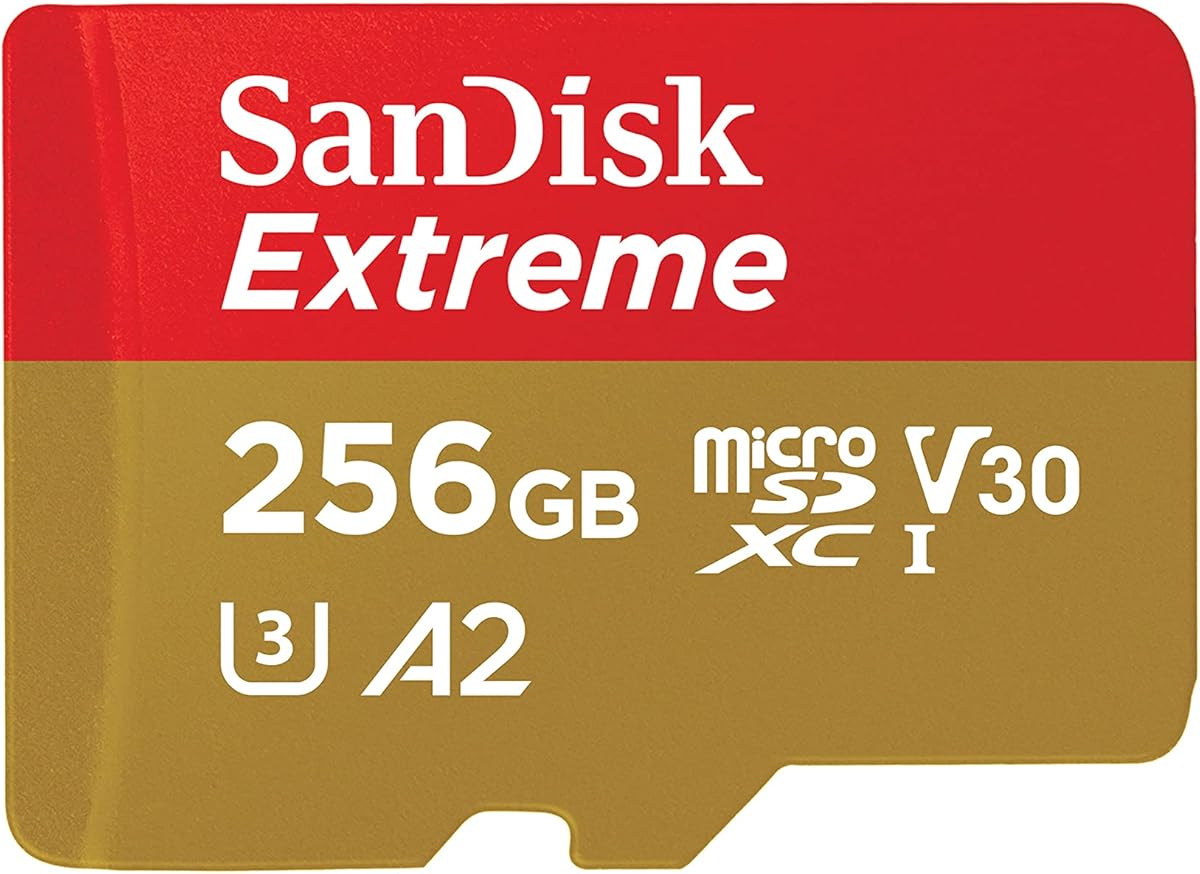
The SANDISK 256GB Extreme offers a well-documented combination of capacity, speed, and broad device support. It carries a 4.8 rating and is listed for up to 190 MB/s read speed and up to 130 MB/s write speed. Unlike many listings that state a headline rate without context, the supplied product information explains that performance varies with the host interface, usage conditions, and other factors.
We may earn a commission when you buy through this link, at no additional cost to you.
U3 and V30 classifications make the card suitable for 4K and 5K UHD-ready recording with compatible devices, while A2 supports faster random access and in-app performance. The 256GB capacity is a versatile size for X5 users who want room for many clips without carrying a 512GB card. The package includes an SD adapter, which is useful for compatible cameras and computers that accept full-size SD media.
Users should not expect the full 190 MB/s rate from the included adapter alone. The product information notes that higher card-offload speeds require a compatible host and that a compatible professional reader is sold separately. For many creators, the bundled 256GB card with adapter is still more convenient than selecting a card without any way to use it in an SD slot. It is also not compatible with Nintendo Switch 2, although that limitation is irrelevant to the X5 itself.
This is a strong all-around choice for X5 owners who want fast transfers, strong video classes, and a useful adapter without moving to the largest or most expensive option. It suits those who already own a fast microSD reader or use a device with a suitable interface. Otherwise, the 512GB Extreme bundle may offer better overall convenience.
The listing clearly states that maximum read performance depends on host-device interface and operating conditions. That transparency helps set realistic expectations before the card reaches an editing setup.
V30 and U3 cover high-resolution video, while A2 improves random and application tasks on compatible devices. Together, these classifications make the card suitable beyond a single camera role.
We may earn a commission when you buy through this link, at no additional cost to you.
The SanDisk 128GB Extreme Bundle stands out as the most approachable package for new Insta360 X5 owners. It has the highest rating in the group at 5.0, is listed for compatibility with Insta360 cameras, and includes both a V30 A2 microSD card and an Everything But Stromboli microSD and SD card reader. The combination provides everything required to record and begin transferring footage.
We may earn a commission when you buy through this link, at no additional cost to you.
Its stated performance reaches up to 190 MB/s for reading and 90 MB/s for writing. That is ample for high-resolution X5 files and can shorten the offloading stage when the computer and reader support those rates. The A2 class may also improve application responsiveness on compatible mobile devices. A 128GB capacity offers useful room for photos, video, and larger app files without making the card burdensome to carry as a spare.
The clear limitation is capacity. 360-degree video can consume considerable space, and a long production may fill 128GB sooner than a larger card. Users who record continuously should keep the reader nearby and move completed files regularly. Another consideration is that maximum read speed depends on the included reader and host interface; the card's specification is a ceiling rather than a guaranteed transfer rate in every setup.
This is the best value pick for casual creators, travelers, and first-time X5 users who want strong performance and a reader without beginning with an overly large card. It is also a sensible backup-card choice. Move to 256GB or 512GB if your footage is produced in volume, and consider the standalone 512GB Extreme when maximum transfer speed is the priority.
The bundled reader removes the need to identify a separate compatible adapter. New users can record with the X5 and transfer the files without first researching host and reader specifications.
Up to 190 MB/s reading and 90 MB/s writing provide more than enough speed for routine camera use. The 128GB capacity is best managed through regular transfers rather than infrequent backups.
We may earn a commission when you buy through this link, at no additional cost to you.
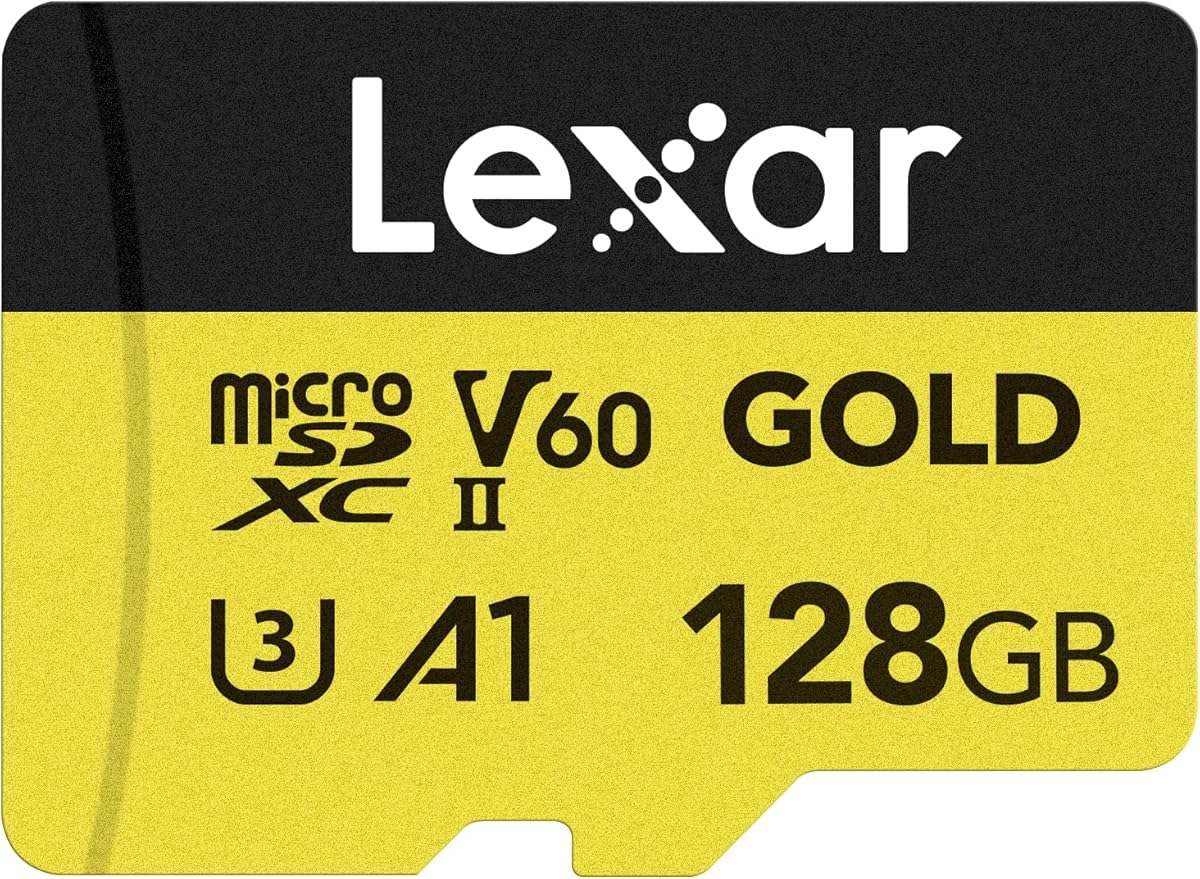
The Lexar 128GB Gold is the specialist choice for creators who want a UHS-II card and the highest stated read speed in this comparison. Its 4.7 rating reflects a performance-focused design aimed at high-resolution images, 4K UHD video, and fast workflows. Although the X5 records to a microSD card, this option can be especially valuable for users who move footage through UHS-II-compatible readers and computers.
We may earn a commission when you buy through this link, at no additional cost to you.
The card is specified to read at up to 280 MB/s and write at up to 100 MB/s. Its V60 classification is stronger than V30 and is intended to support extended Full HD and 4K UHD capture without dropped frames. A1 provides application-performance support. The product information also cites a ten-year limited warranty, adding a different form of long-term reassurance from the capacity and speed features.
The catch is that ordinary equipment may not exploit the UHS-II advantage. Users need a compatible host and reader to realize the advertised read rate, and the X5's own transfer performance will not match the card's laboratory ceiling. Its 128GB capacity is modest for heavy 360-video production, requiring regular transfers. The V60 and UHS-II specifications also add expense without necessarily improving the camera's basic recording experience.
This card makes the most sense for an X5 owner who already owns UHS-II hardware, works with large media libraries, and values future transfer headroom. It is less attractive for beginners or users who only need a dependable card for occasional action-camera clips. For most buyers, the included reader in one of the SanDisk bundles provides a more practical package.
The UHS-II interface and stated 280 MB/s read speed are intended to move large media collections quickly. Realizing that potential requires compatible hardware, so readers should verify their device support before purchasing.
V60 offers a higher sustained video classification than the V30 cards in this guide. It is useful for demanding capture workflows, although the X5 itself remains the controlling factor in actual recording behavior.
We may earn a commission when you buy through this link, at no additional cost to you.
Choosing a memory card for the Insta360 X5 involves balancing camera compatibility, sustained recording performance, capacity, transfer speed, and physical endurance. A faster card is not automatically the best card, so the right choice depends on session length, post-production habits, and the equipment already available.
Capacity determines how long you can record before changing cards or transferring files. A 128GB card is convenient for short adventures and lighter production, while 256GB offers a more flexible middle ground. The 512GB options are better for extended sessions, multi-day trips, and creators who would rather avoid interruptions. Because 360-degree video can create larger files, buyers should consider their actual output rather than comparing capacities only by number.
In short, choose enough room for your typical shoot and maintain a backup routine.
V30 is the central video class in this group and is designed around a sustained write rate of 30 MB/s. It is the practical baseline for high-resolution recording with an action camera. V60, as found on the Lexar Gold card, offers a higher sustained classification, but the X5 will not necessarily use the full potential of a more advanced card. U3 support is also listed throughout the group and reinforces suitability for high-resolution video.
Prioritize V30 or better, then focus on the other features that matter to your workflow.
Peak read speed mainly affects how quickly footage reaches a computer, while write speed influences the ability to keep feeding data to the camera during recording. The cards here range from official options stated at 90 MB/s for both directions to third-party products claiming much higher read rates and write speeds up to 170 MB/s. Those maximum figures are conditional and should not be interpreted as guaranteed performance inside the X5.
Match the card to your reader and computer, and prioritize sustained video classes over peak numbers.
A1 and A2 ratings describe random-access performance rather than continuous video recording. A2 is the stronger class and can improve application loading or responsiveness on compatible mobile devices. Most of the cards in this guide offer A2, while the official 128GB Insta360 card uses A1. This distinction may matter if the card is also used for mobile storage or app files, but it is less important than V30 when the priority is dependable camera recording.
Choose A2 for broader app use and A1 when the card is dedicated mainly to ordinary recording.
A card reader can make the offloading process considerably easier, especially for a new X5 owner. Two SanDisk bundles include an Everything But Stromboli reader, while one product includes an SD adapter. Adapters are useful for full-size SD slots but do not necessarily unlock the highest transfer rates, and they cannot substitute for a UHS-II reader when using a card that supports that interface. Check what your computer and camera equipment already provide before adding another accessory.
Include a reader if you do not already own a compatible, high-performing one.
Action cameras are frequently used outdoors, so physical protection is a meaningful consideration. The SanDisk Extreme cards list resistance to water, shock, temperature, humidity, magnets, X-rays, and wear, while the official Insta360 cards provide operating-temperature and erase-cycle information. No card should be treated as indestructible, and a protective case remains useful in sand, water, or dusty environments. For travel-heavy creators, a card's documented resilience can provide additional confidence.
Look for relevant environmental ratings, but protect the card and maintain backups regardless.
Most cards in the guide use UHS-I, including the official Insta360 PRO models, while the Lexar Gold uses UHS-II. UHS-II can offer much greater transfer rates when paired with compatible equipment, but it does not automatically improve every part of the camera workflow. A UHS-I card is generally more convenient because compatible readers and hosts are widely available. UHS-II makes the most sense when the user already owns suitable hardware and regularly offloads large volumes of footage.
Use UHS-I for broad convenience and UHS-II when compatible transfer hardware is already available.
Official Insta360 cards provide a direct, uncomplicated choice for X5 users, while third-party options may include recovery services, readers, or faster stated transfer rates. The GIGASTONE model distinguishes itself with five years of free data recovery, and the SanDisk bundles add a reader for convenience. Consider the complete package and the way you work, not just the capacity printed on the front. A good card should be easy to use, reliable, and easy to back up.
Choose the package that simplifies your workflow, then verify capacity, speed class, and included accessories.
Before inserting a new card, confirm that it is formatted in the file system and format recommended by the Insta360 X5. Copy any existing files elsewhere, then use the camera's supported formatting function rather than relying on assumptions about a card's previous state. Work from a known card, verify that footage appears in the camera, and record a short test clip before beginning an important project.
Handle the card by its edges and avoid touching the contacts. Keep the card in its case when it is not installed, and protect the camera's slot from dust and moisture. Do not remove the card while the camera is writing, accessing media, or performing another operation. When changing cards, power the camera down fully and confirm it is not connected for charging, firmware updates, or data transfer.
After each shoot, move the files to two separate storage locations and verify the copies before formatting the card. Keep the camera's slot closed when it is not in use, and inspect adapters and readers for damage or contamination. Format cards periodically when appropriate, replace cards that show errors or declining capacity, and use a reputable reader that supports the card's interface for the best chance of achieving its stated transfer speed.
A V30 microSD card is the key baseline for the Insta360 X5 because it is designed to sustain high-resolution video recording. A capacity of 128GB suits lighter use, 256GB is a flexible general choice, and 512GB is helpful for long sessions. The exact requirements can vary by recording mode and firmware, so the camera's current guidance should take priority.
The official Insta360 PRO card emphasizes direct camera alignment, balanced specifications, and a straightforward official option. SanDisk Extreme cards may offer faster stated offloading speeds, larger bundles with readers, or stronger published durability claims. The better choice depends on whether official branding, peak transfer speed, included accessories, or capacity matters more to you.
A UHS-II card is not generally necessary for normal X5 recording because the essential video requirement is a suitable sustained write class such as V30. UHS-II becomes attractive when you already own compatible readers and computers and want faster file transfers. Otherwise, a well-supported UHS-I card is usually the more practical and economical choice.
The required space varies with resolution, frame rate, duration, and the camera's compression settings. A 128GB card is convenient for shorter shoots but may fill quickly, while 256GB and 512GB options allow longer uninterrupted recording. Rather than estimating from capacity alone, review a short sample clip from your preferred mode and calculate how many minutes it produces.
Advertised read and write speeds are maximum figures that depend on the card, reader, host interface, cable, operating system, and file sizes. The X5's own performance while recording is also governed by sustained video requirements rather than peak card-reader speed. Use a compatible reader and device, avoid bottlenecks, and compare transfers involving large media files rather than many tiny files.
A modern microSDXC card with an appropriate speed class can often be shared among compatible cameras, drones, mobile devices, and other equipment. Check each device's capacity and format requirements before recording. Formatting a card in one device can remove data and may leave it formatted in a way that another device does not recognize.
Several smaller cards offer finer-grained organization and limit the amount of footage lost if one card is lost or damaged. One large card is more convenient during long recordings because it reduces card changes. Either approach is valid, but whichever you choose should be paired with reliable backups and a disciplined file-transfer routine.
Use a card with a suitable video class, handle it carefully, avoid removing it during camera operations, and keep the slot protected from dust and moisture. Most importantly, transfer footage to at least two separate locations and verify the copies before formatting. Sudden recording errors, missing files, or reduced capacity are signs to stop using the card and replace it.
The Insta360 256GB PRO is the strongest all-around recommendation because it combines official branding, a practical capacity, V30 recording support, A2 application performance, and steady stated 90 MB/s read and write speeds. The 512GB version serves creators who need longer recording windows, while the 128GB SanDisk Extreme Bundle is the most accessible complete package for a new X5 owner.
Prioritize V30, adequate capacity, and compatibility with your equipment before focusing on peak transfer figures. Use a larger card for extended shooting, a smaller card for manageable travel kits, and a bundled reader if you have not already invested in fast media hardware. Whatever option you choose, maintain multiple backups and format the card only after confirming that your files are safe.
Retail prices and product availability can change, so check the current listing and included accessories before buying. The most reliable choice is not necessarily the card with the largest number; it is the one whose capacity, sustained performance, durability, and workflow convenience align with how you actually use the Insta360 X5.